Before proceeding, check with IT if the screen is properly positioned and that a power outlet and network socket are available. If no network socket is available, make sure the Wi-Fi network provides sufficient bandwidth.

¶ Requirements
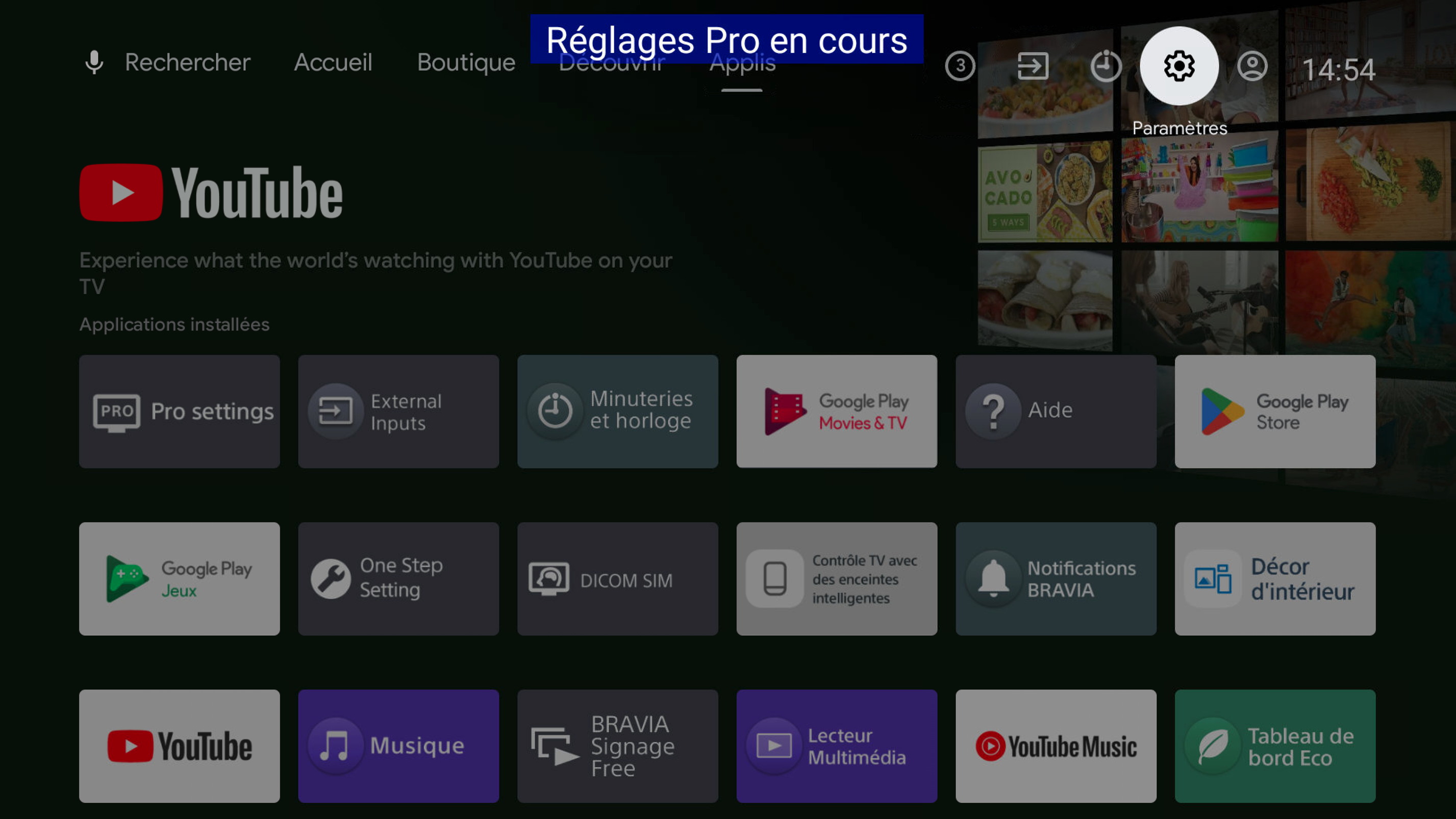
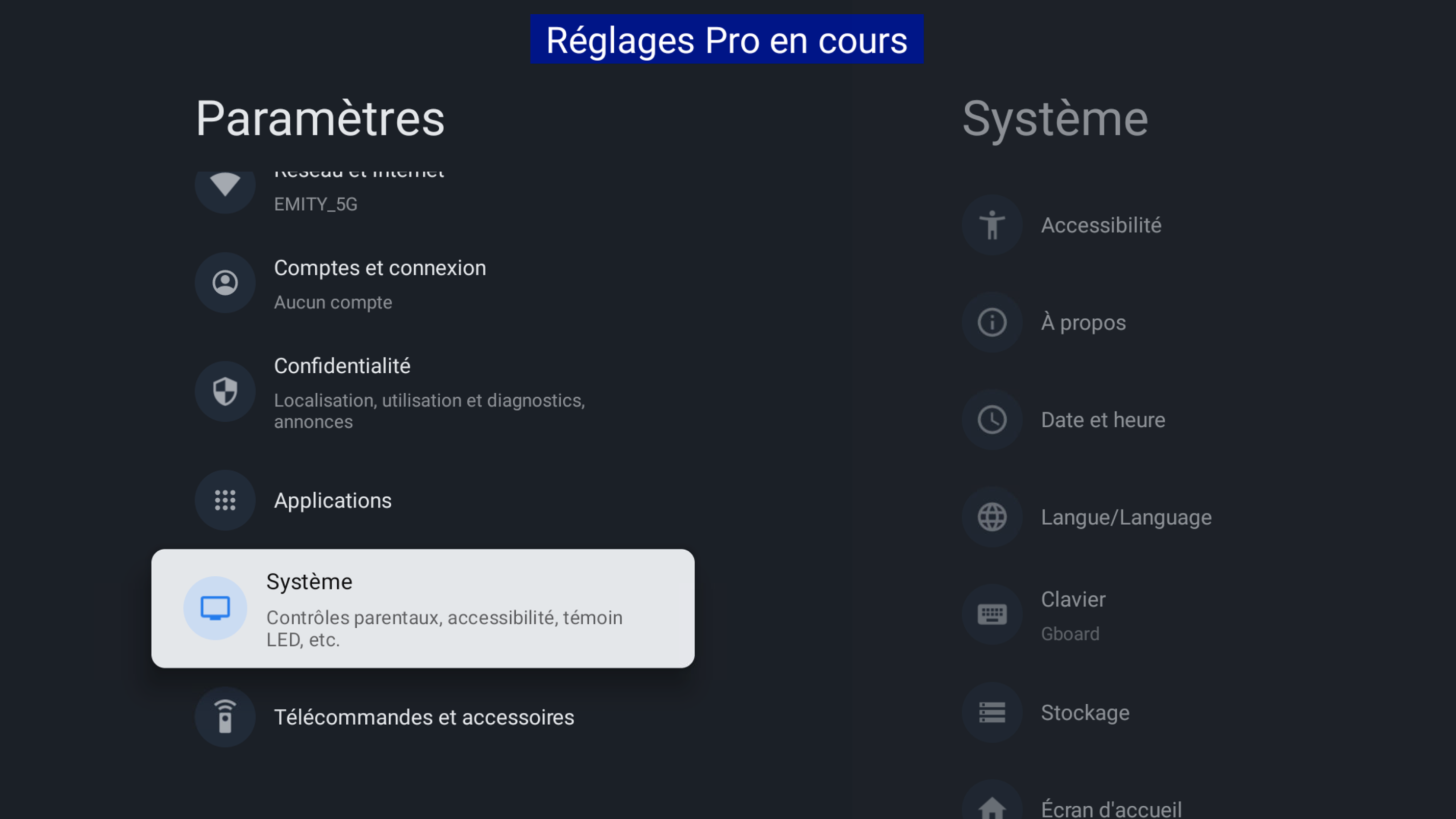
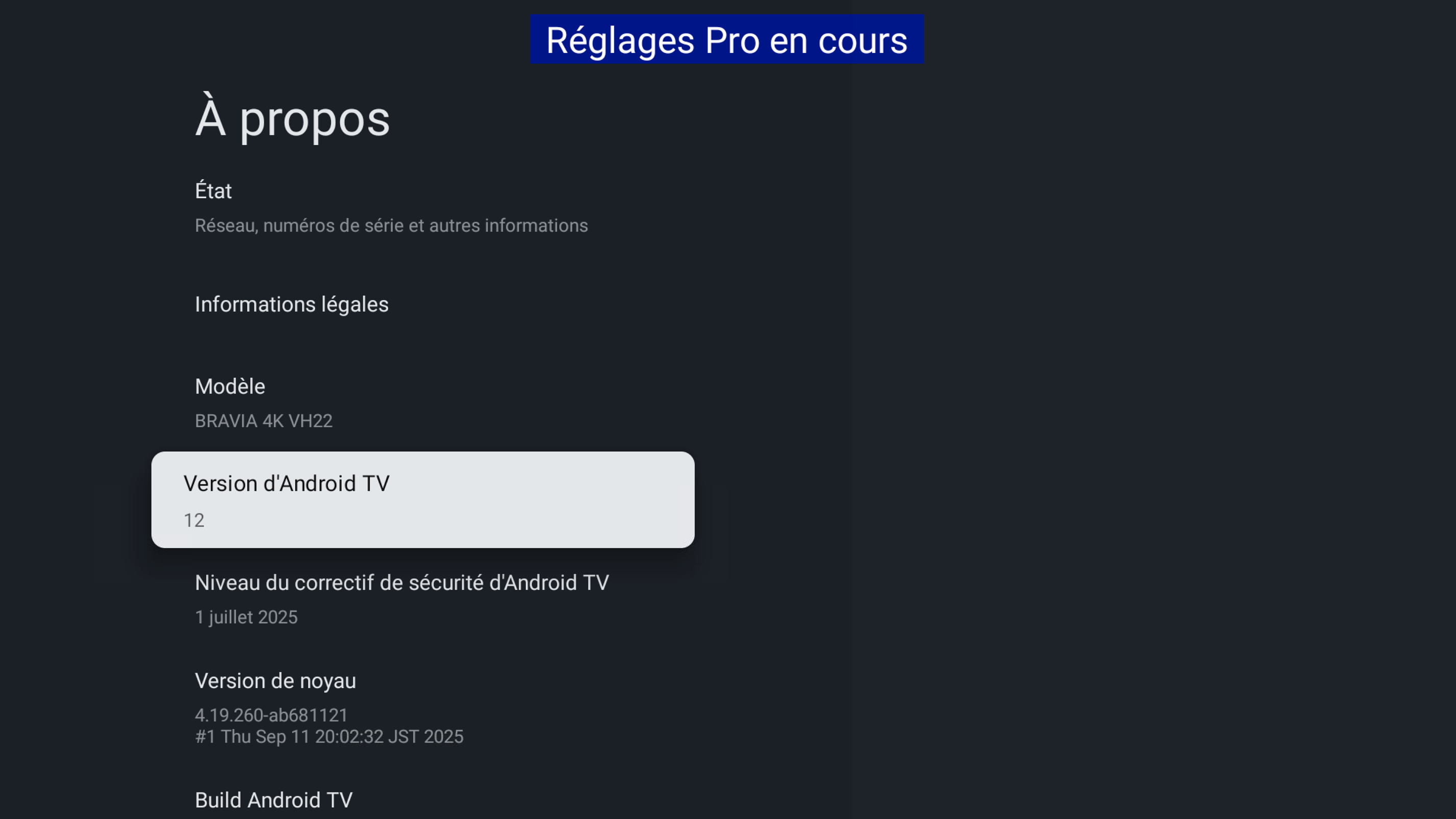
The application is not compatible with Android version 8.0. Follow this short guide to check the Android version of your TV.:
- Open the settings and onto the About setting of your TV:
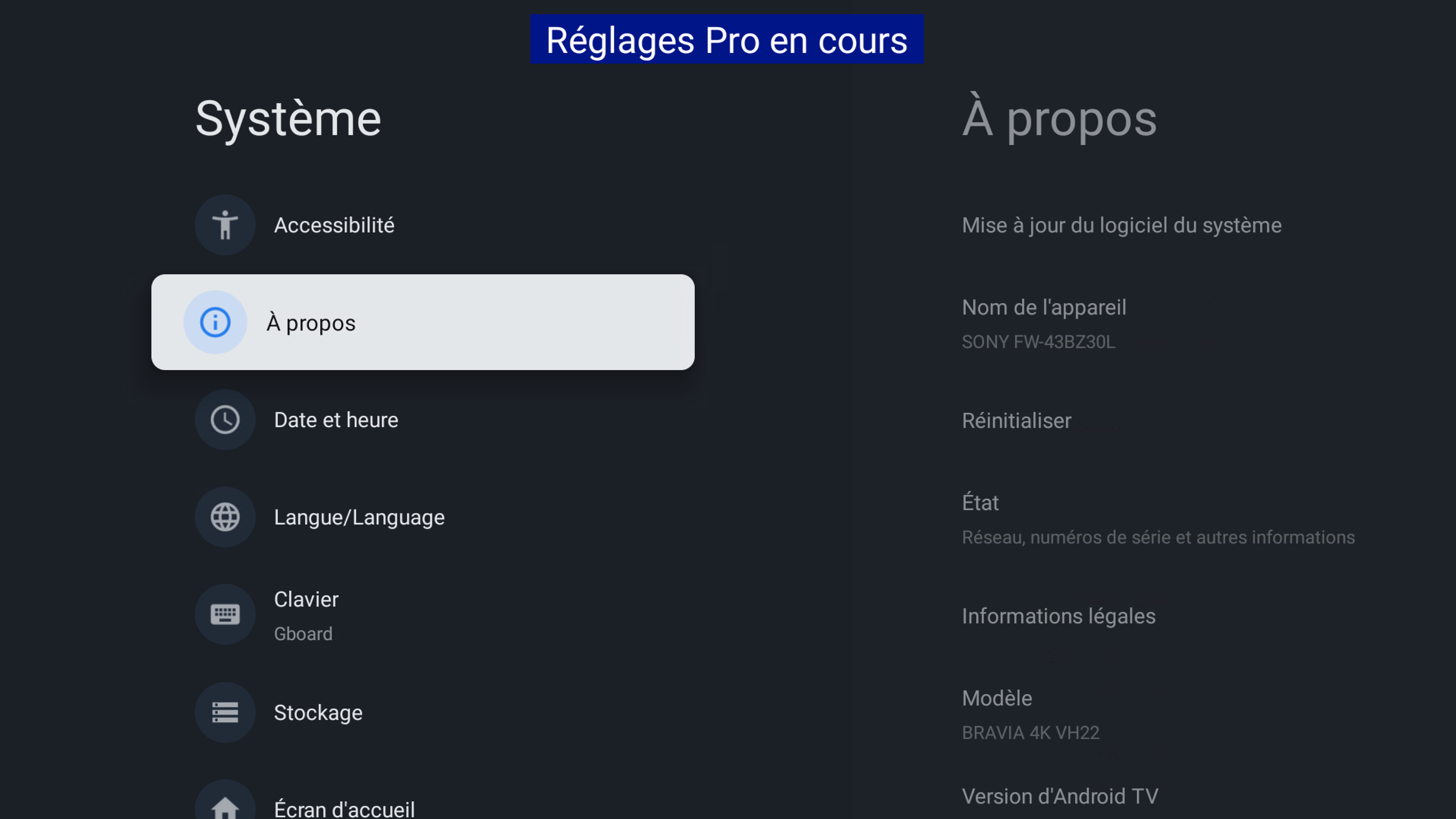
- The current version should be displayed under Version number:
¶ Installation
¶ ⚡ Downloads
Download these files on an USB drive. They will be needed during installation.
 Lien vers la page des téléchargementshttps://wiki.emity.io/fr/public/installation/os/android
¶ 🔩 Installation
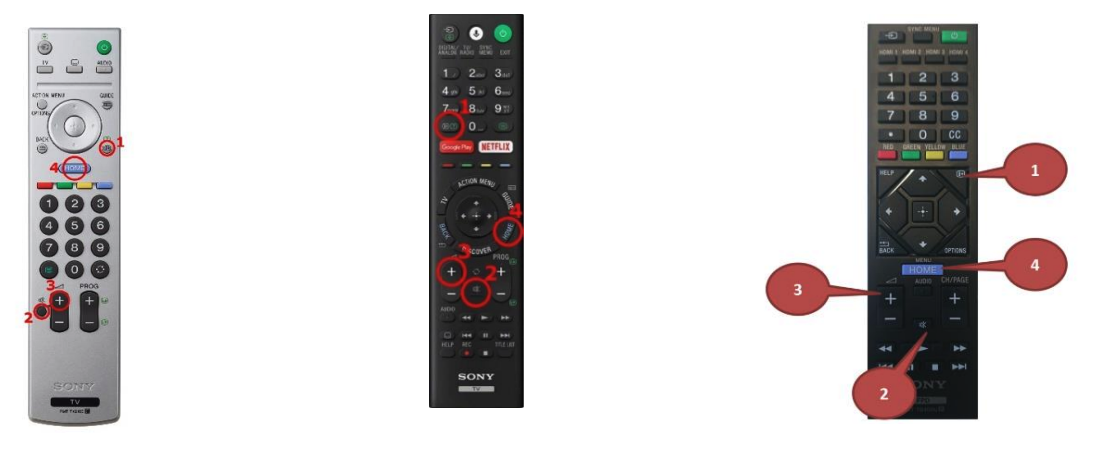
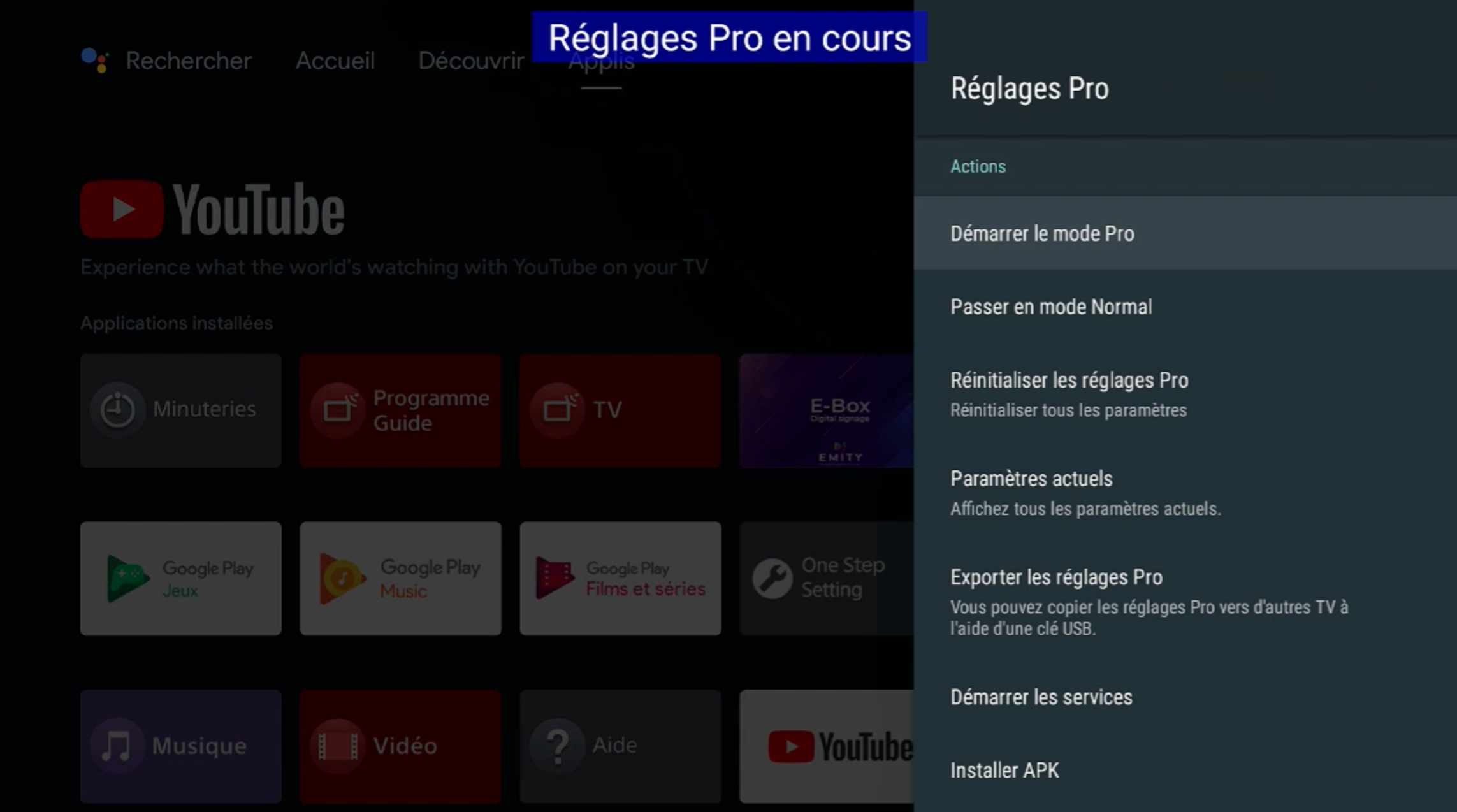
- To start Pro Settings mode, briefly press the following buttons: i+ / mute / vol+ / home
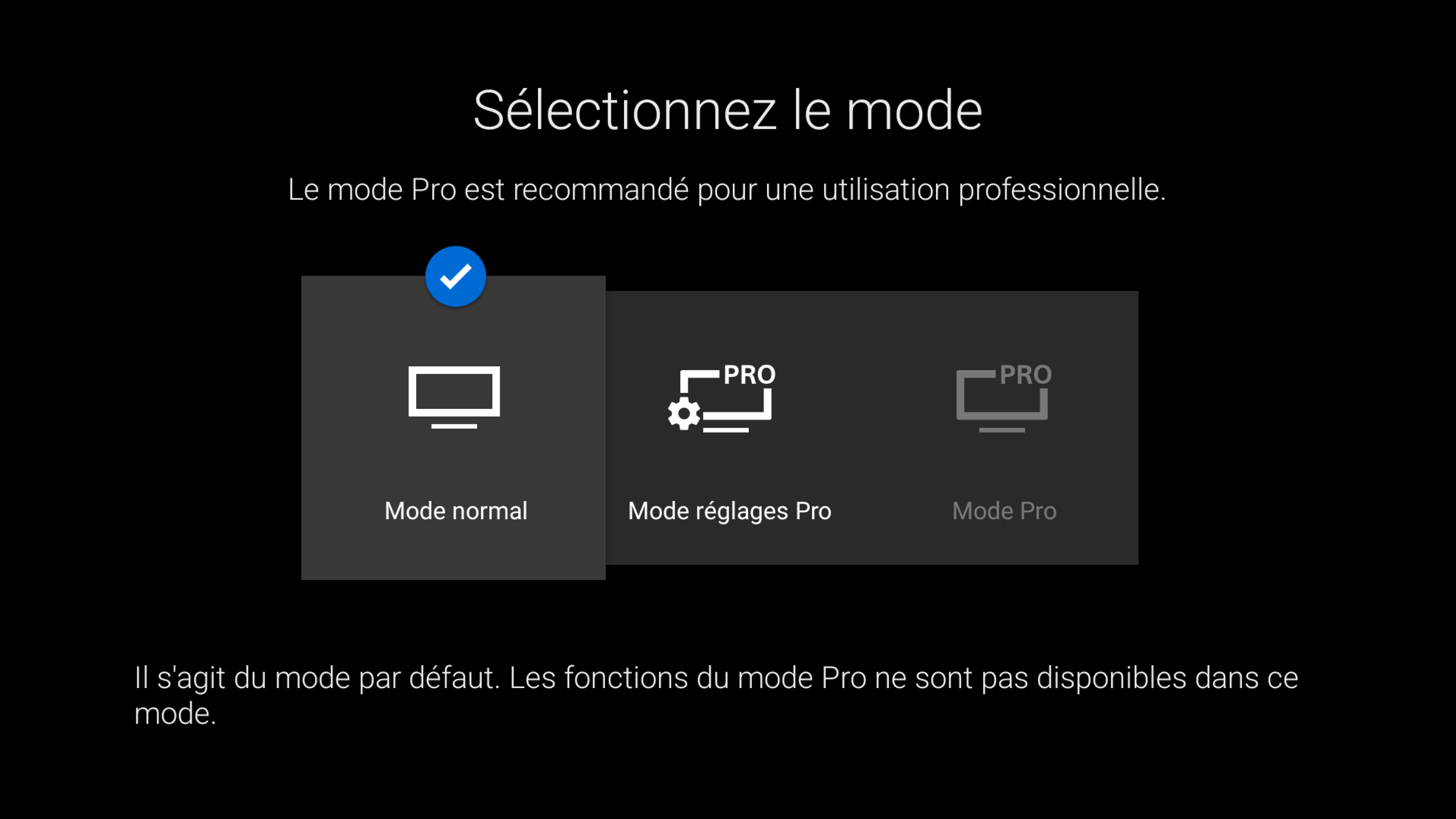
- If asked, select Pro Settings
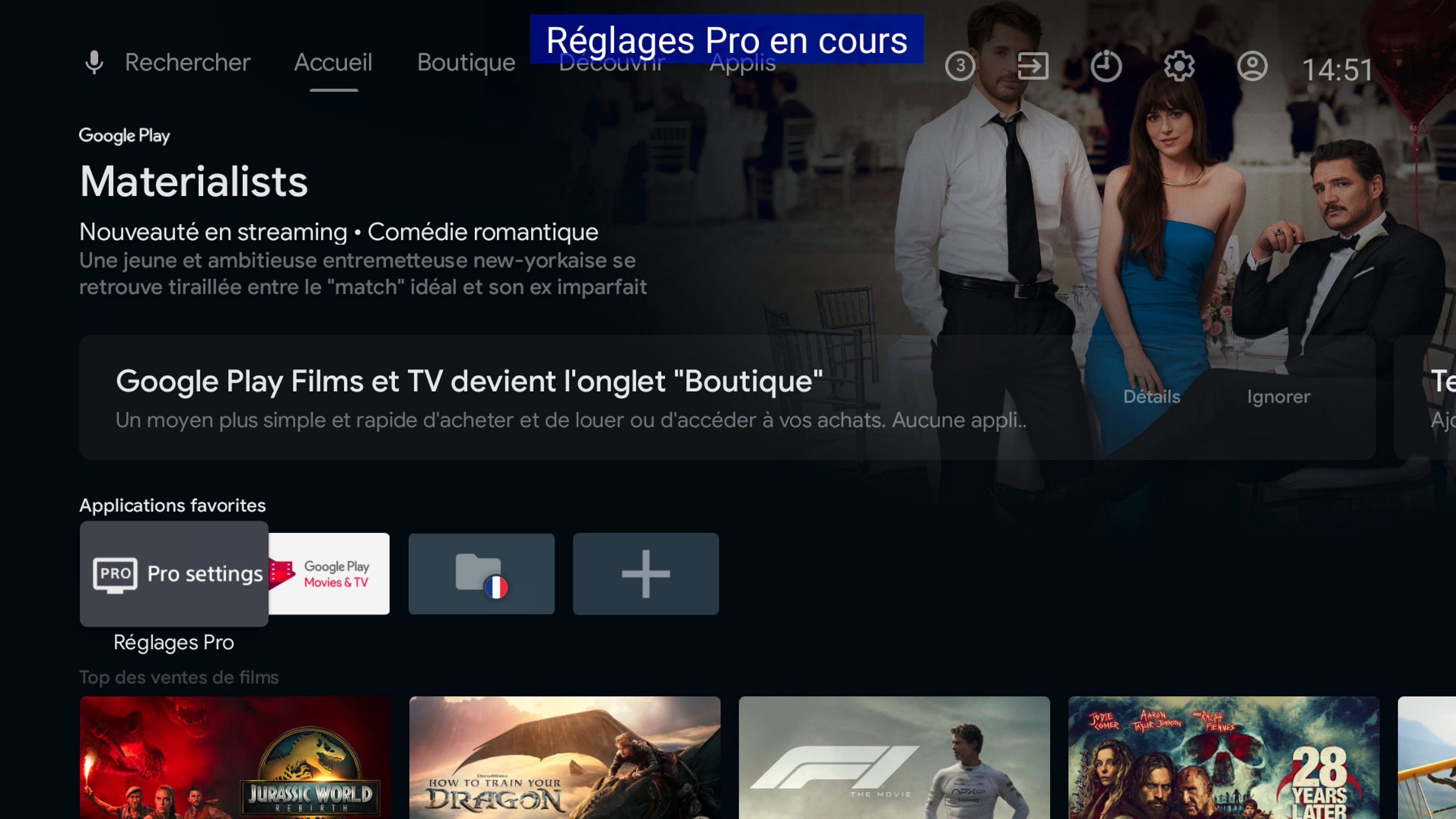
Make sure the USB key is plugged to the TV
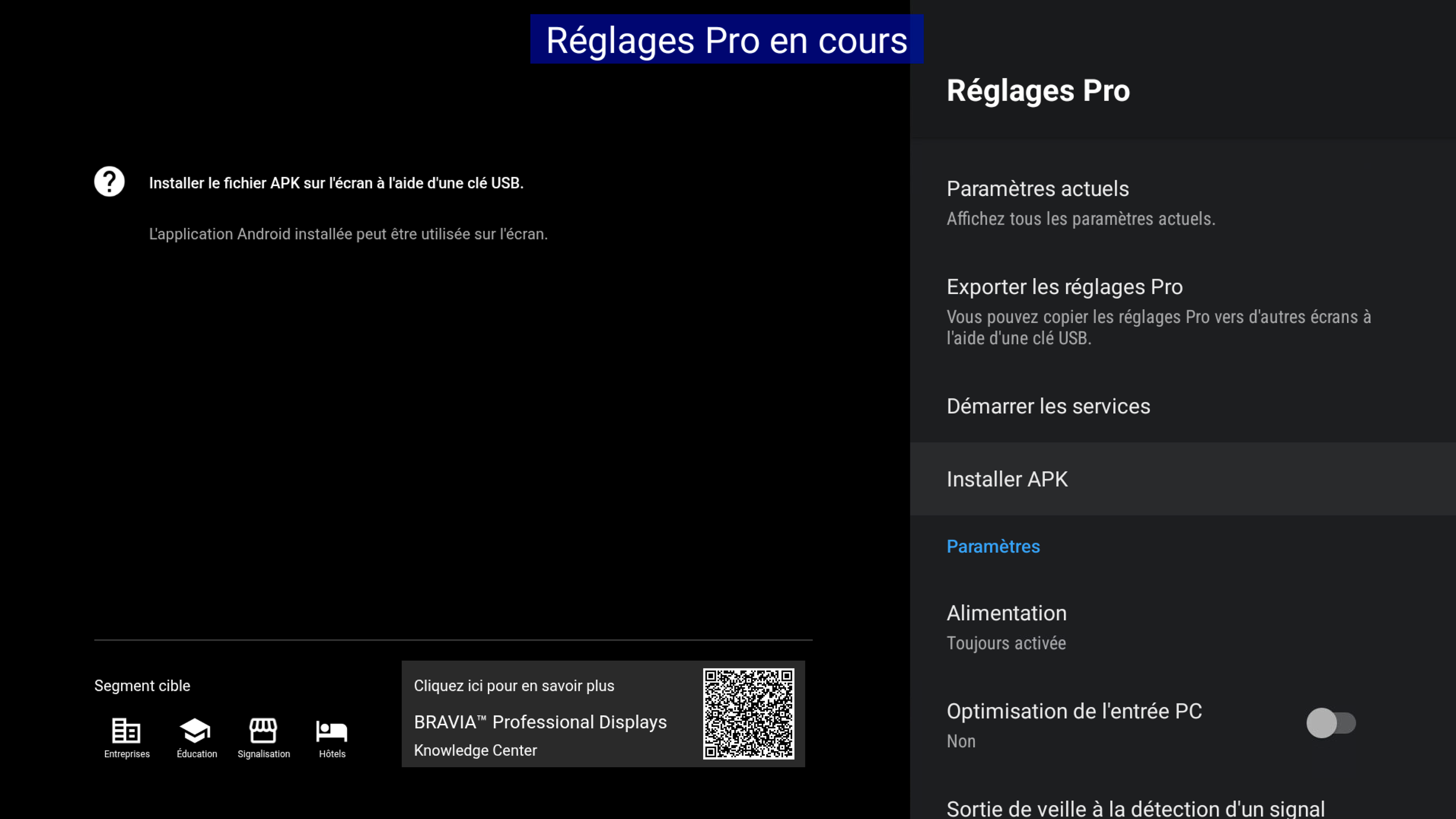
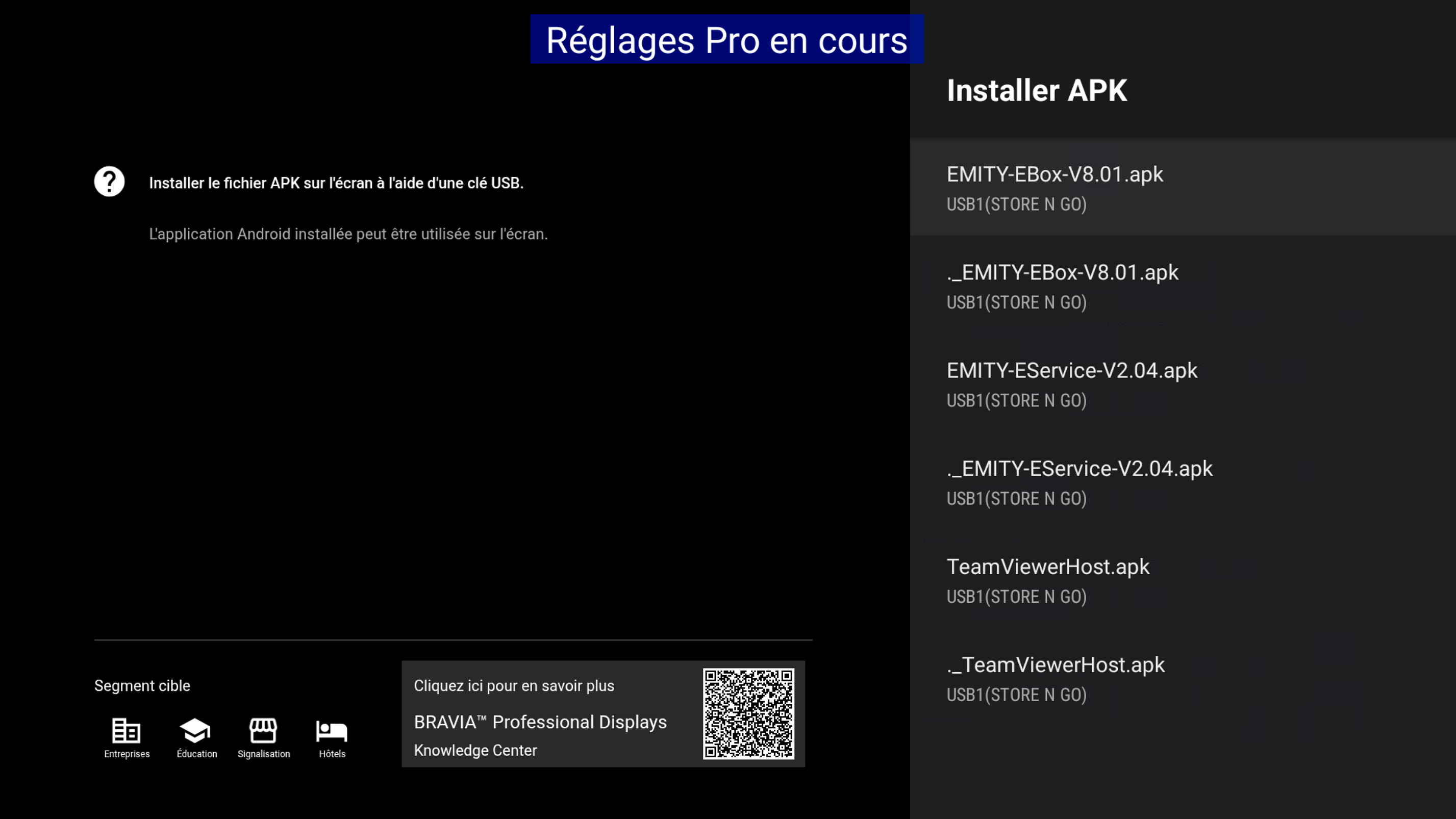
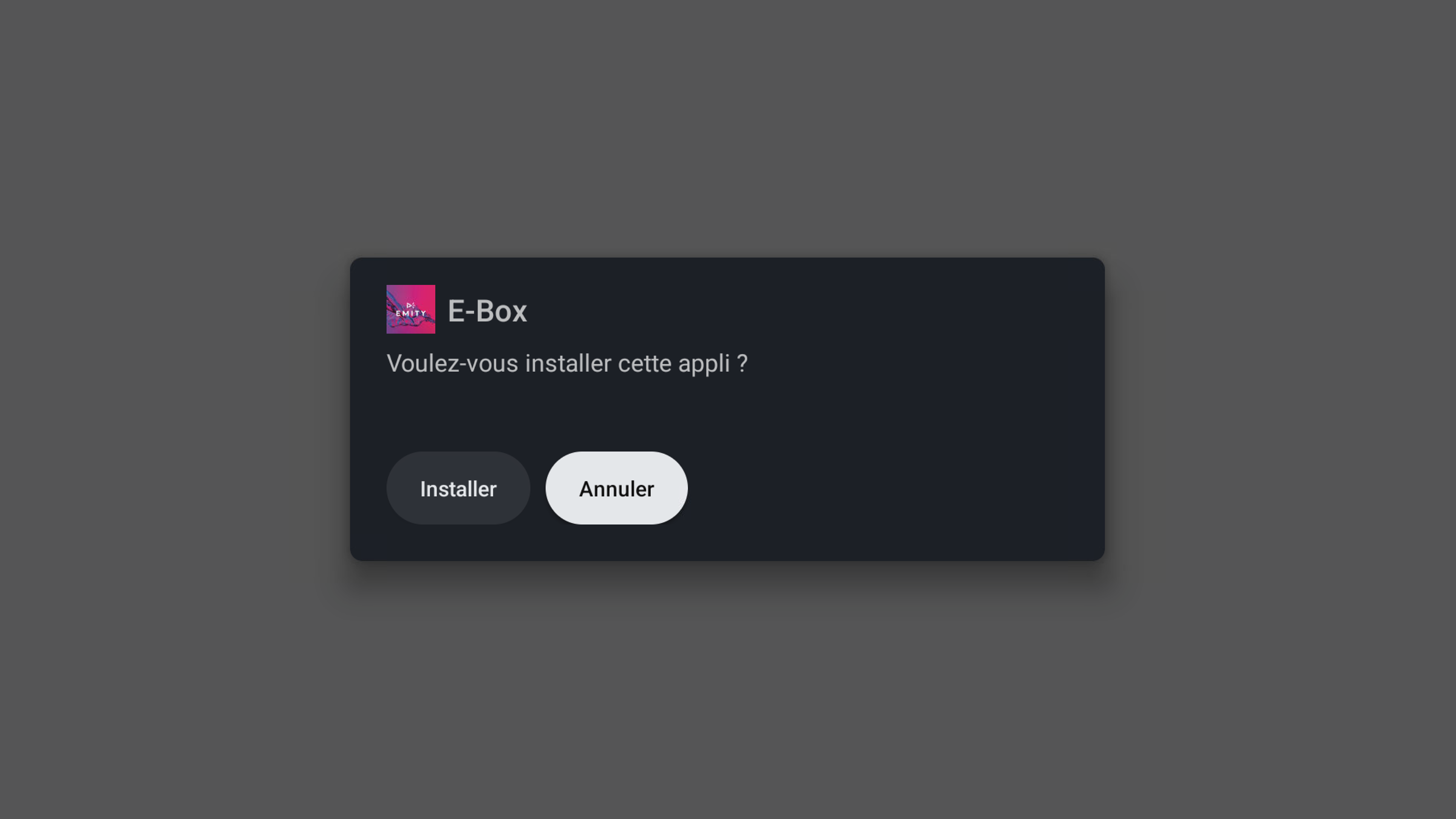
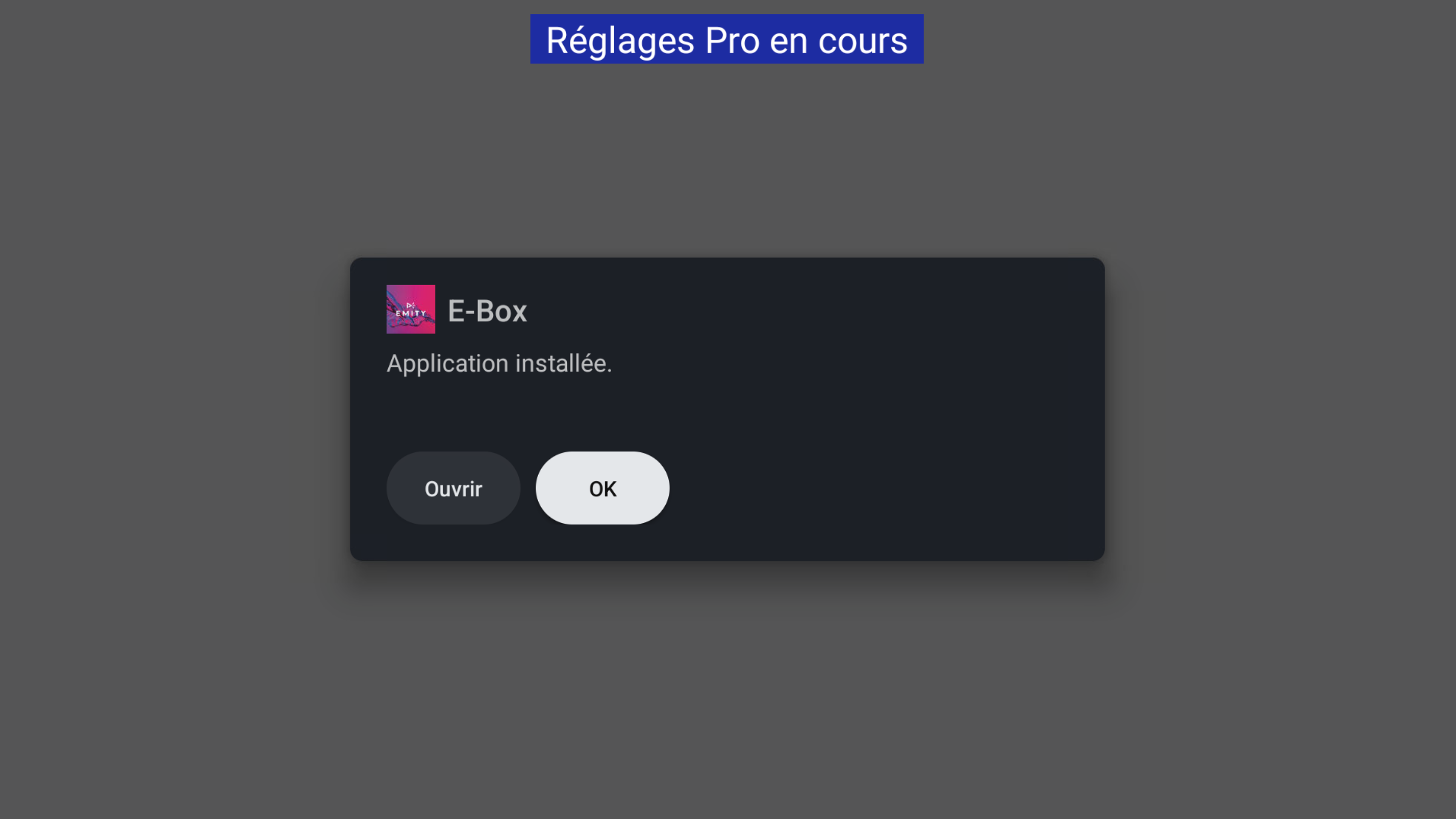
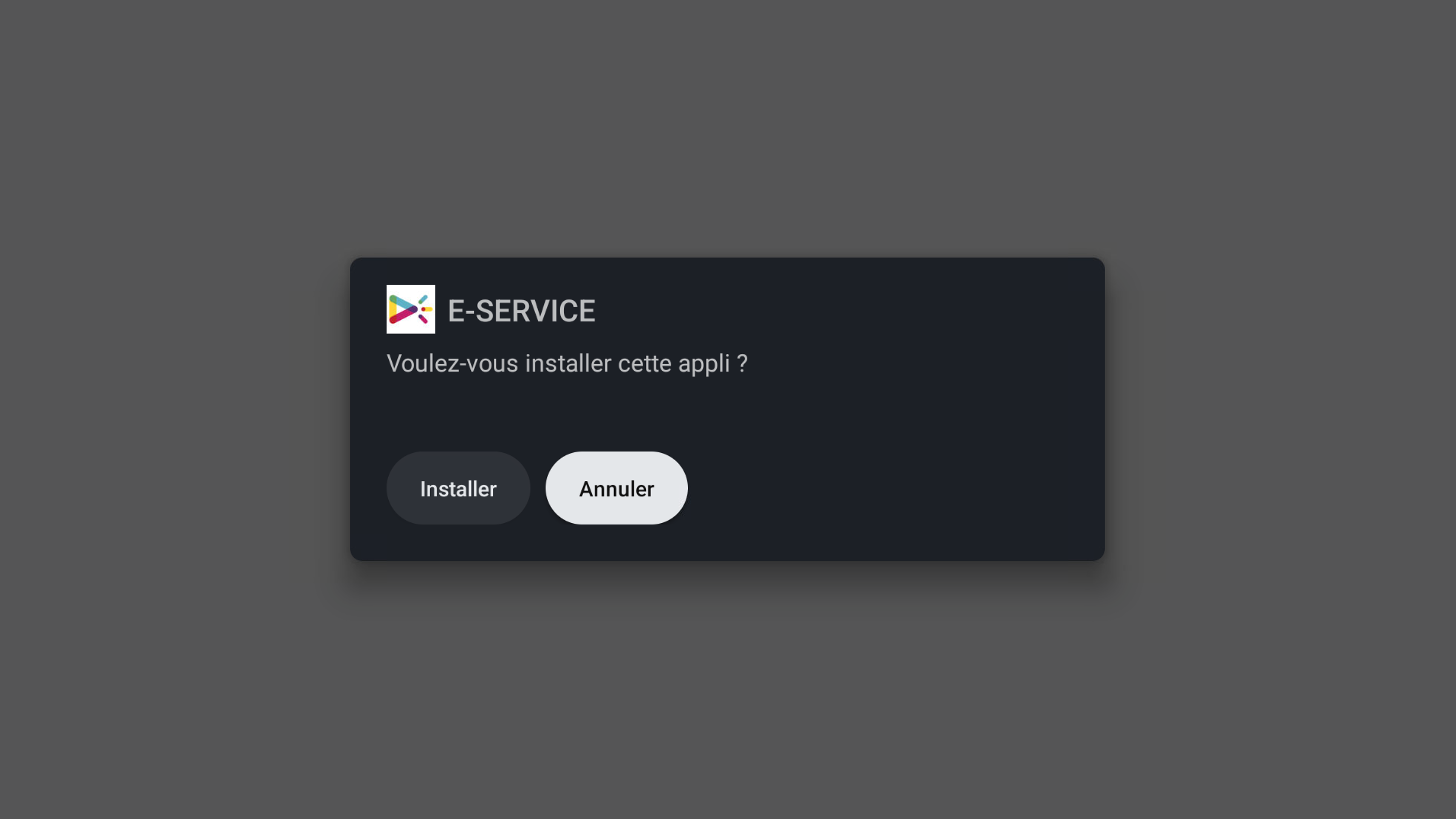
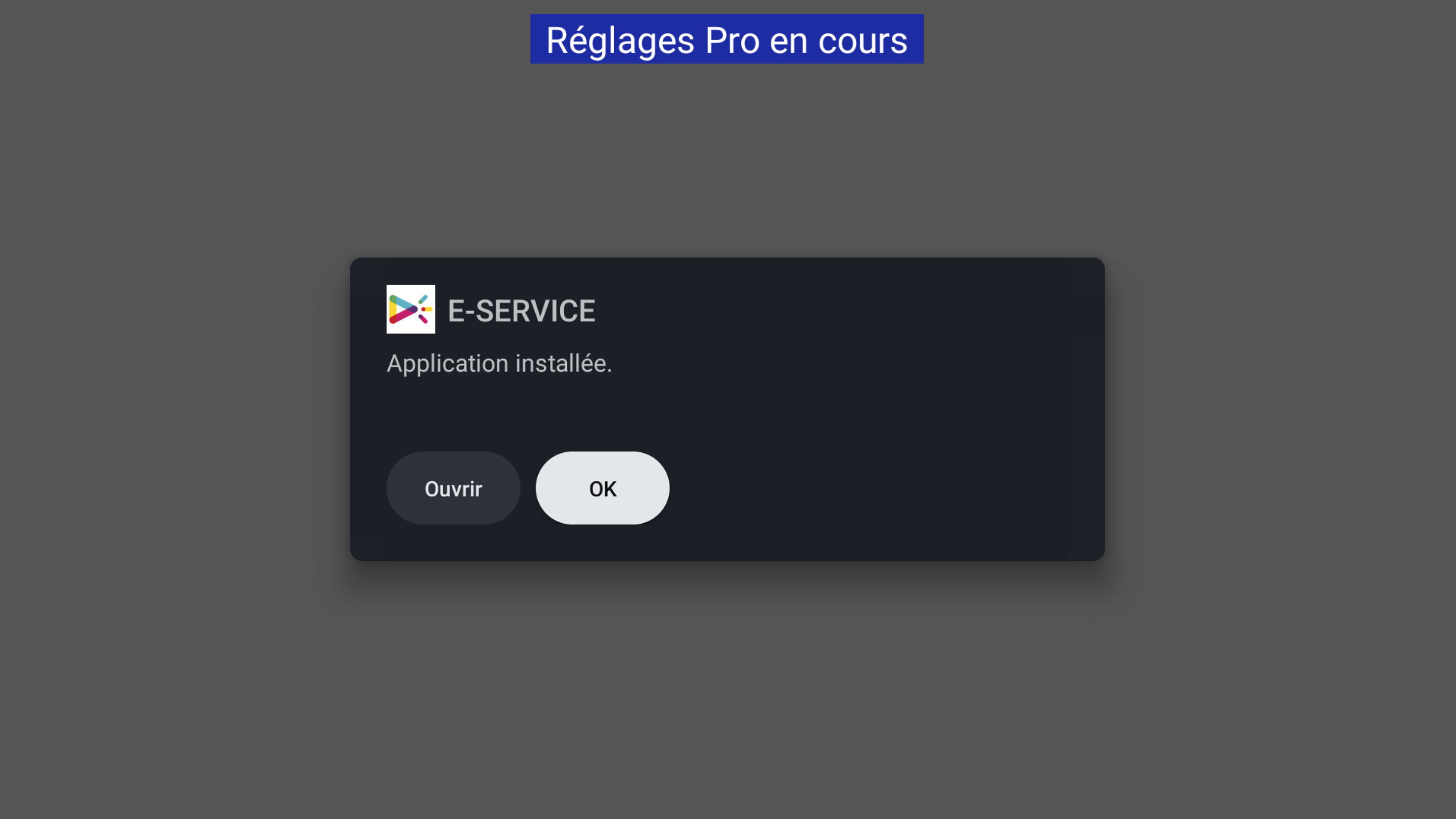
- Install the apps: Choose Install APK in the Pro Settings menu, and install the following apps: E-Box, E-Service.
¶ ⚙️ Configuration
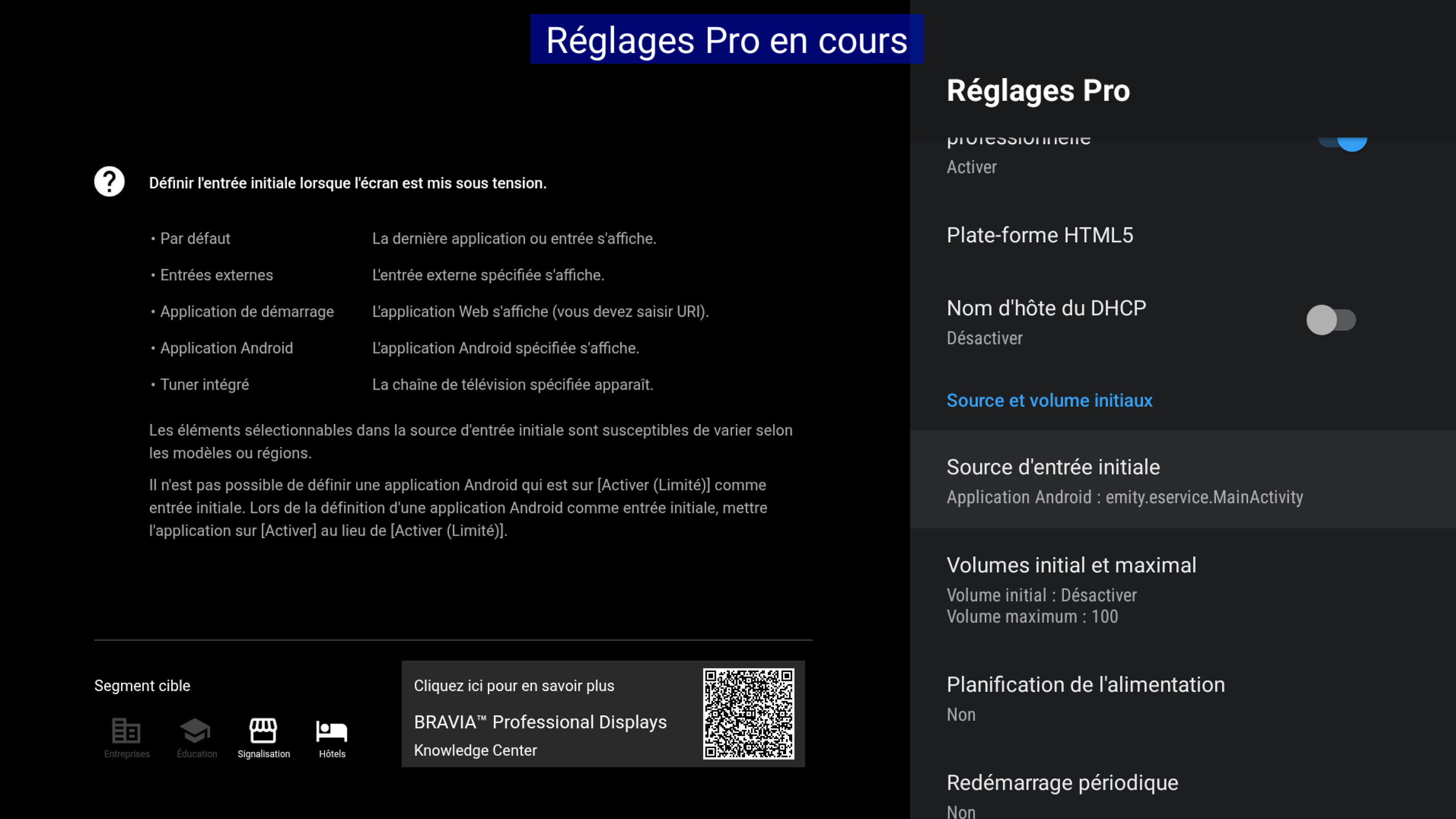
- In Pro Settings, select Initial input source.
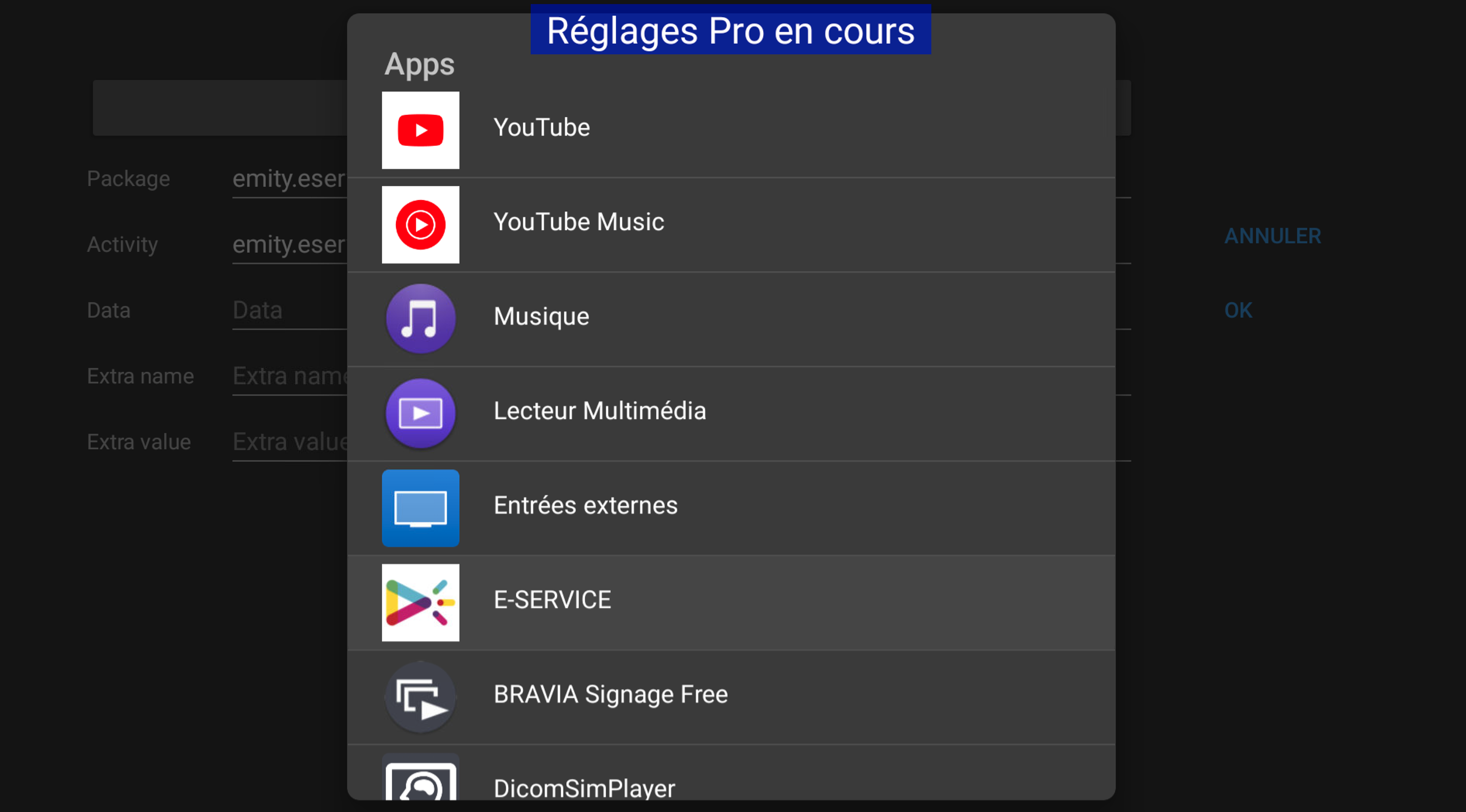
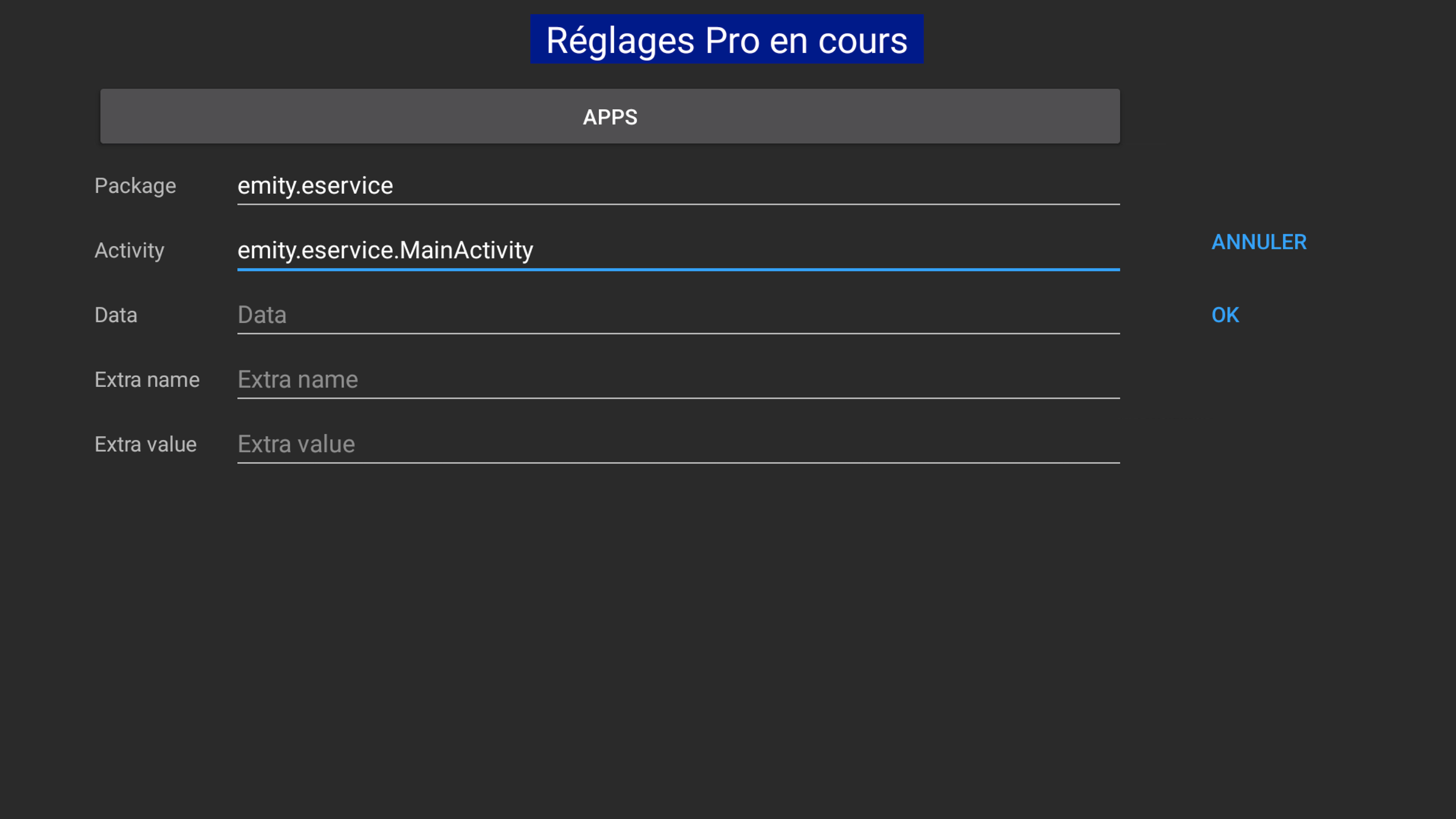
- Click on Apps and select E-SERVICE
- In Pro Settings, select Planification de l’alimentation and fill your desired schedule
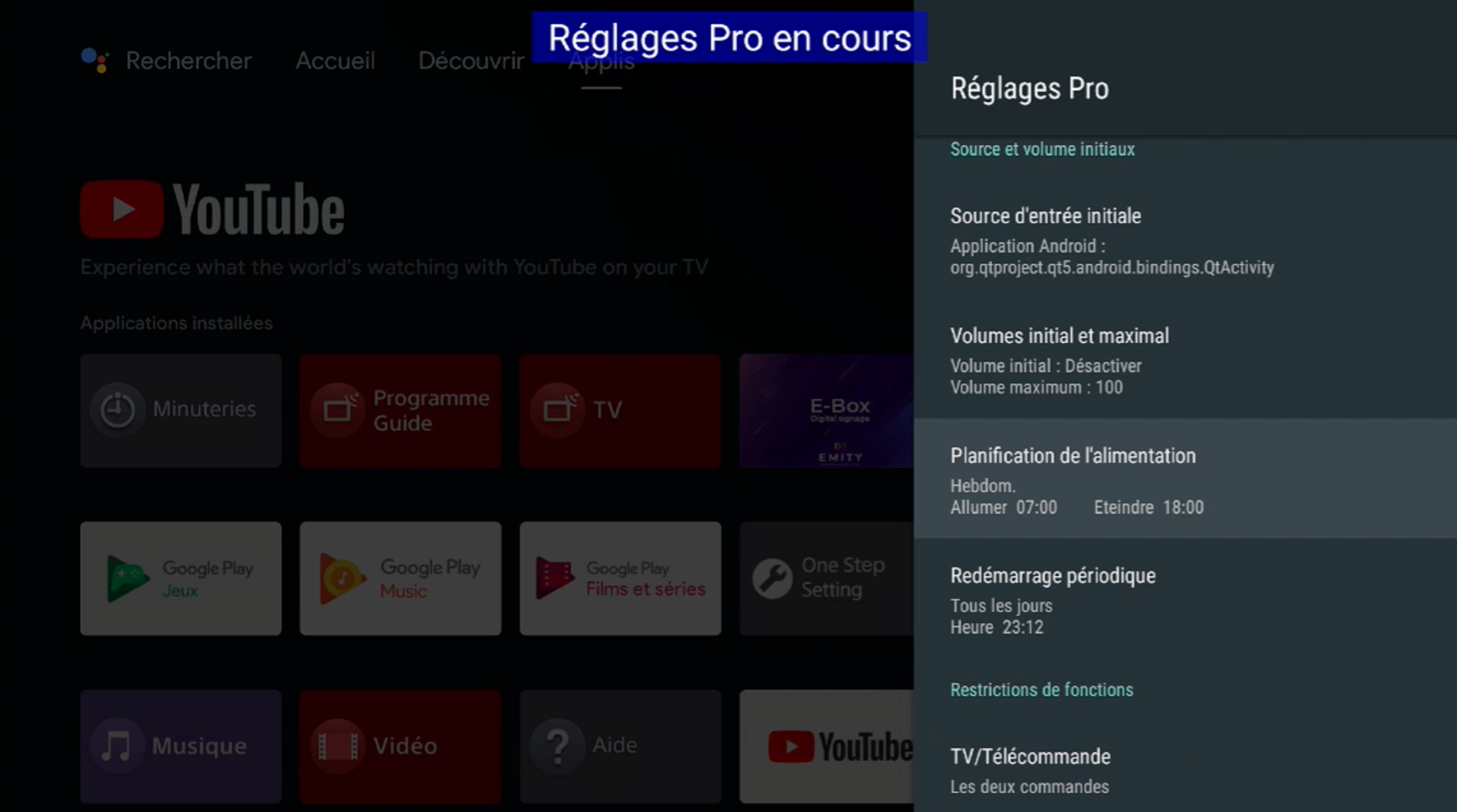
- In Pro Settings, select Periodic reboot, and select a time.
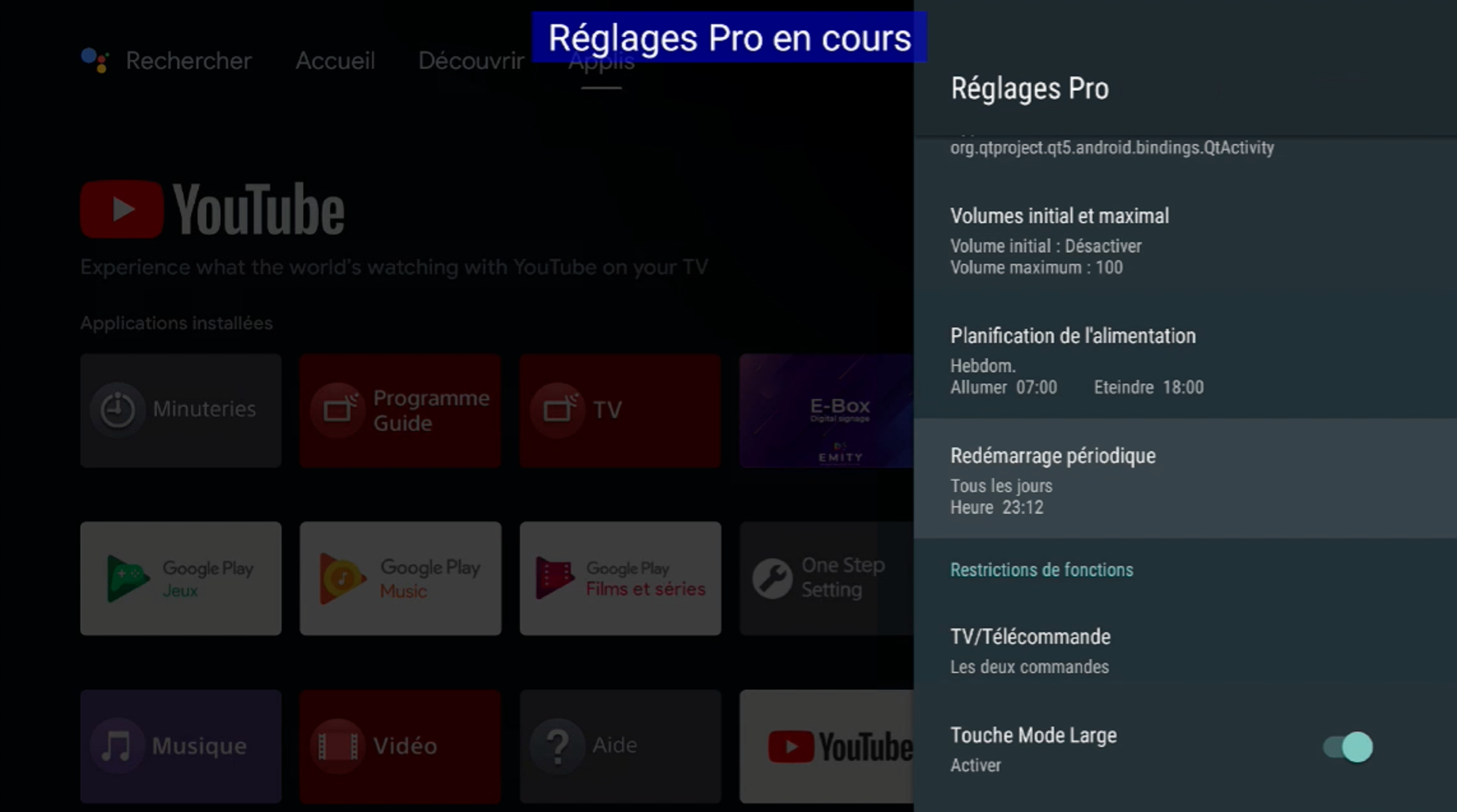
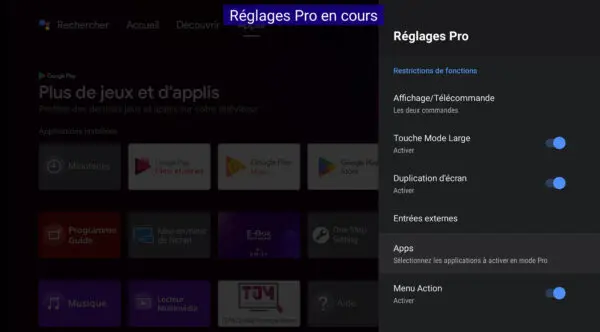
- Scroll down and select Apps
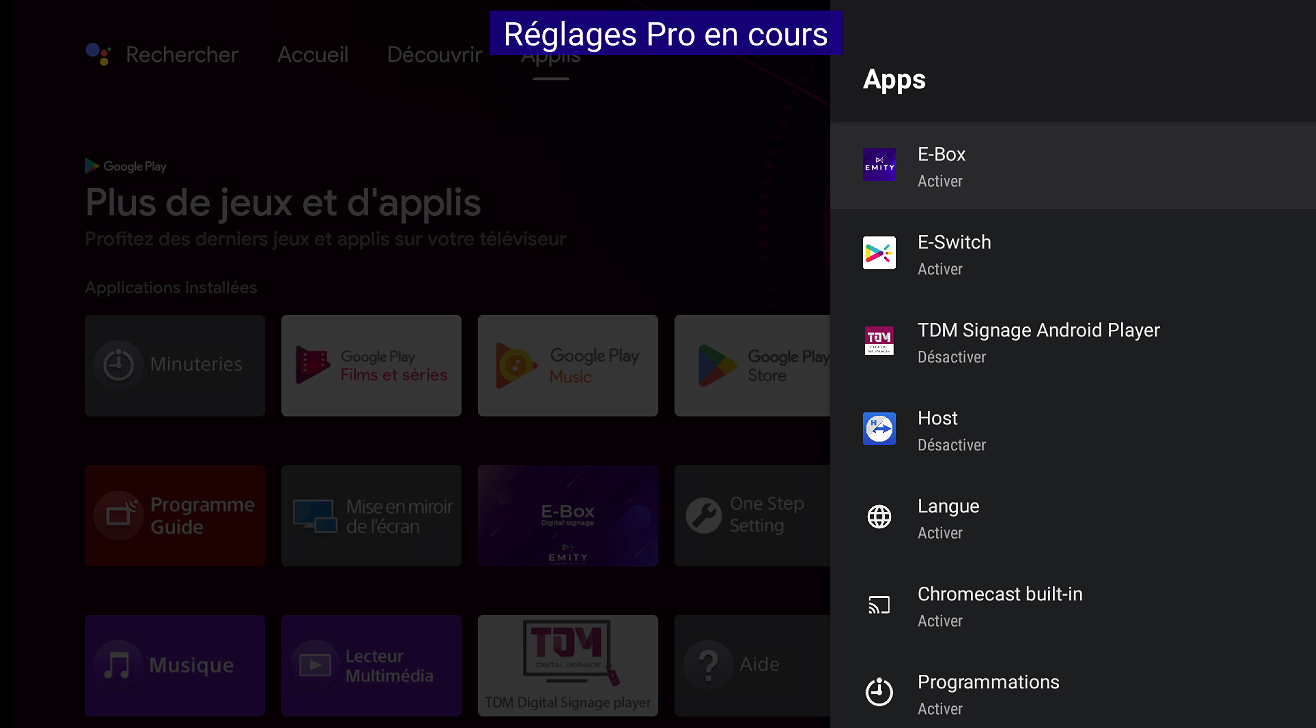
- Enable the following apps: E-Box & E-Service
- Disable the following app: TDM Signage Android Player
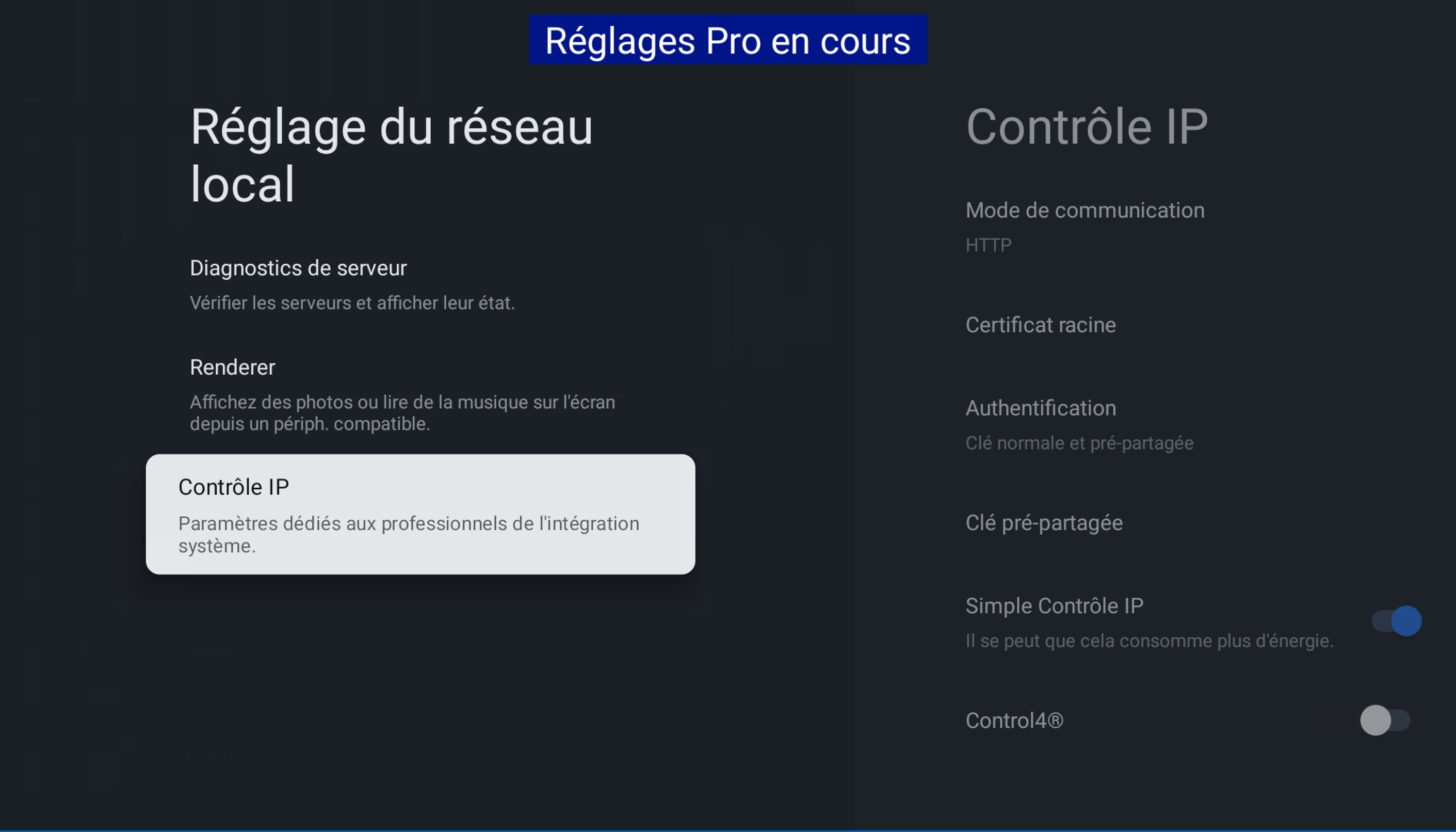
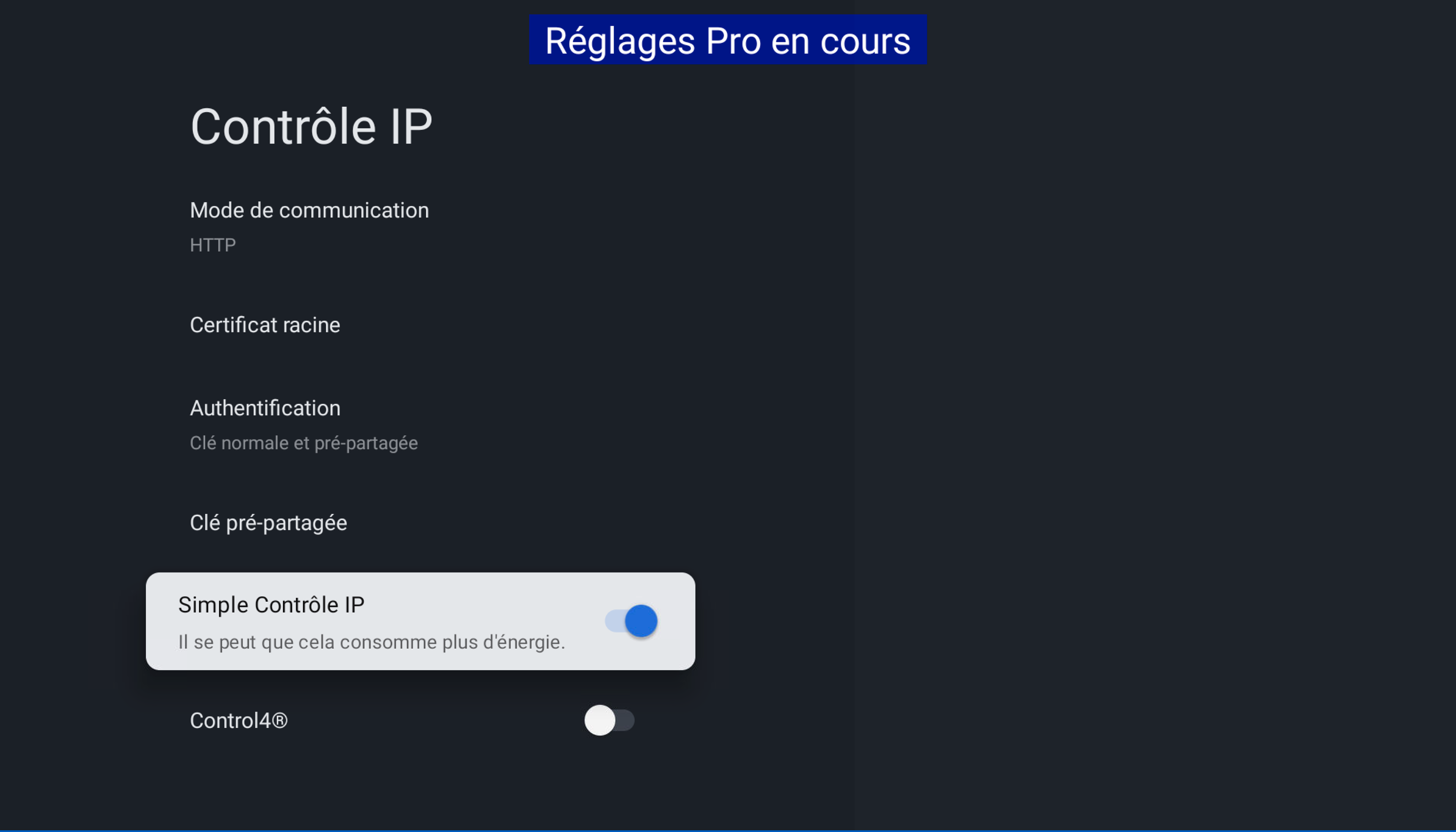
- Enable IP Control, as showed:
- Go in this settings menu:
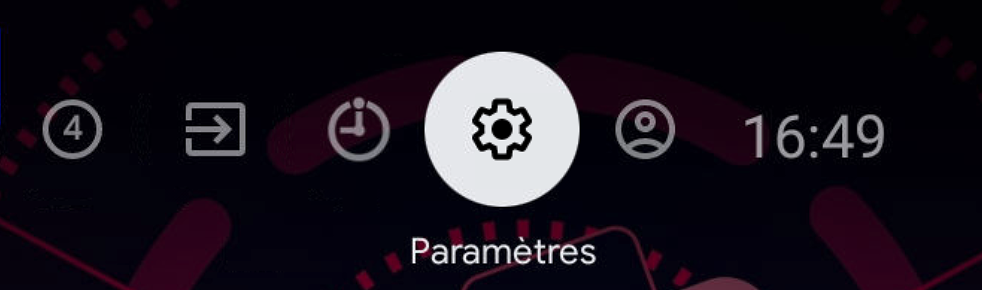
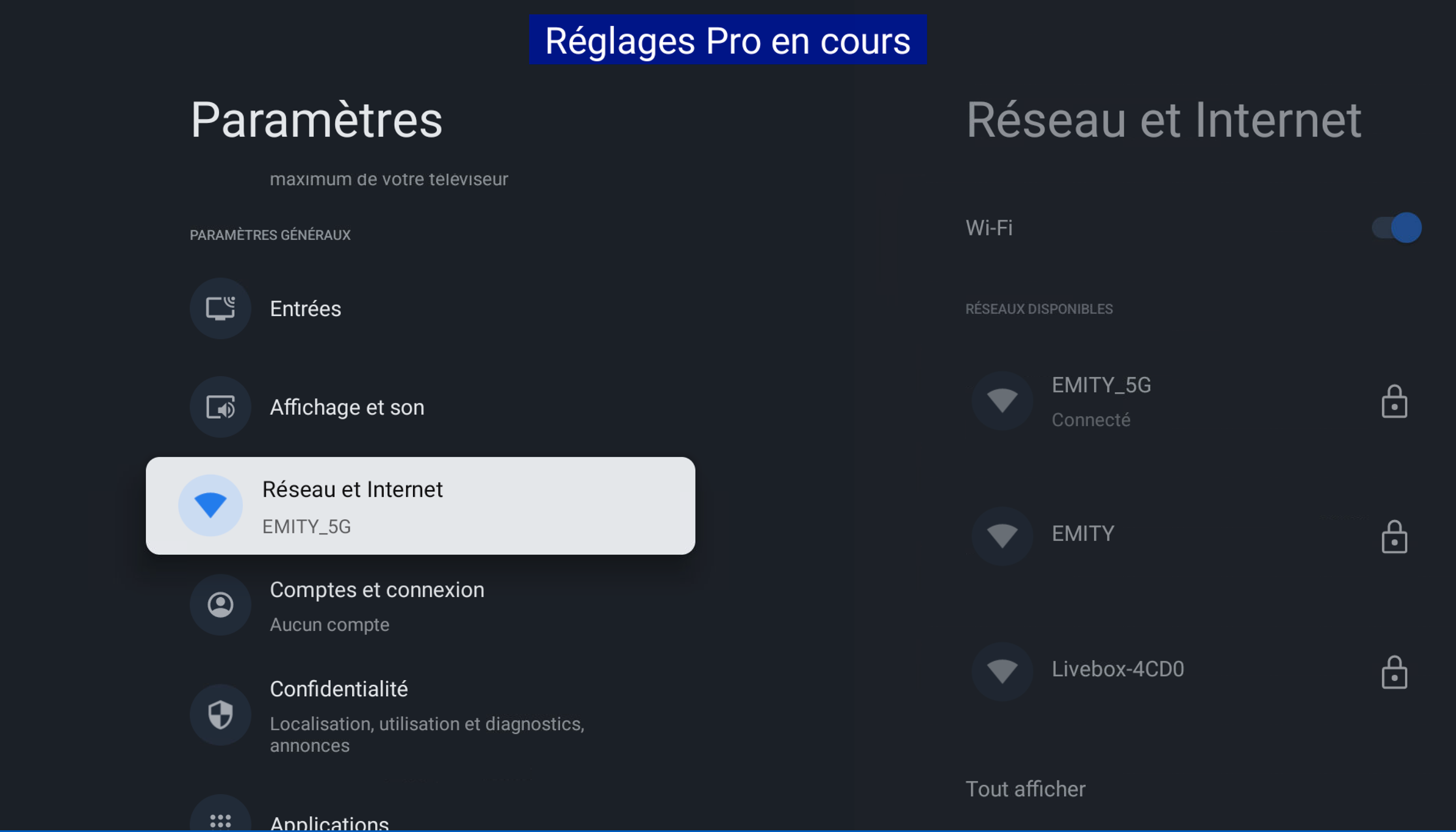
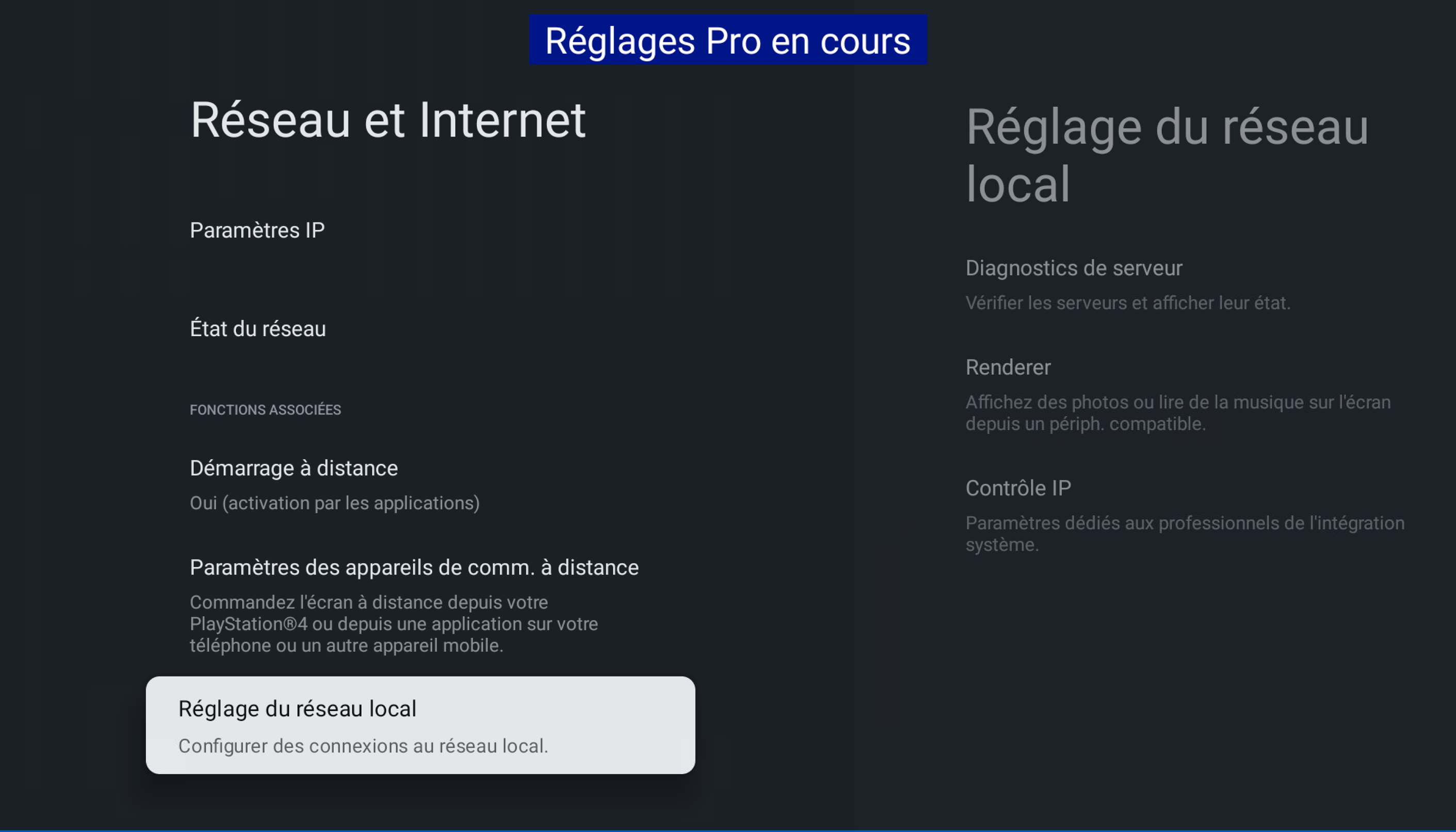
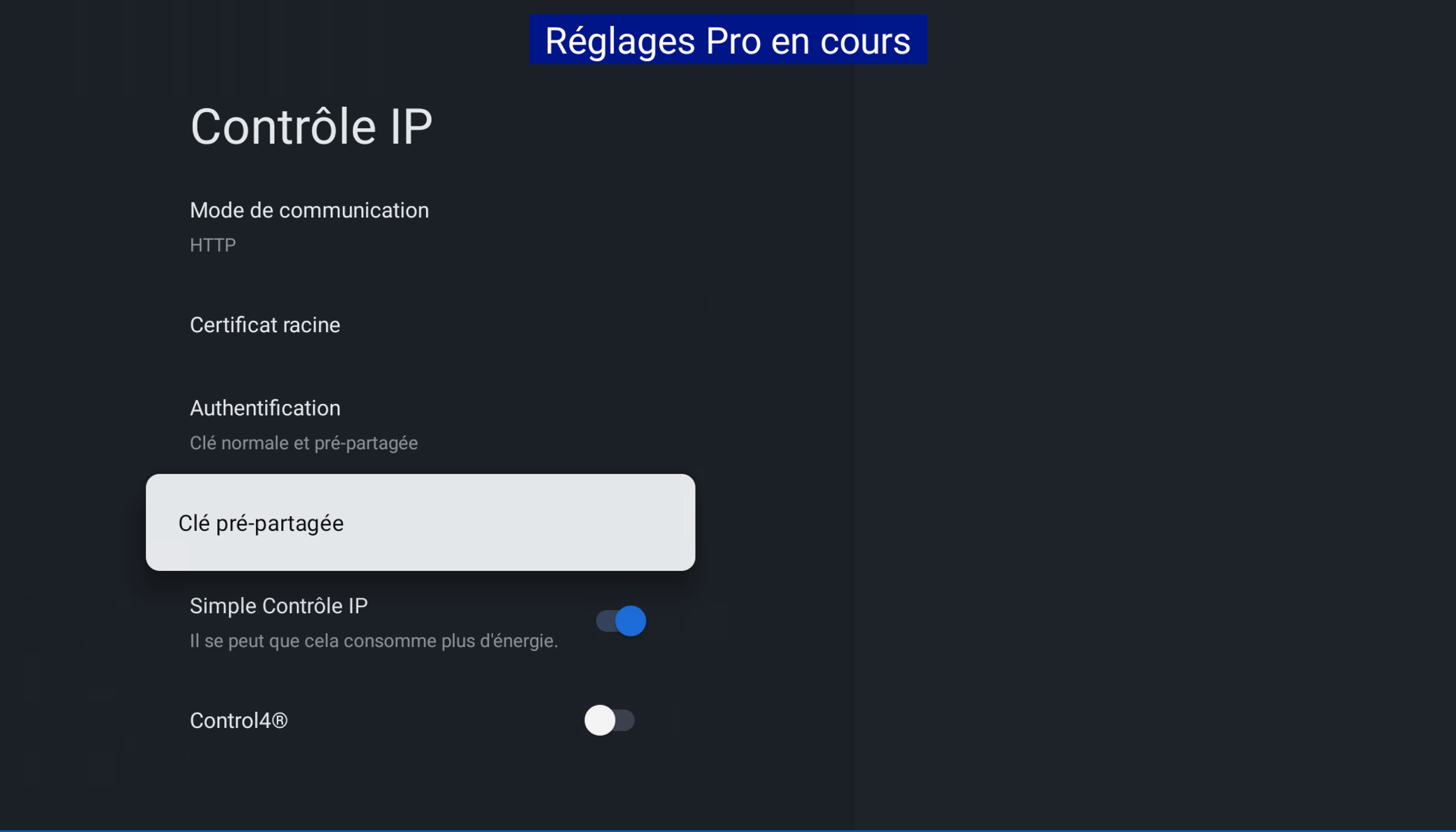
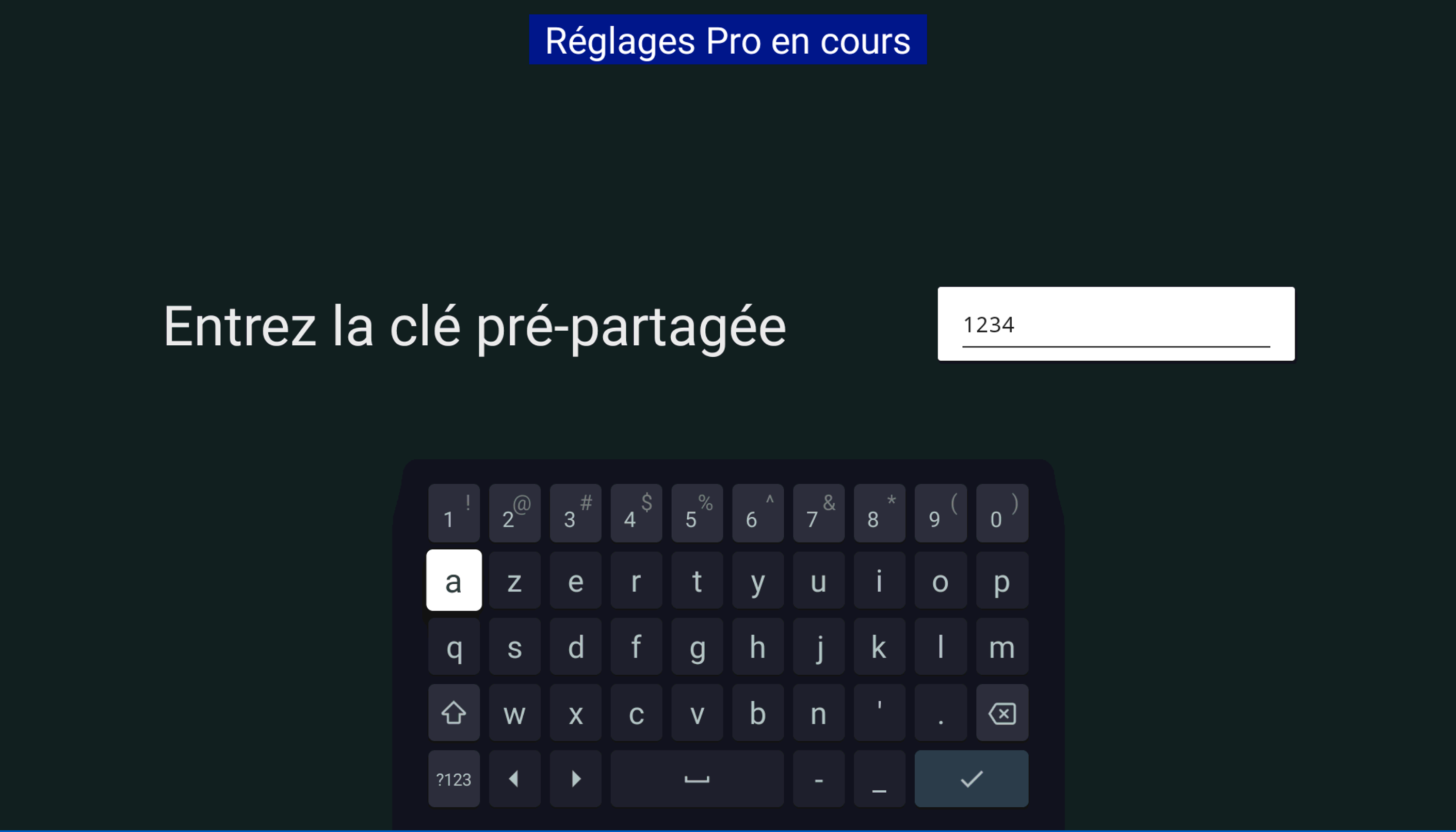
Choose this code: 1234
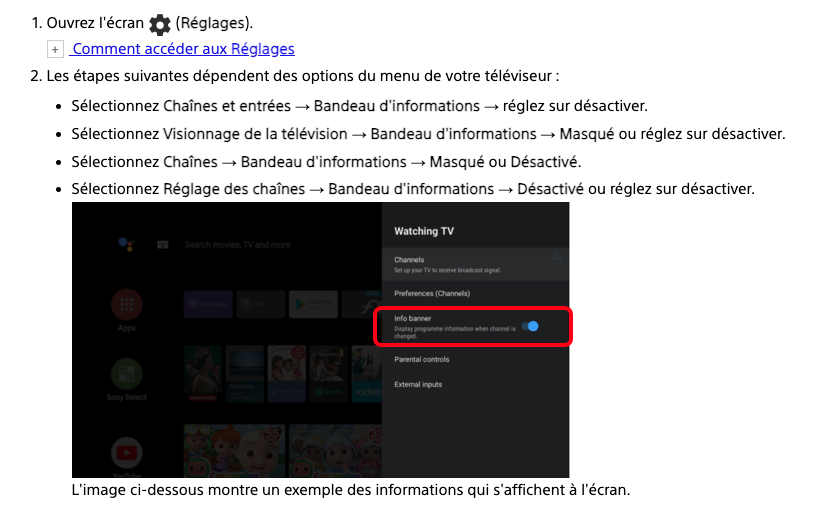
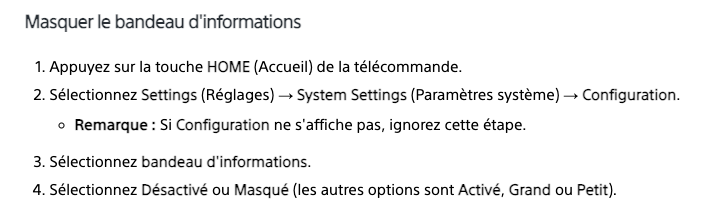
¶ (Optional) Deactivate the info banner
In some cases, the info banner might appear on screen, here is how to disable it
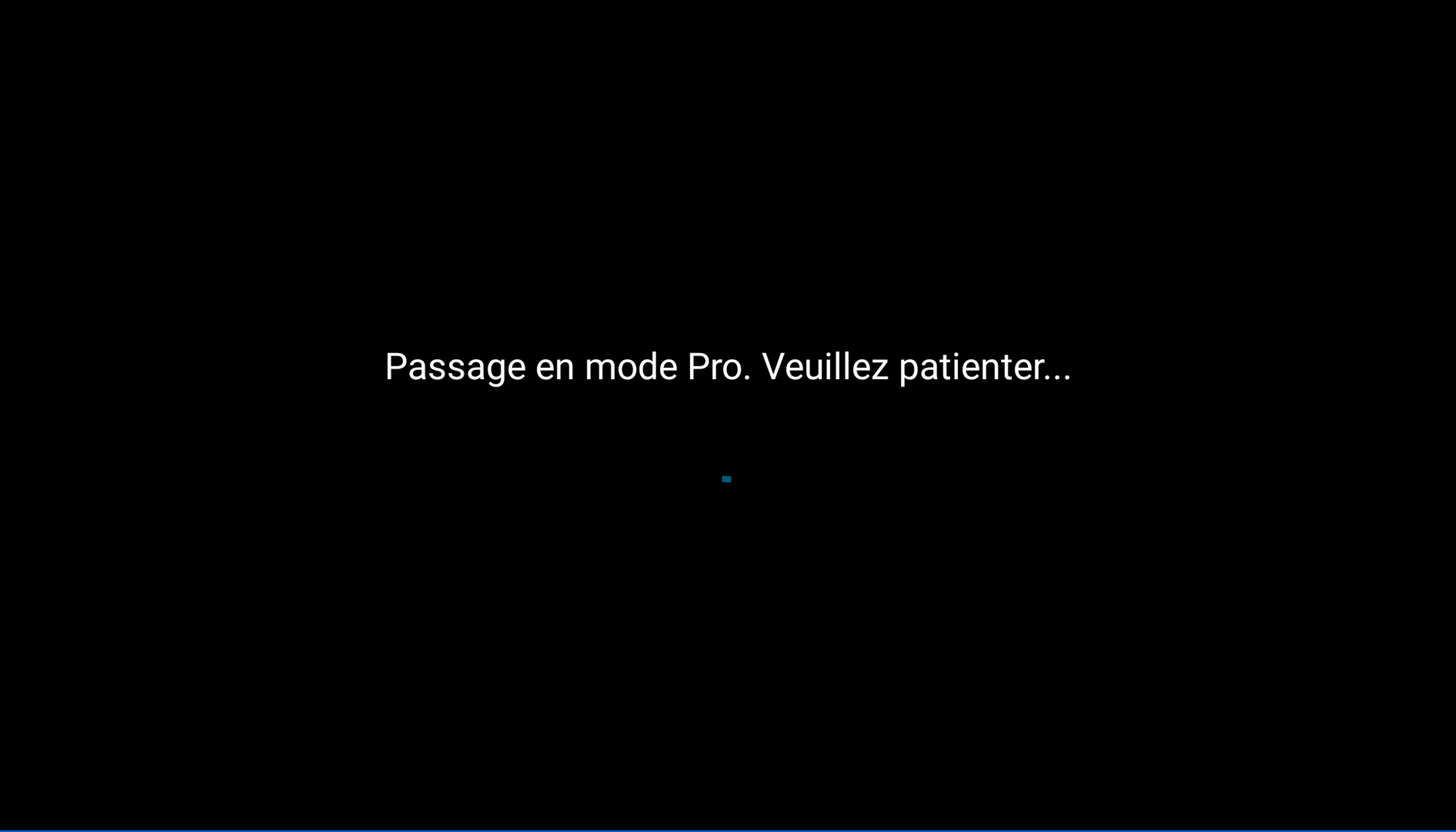
- You can now Start pro mode.
- Permissions
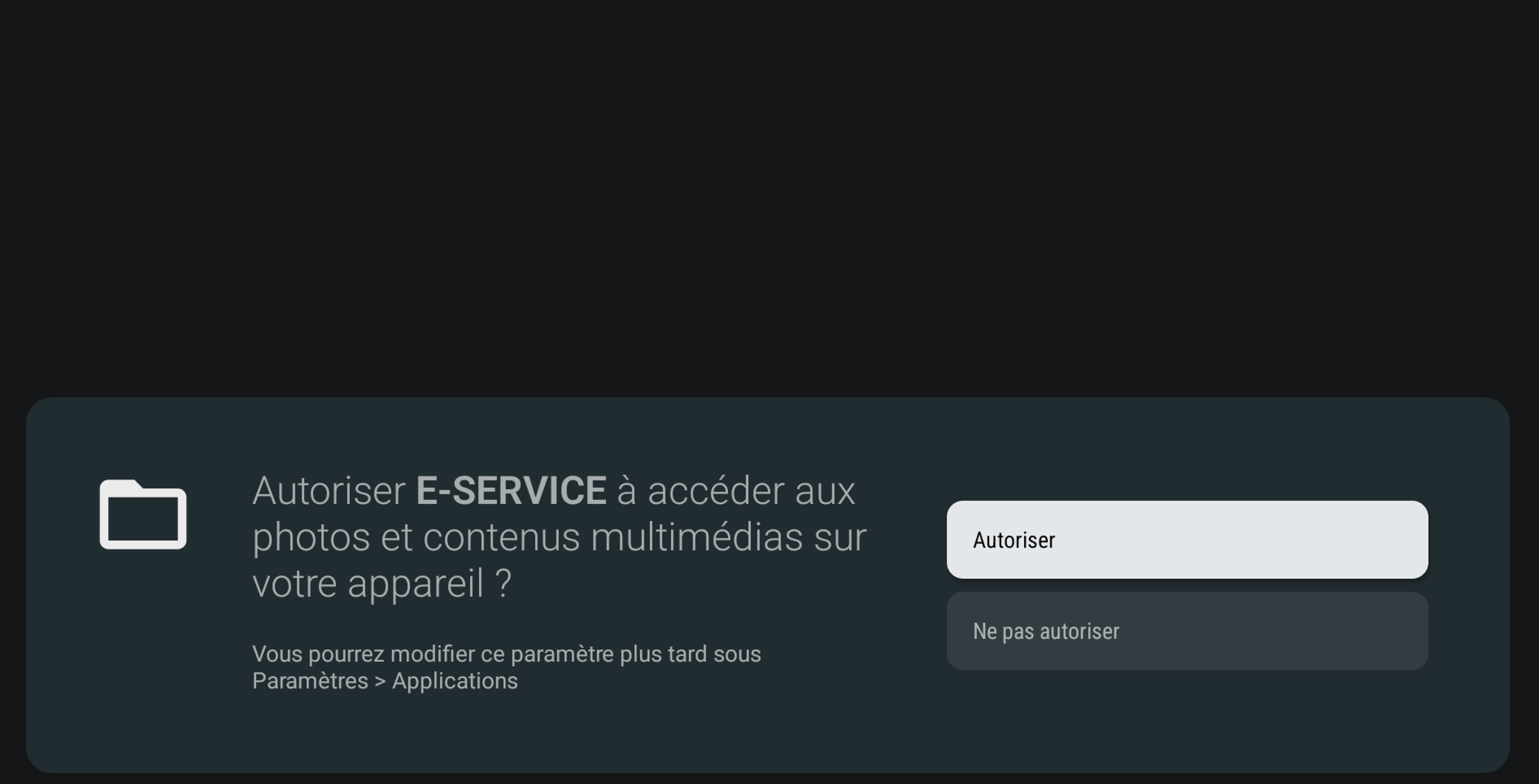
At startup, E-Service need some permissions
1- Install apps from unknown sources, enable it and go back
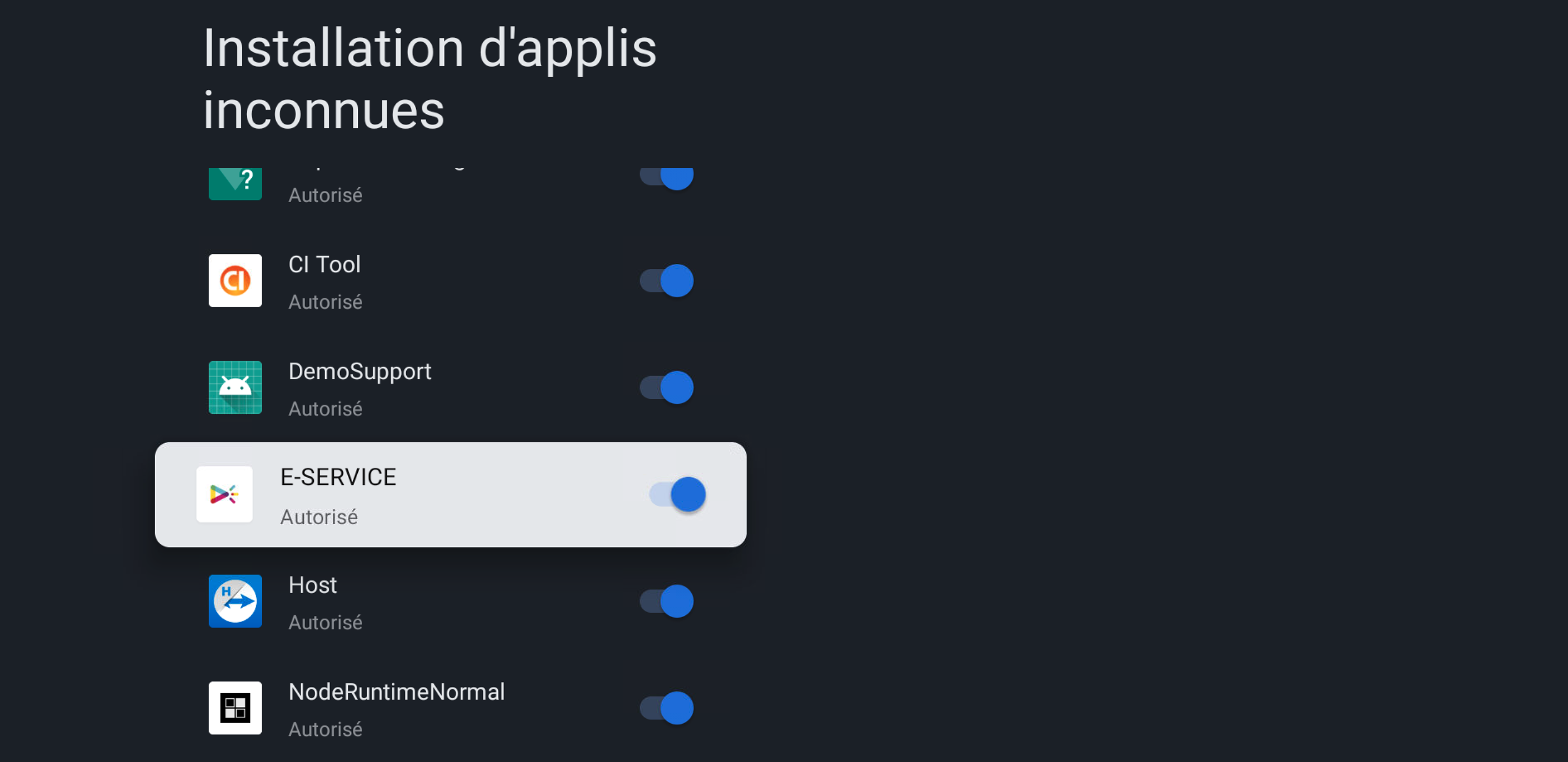
2- enable Access to storage
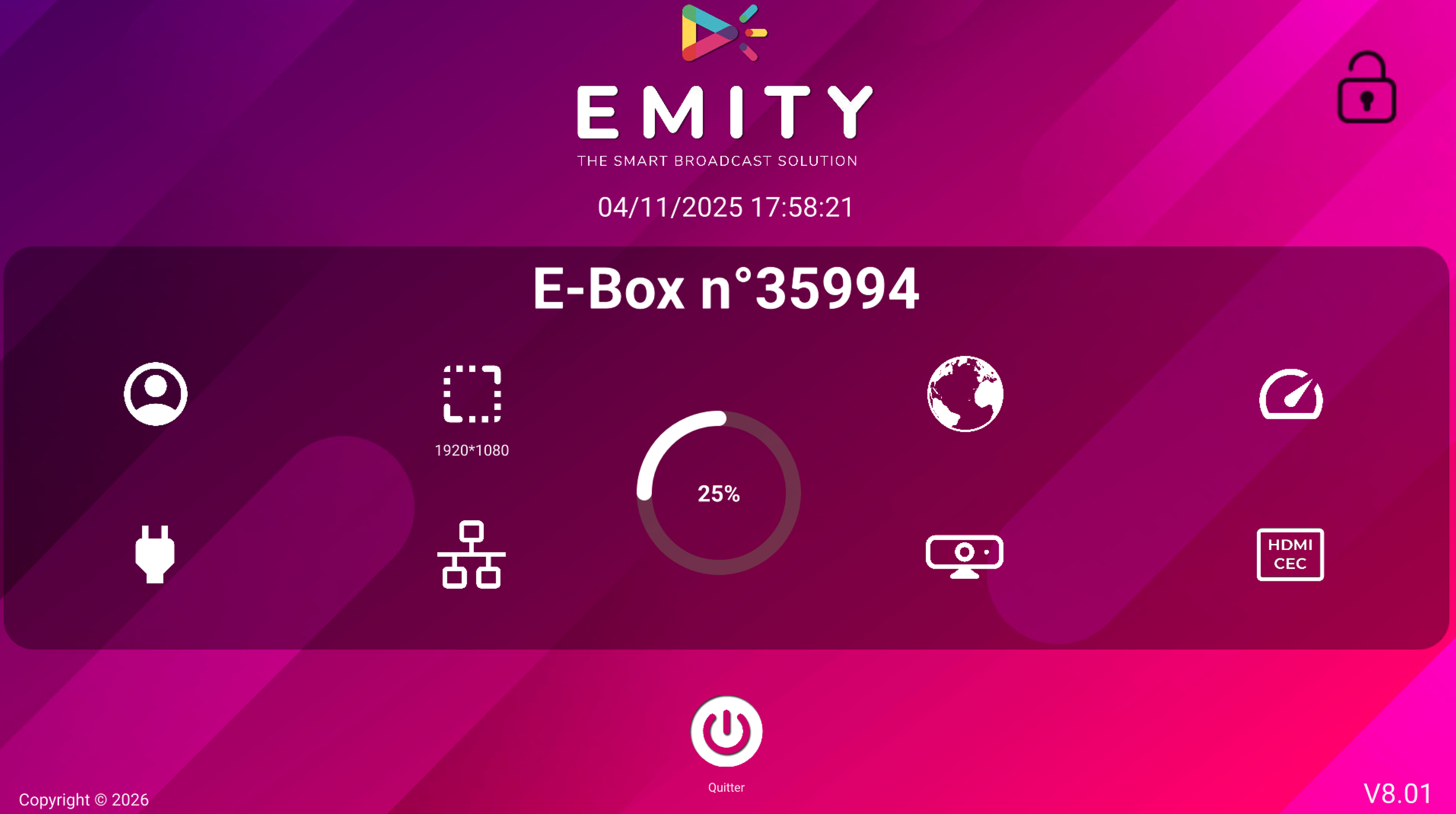
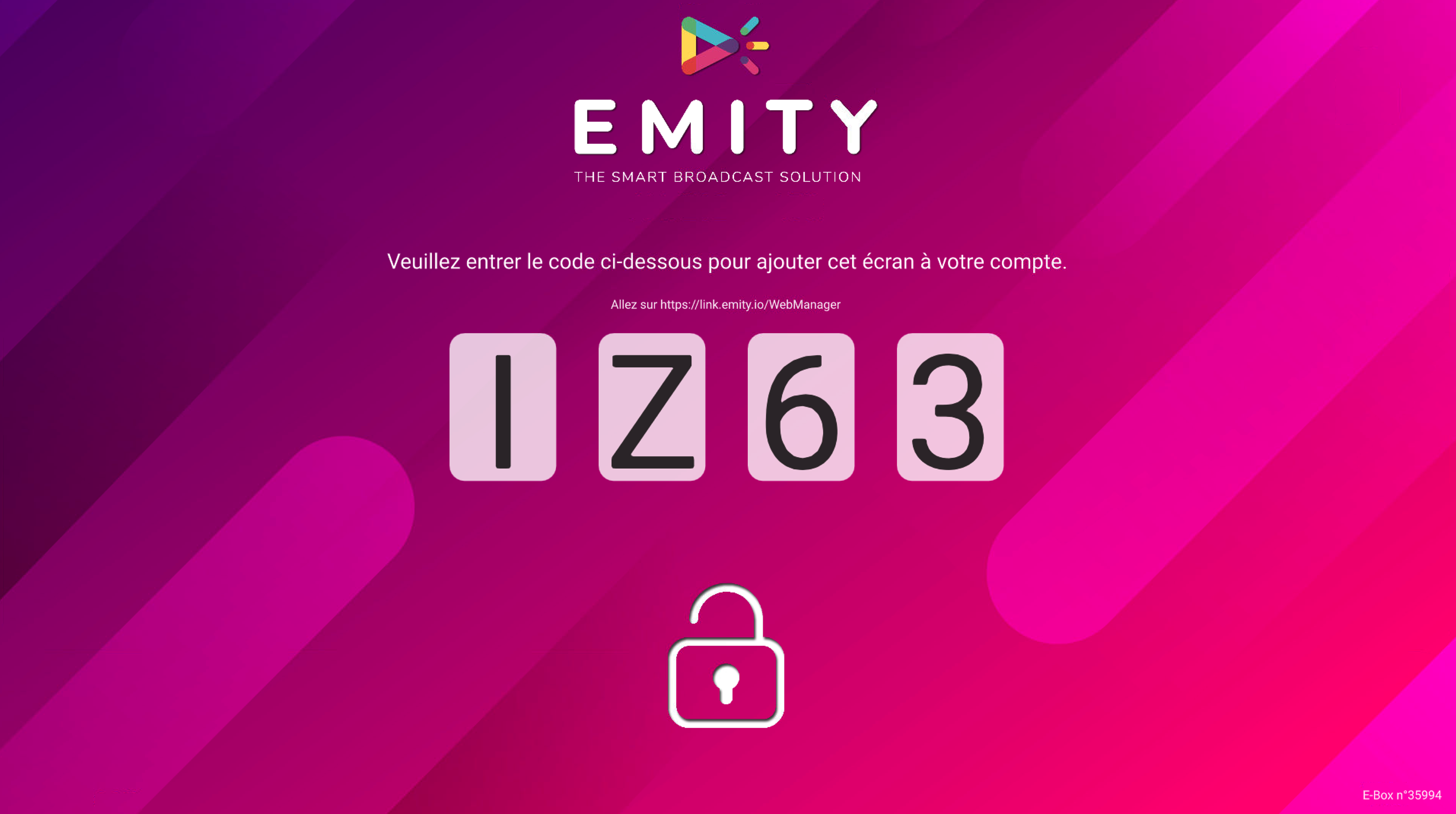
Once E-SERCVICE is running, it will automatically start E-Box
¶ 🖥️ Remote access
You can download and install TeamViewer to enable a remote access for the TV
Here is the setup guide: Installation de TeamViewerHost
Make sure to authorize the application to install apps from unknow sources and storage access.