¶ Installation
¶ ⚡ Downloads
Move these files to a USB drive. We will need them during the installation.
 Link towards the download pagehttps://wiki.emity.io/fr/public/installation/os/android
¶ 🛠 Installation Of applications
For all the installations below, make sure that all installation files (*.apk) are present on your USB drive. Then, plug it into your TV.
- Go to the TV’s main menu by pressing theEXIT on the remote, and click on the Applications tab.
- In this window, go to the file explorer.
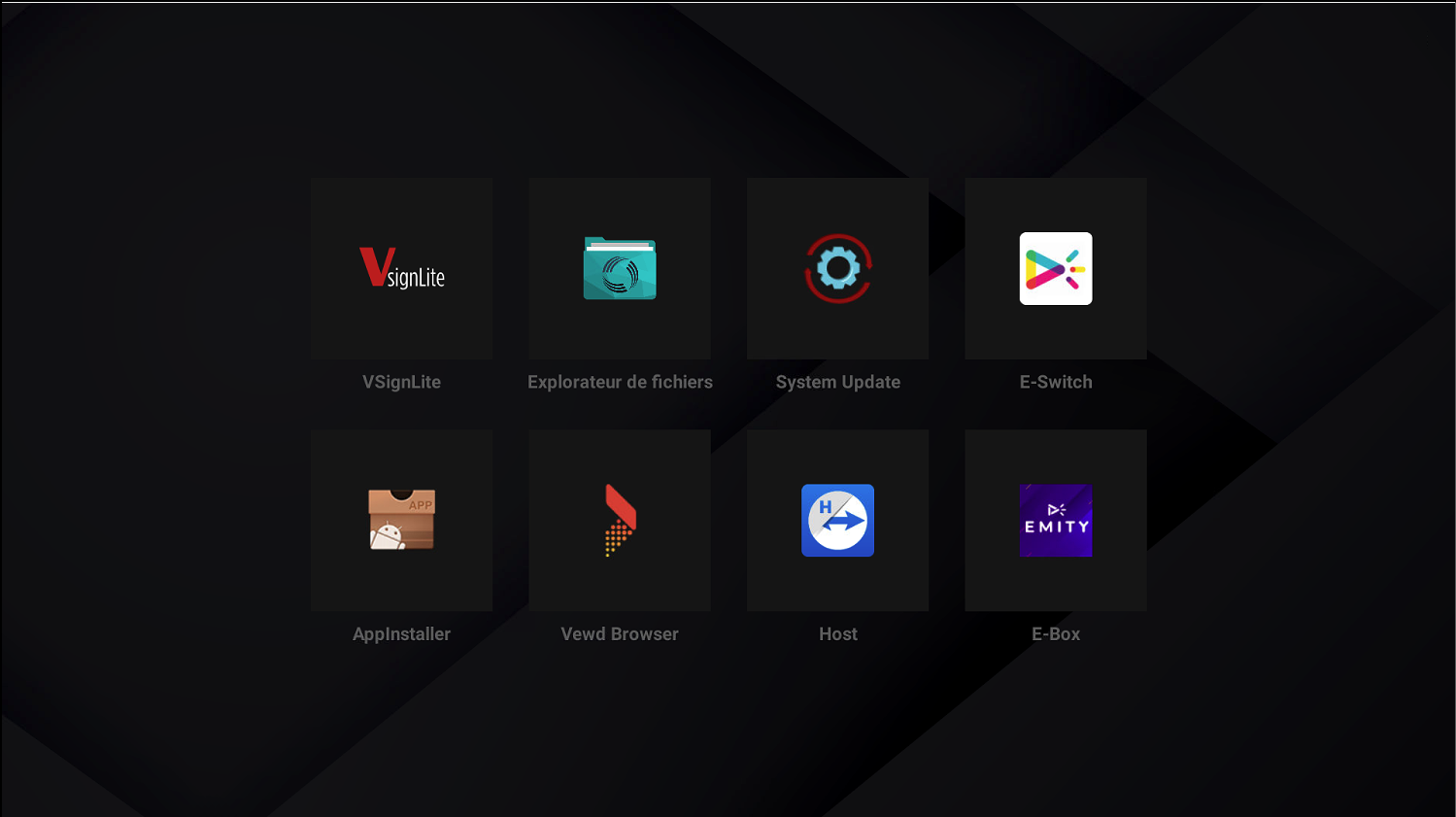
- Select your USB storage, then install the applications.
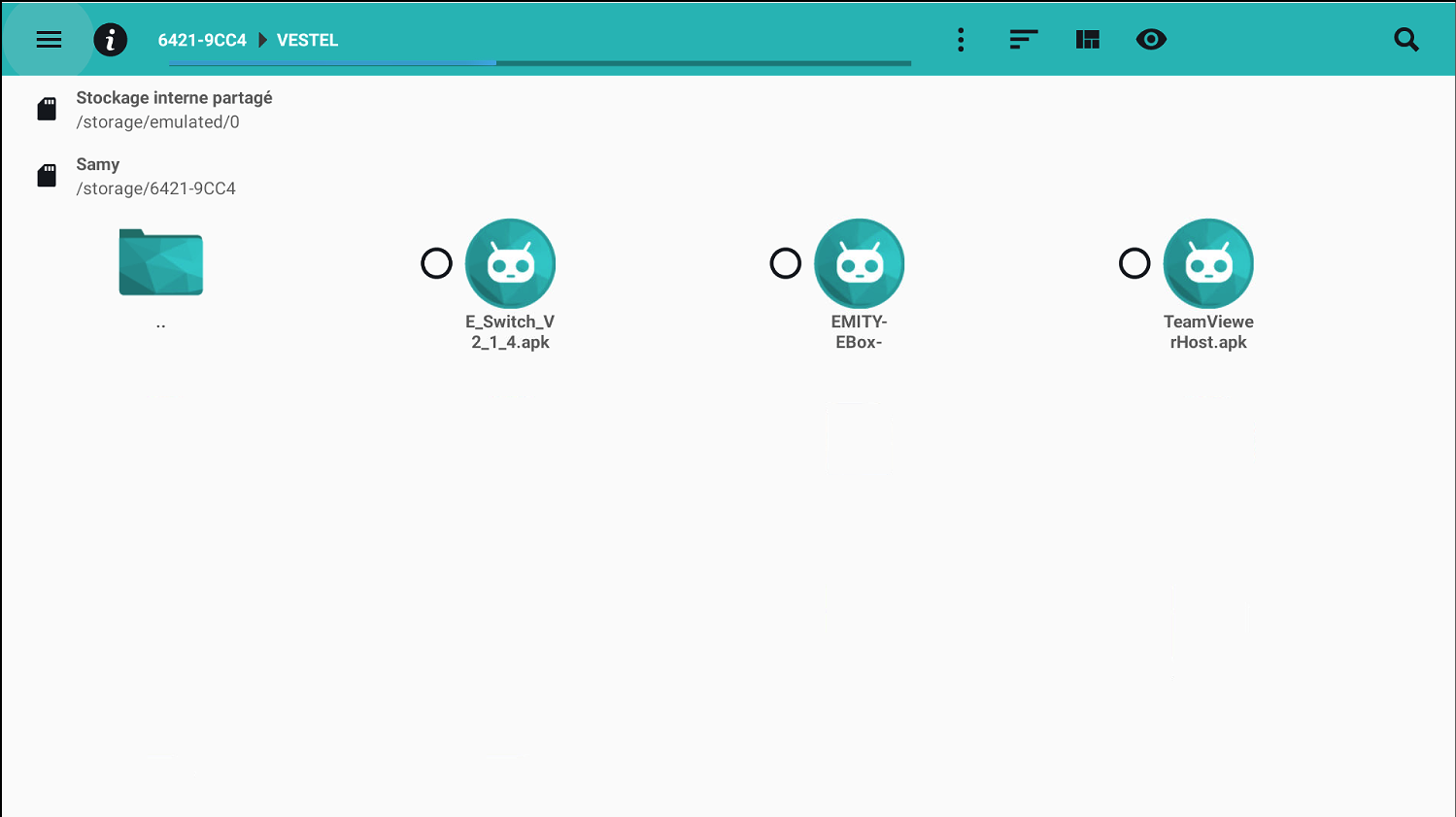
¶ 🛠 Installation of TeamViewer
.jpeg) TeamViewerhttps://download.teamviewer.com/download/TeamViewerHost.apk
TeamViewerhttps://download.teamviewer.com/download/TeamViewerHost.apk- Download the APK file using the link above.
- Install with the EXTENSION (Allow to install).
- Click Open at the end of the installation.
- Retrieve the connection ID and send it to our technical support at 04 30 00 66 01; we will assign the device.
¶ Settings
¶ 🔩 TV Settings
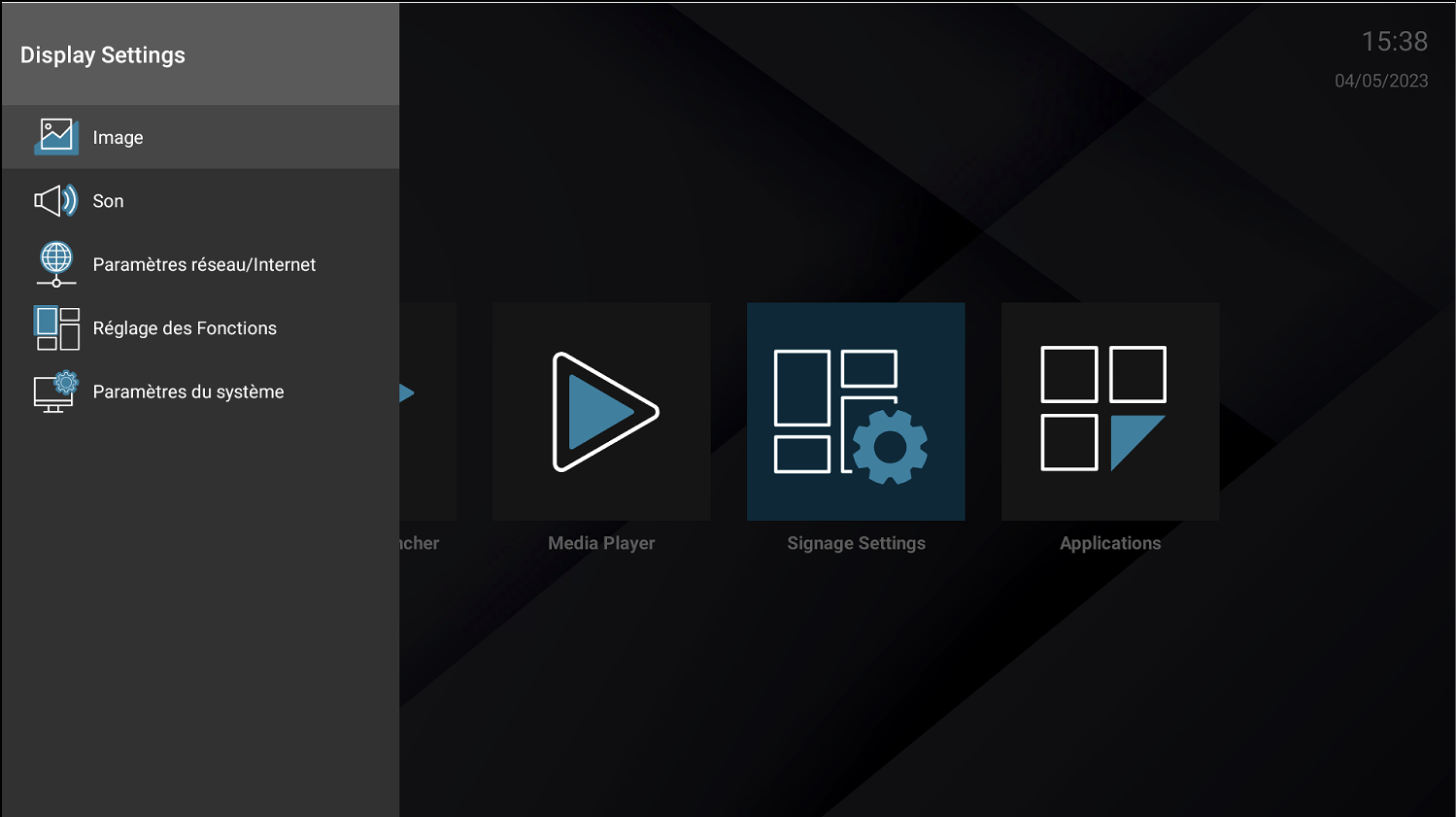
- Press the button MENU on your remote, then press the Function Settings tab.
-
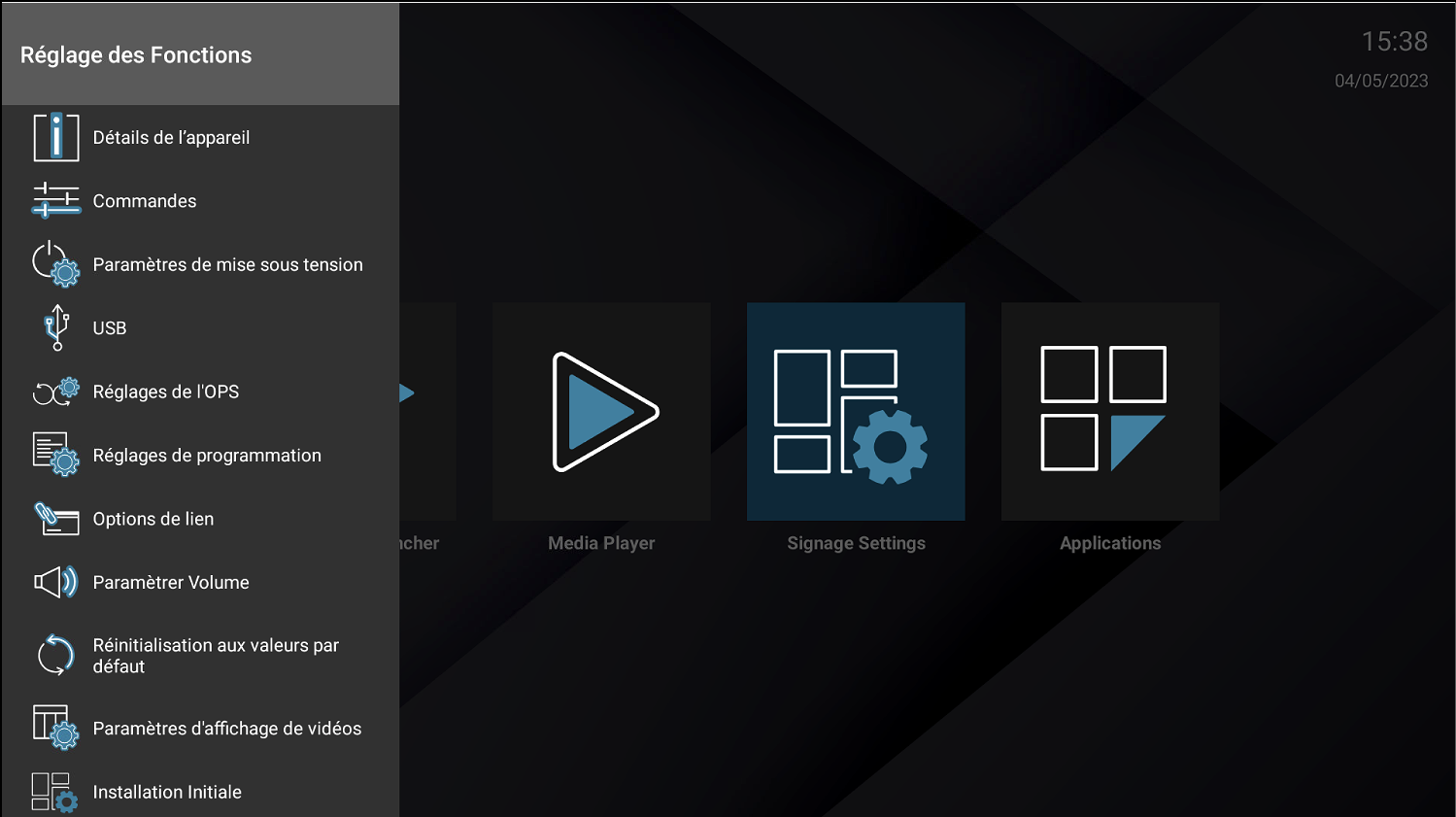
Press the Power-On Settings tab.
-
Set up the screen as follows:
- Power-On Mode: Always On
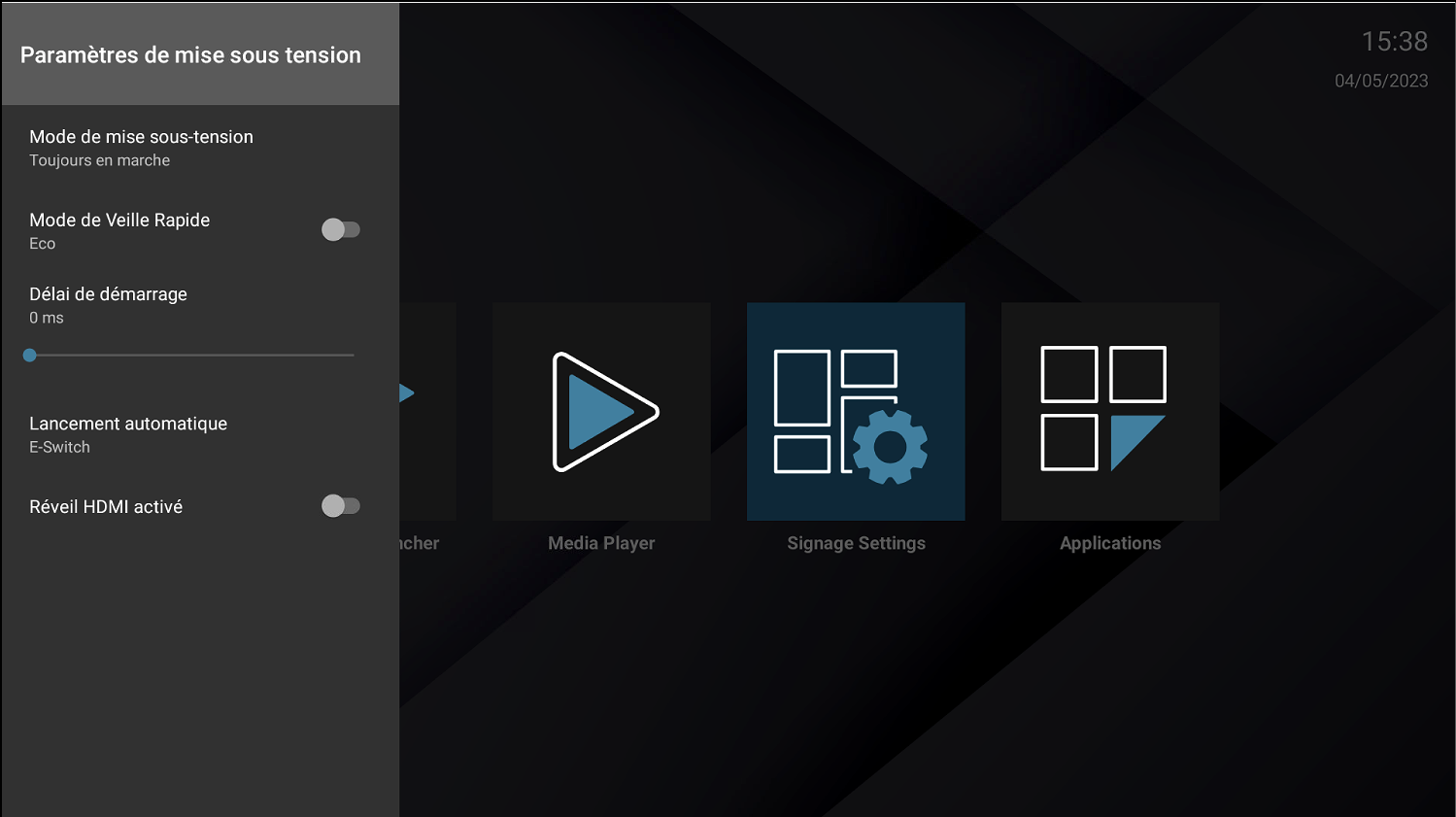
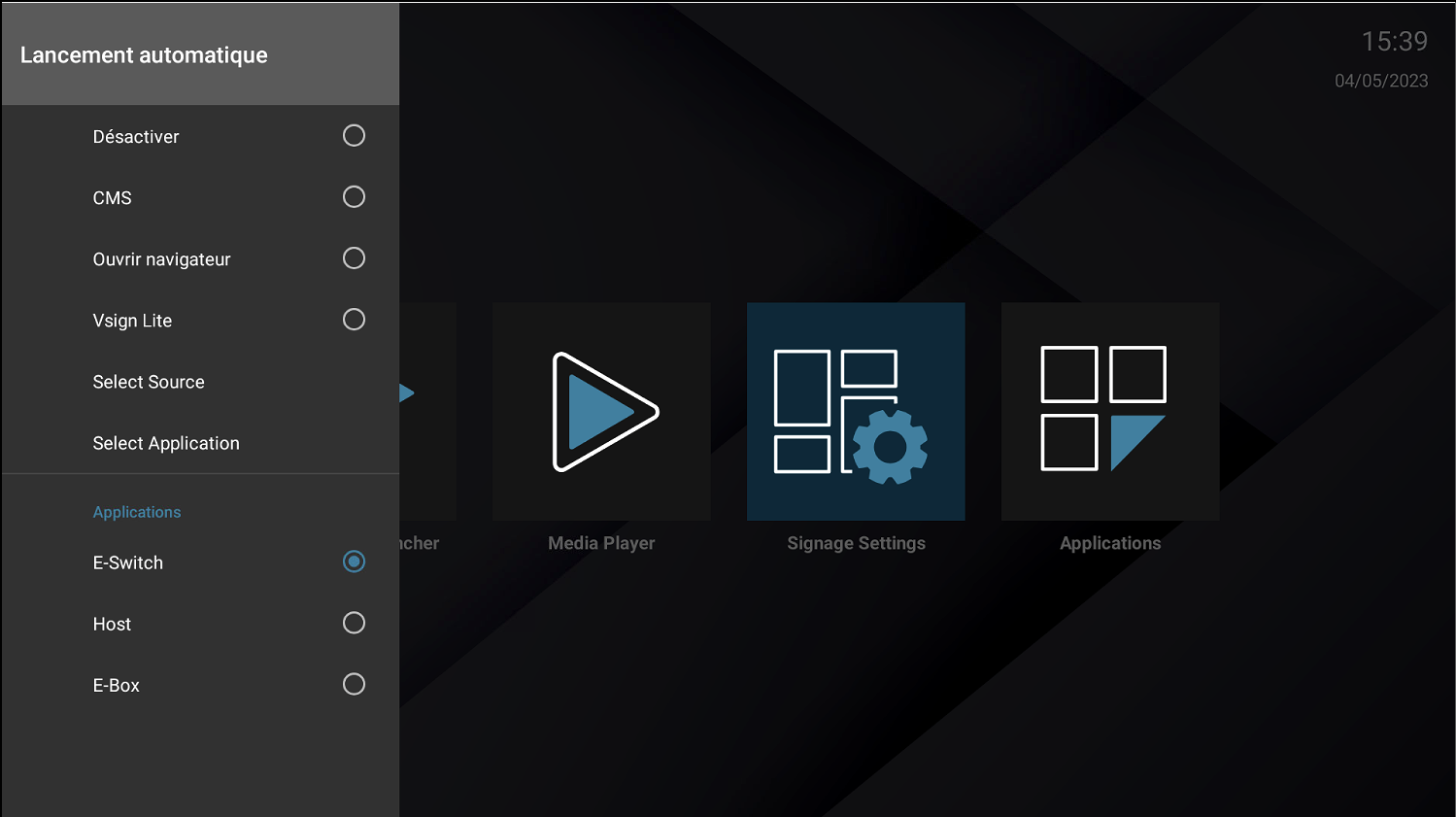
4.Then click on the Auto Launch option and select the E-Switch application from the list of apps.
¶ 🚀 Launching the application
Upon restart, the application will launch. Allow the E-Box application. The software should start and automatically generate its serial number.