¶ Installation
You will need a blank USB drive.
¶ ⚡ Downloads
https://drive.google.com/file/d/1apcK_ThylAtT8fyD1FTF9bMO5raVe7fG/view?usp=drive_link
You can download the .iso file by clicking on the link below.
 Image .iso https://www.emity.io/Download/Logiciels/EIso/Emity-Ubuntu-V6.01.iso
You need to install the ISO on a USB drive to boot it at startup. For this, you can use the software balenaEtcher (available on Windows, Linux, or MacOS):
¶ ⚡ Flashing the file to a USB drive
- Open the software, you will arrive at this window:
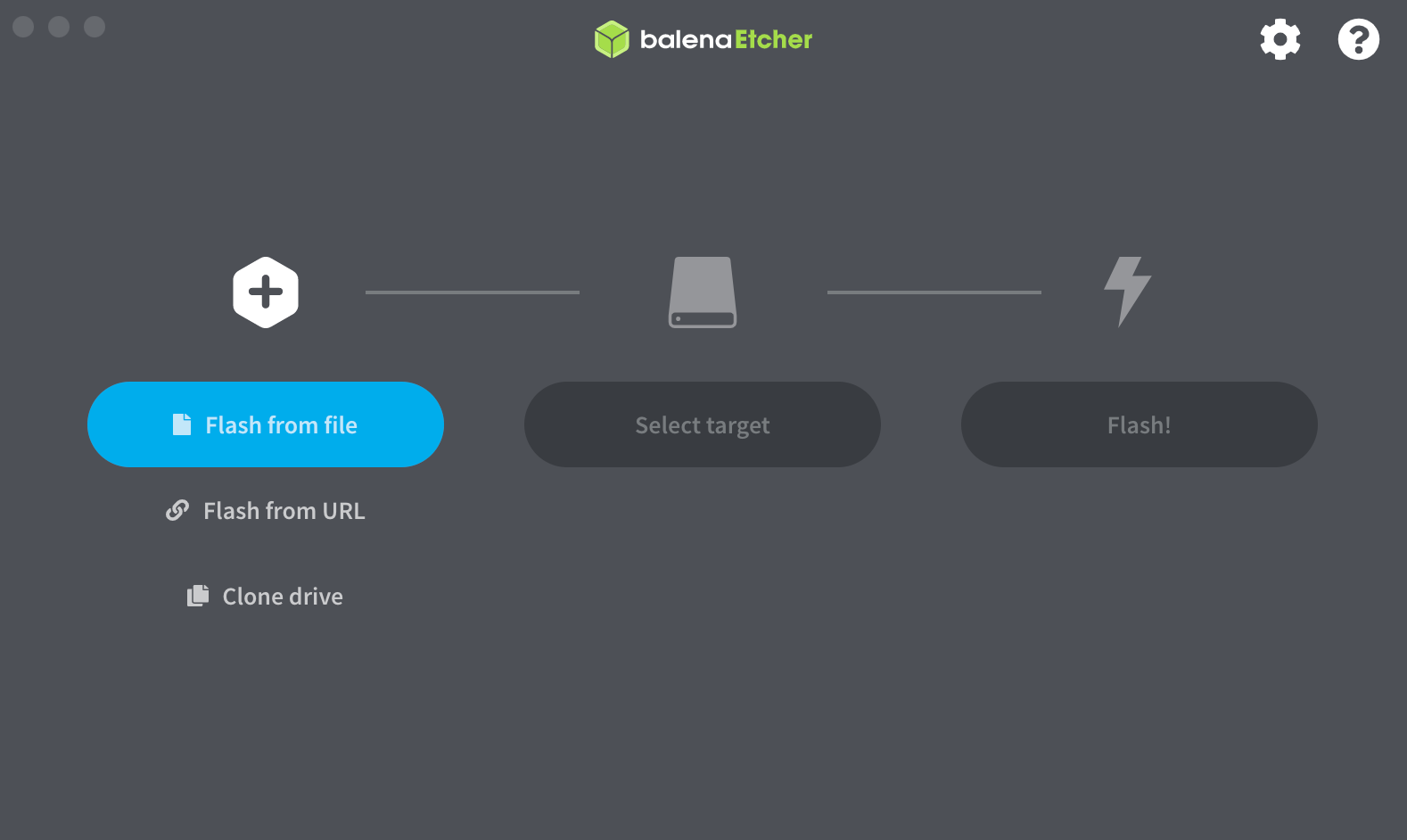
- Click on Flash from file, then select the previously downloaded .iso file.
- Click on Flash! to flash your USB drive.
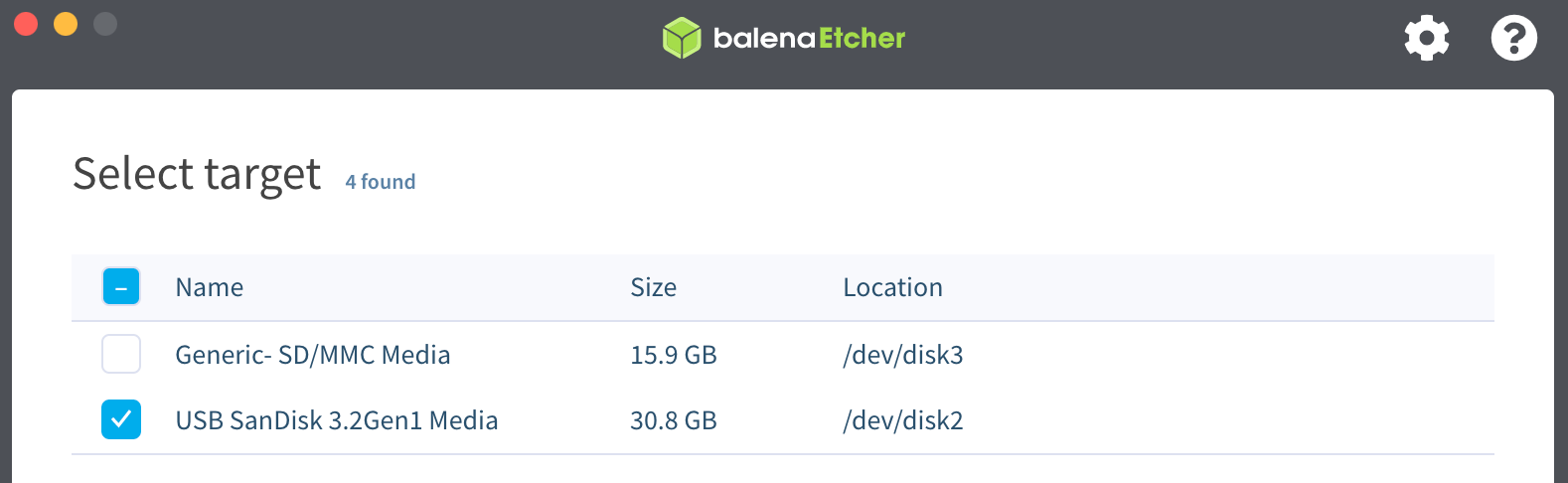
Once the bootable USB drive is created, you can insert it and start the PC.
¶ 📦 Installation
During the PC startup Accédez au menu BIOS du PC to be able to boot from the USB drive.
- Only one action will be required from you. It is recommended to select Erase disk to properly reinstall the operating system.
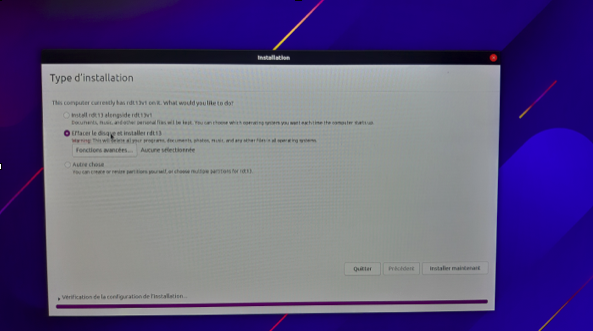
Wait for the computer to restart, then for the EMITY software to launch.
Upon restart, a 4-character code should appear. You can then add the screen to your account.