 Back to the FAQ
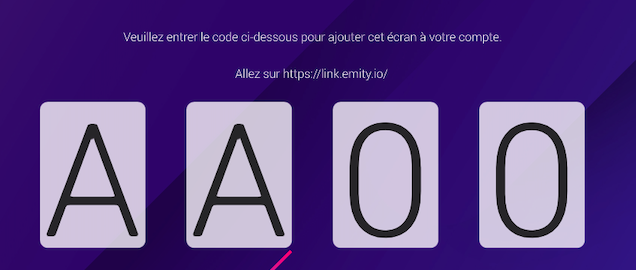
- Once the application installation is complete or upon receiving your EMITY player, a 4-digit code will appear on the screen.
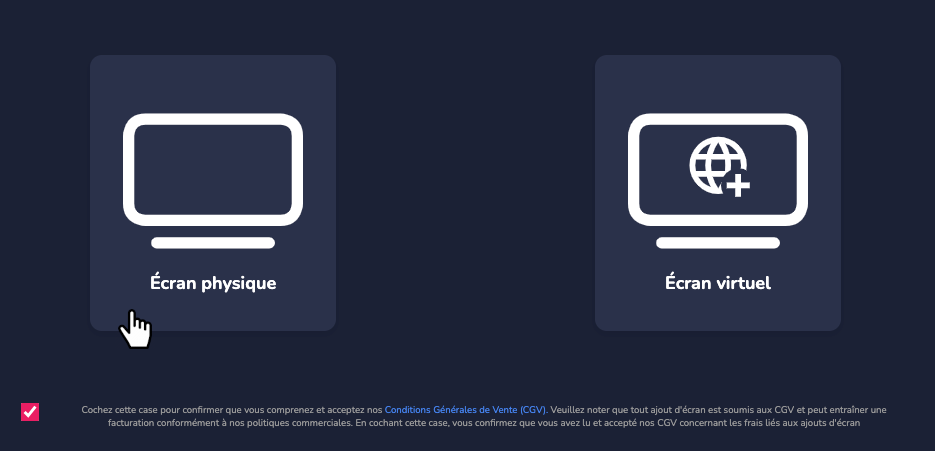
- To add the screen to your E-MANAGER account, go to the platform and log in to your account. Then go to the screens page, and click on Add.

- Selec Physical screen.
- Then enter the previously obtained code.
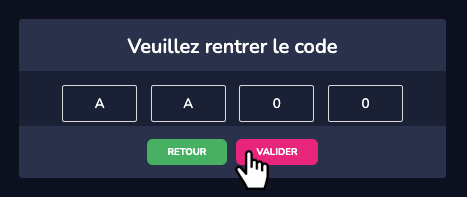
The screen is now linked to your account; you can start editing its content. Feel free to watch the videos at Online formation.