Back to FAQ
- To modify the license type of an account and allocate screens to it, click on the Actions button to the right of the account and click on Licence

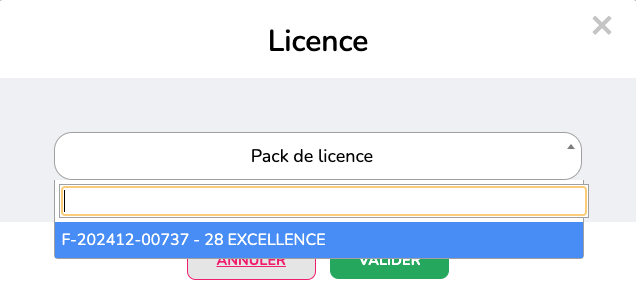
- You will then be able to view the number of licenses available for each tier. For example, in the image below, 28 Excellence licenses can be allocated across all managed accounts.