Retour à la FAQ
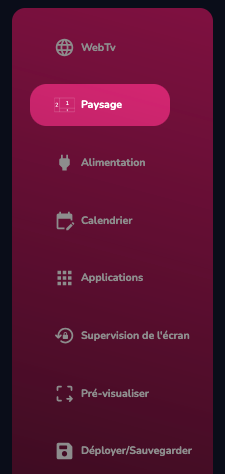
Click on orientation management
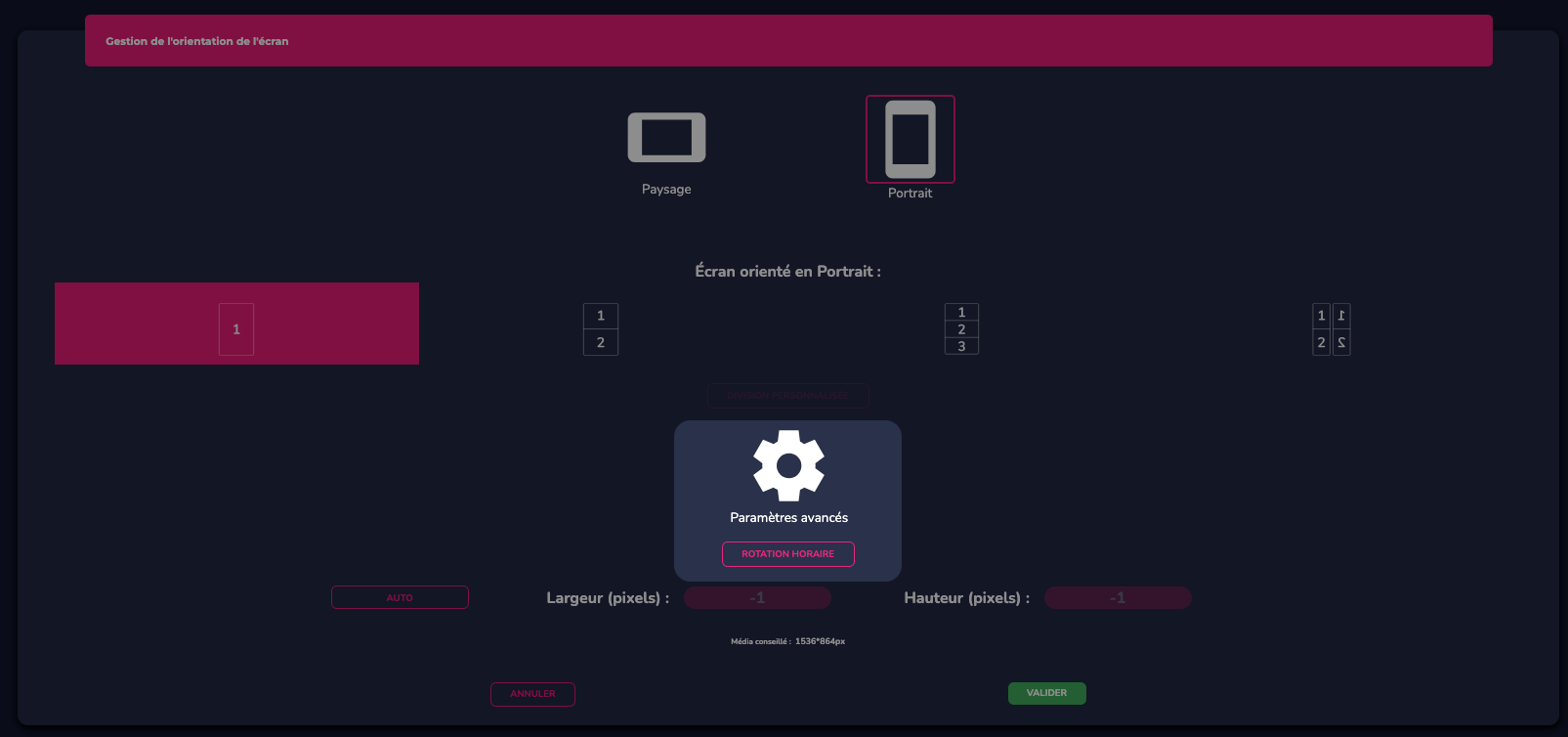
Access the advanced settings and change the rotation to clockwise (rotation to the right) or counter-clockwise (rotation to the left)
 Retour à la FAQ