¶ ⚡ Downloads
-
Download the APK files using the links above, then copy them to a USB drive.
-
 E-Boxhttps://www.emity.io/Download/Logiciels/EBox/EMITY-EBox-V7.12.apk
 -
E-Servicehttps://www.emity.io/Download/Logiciels/EBox/EMITY-EService-V2.00.apk
¶ 📦 Installation
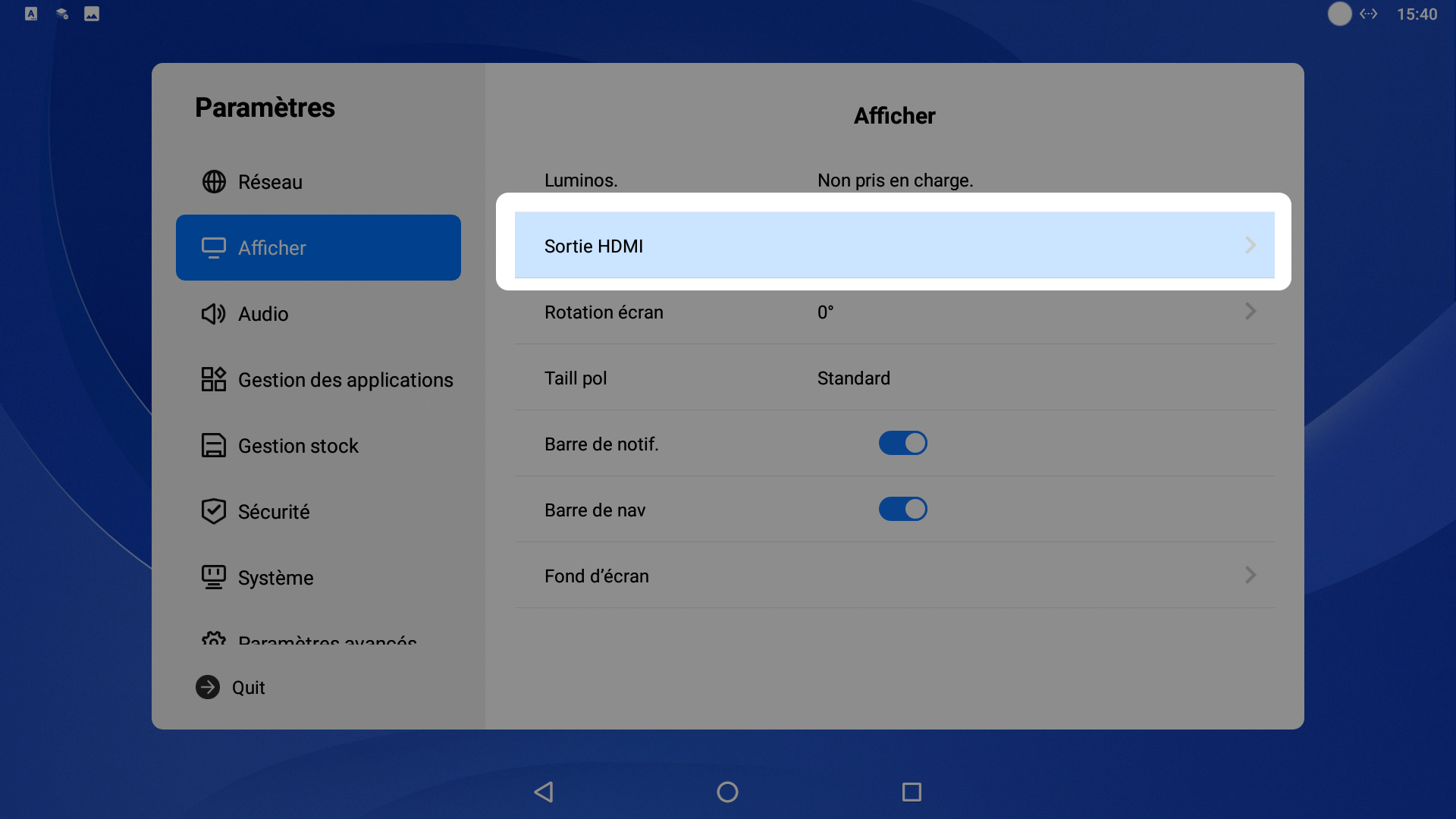
- Go to Settings, then to the Display menu → HDMI Output
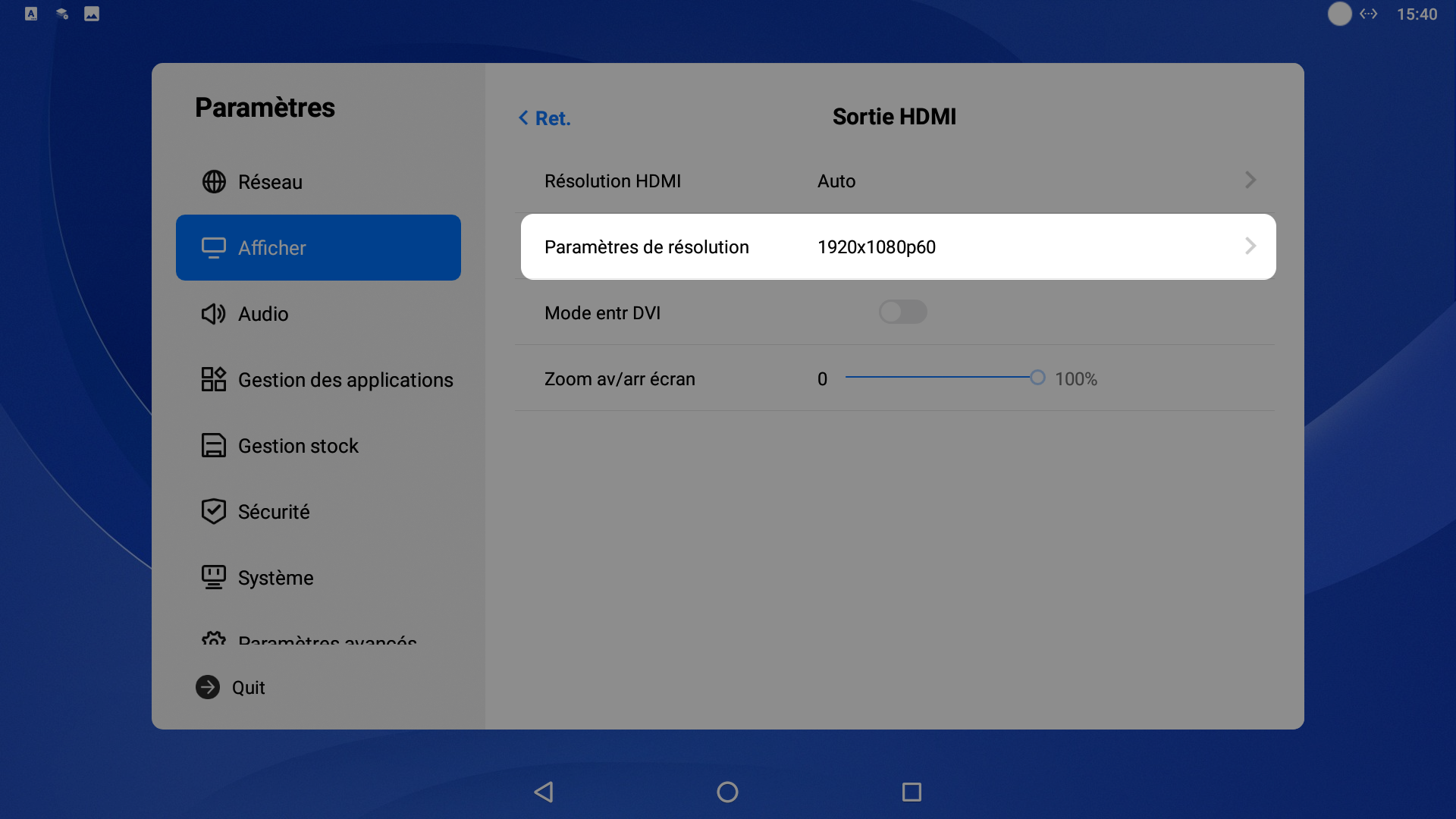
2.Change the resolution to 1280×720p
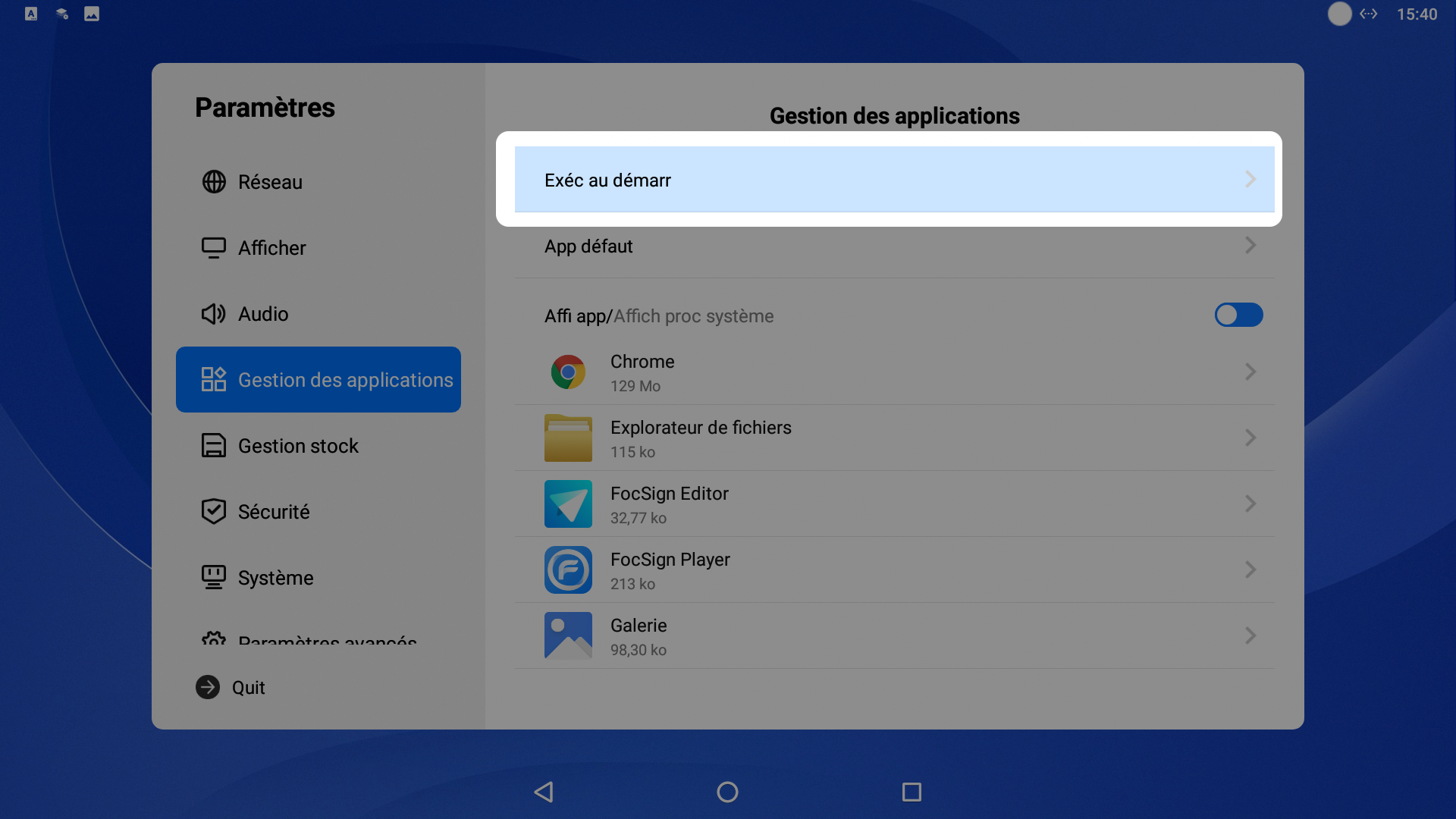
3.In the Apps Management menu → Run at Startup
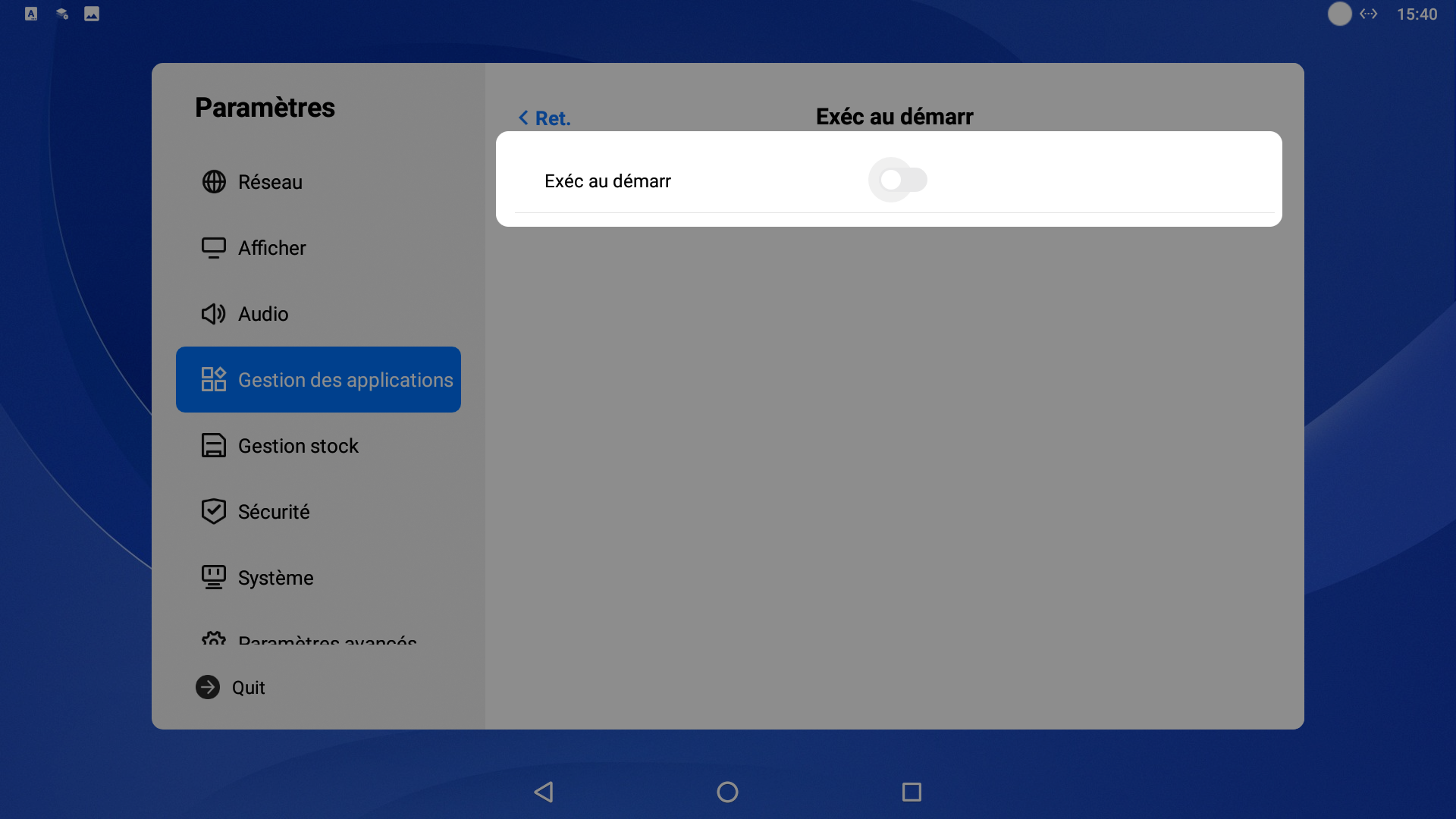
- Uncheck Run at Startup
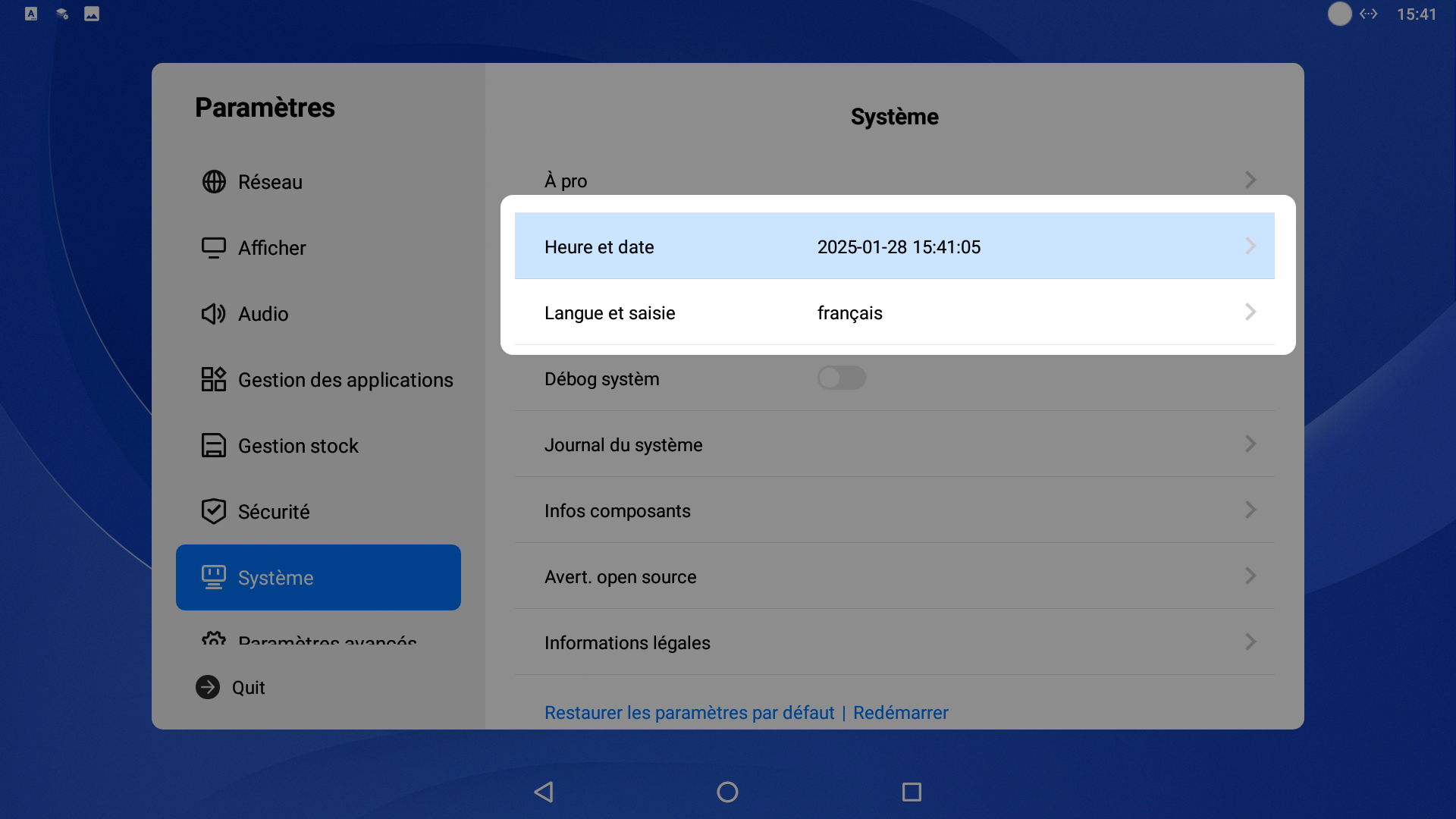
- In the System menu, change the language and time
-
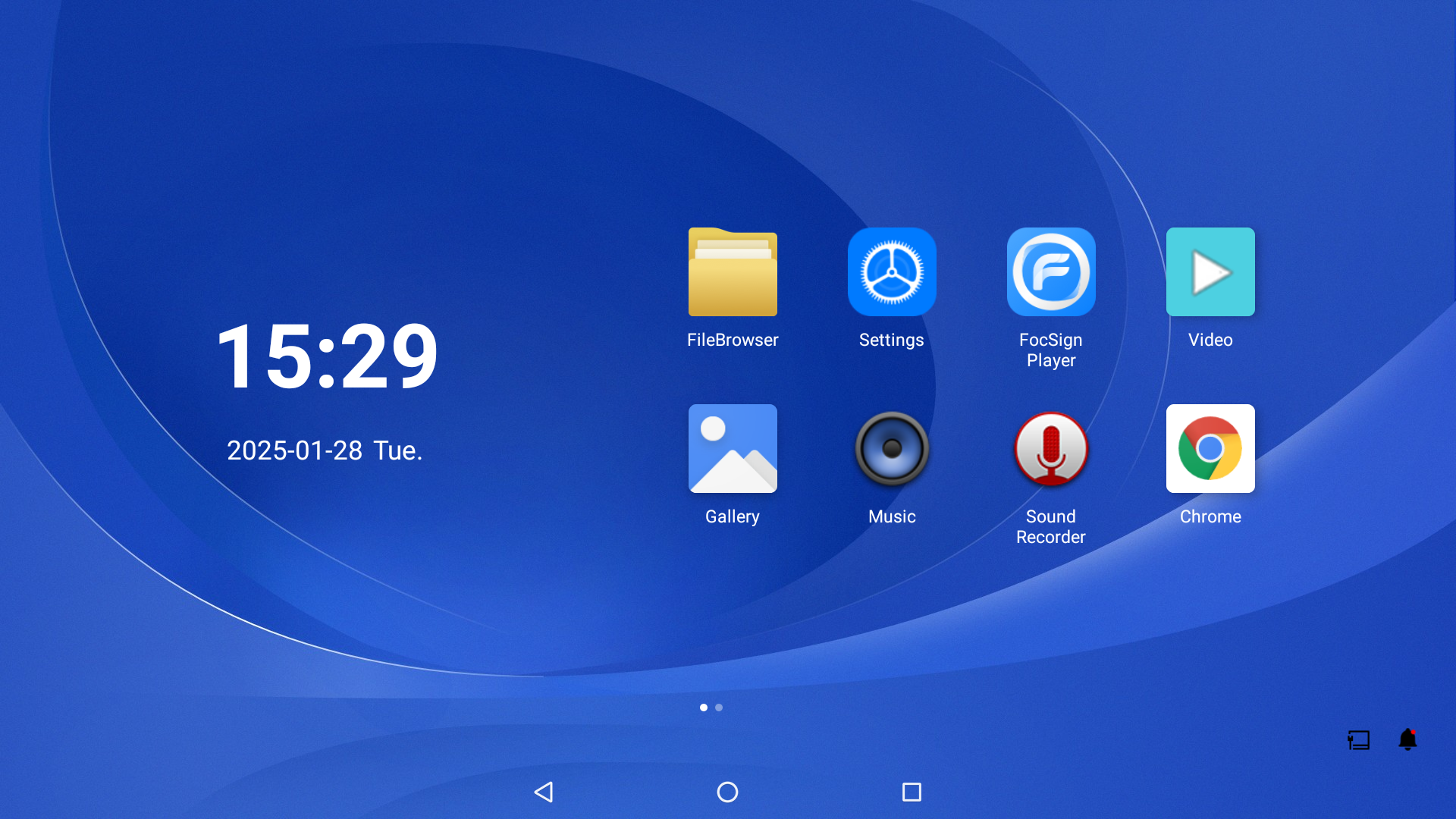
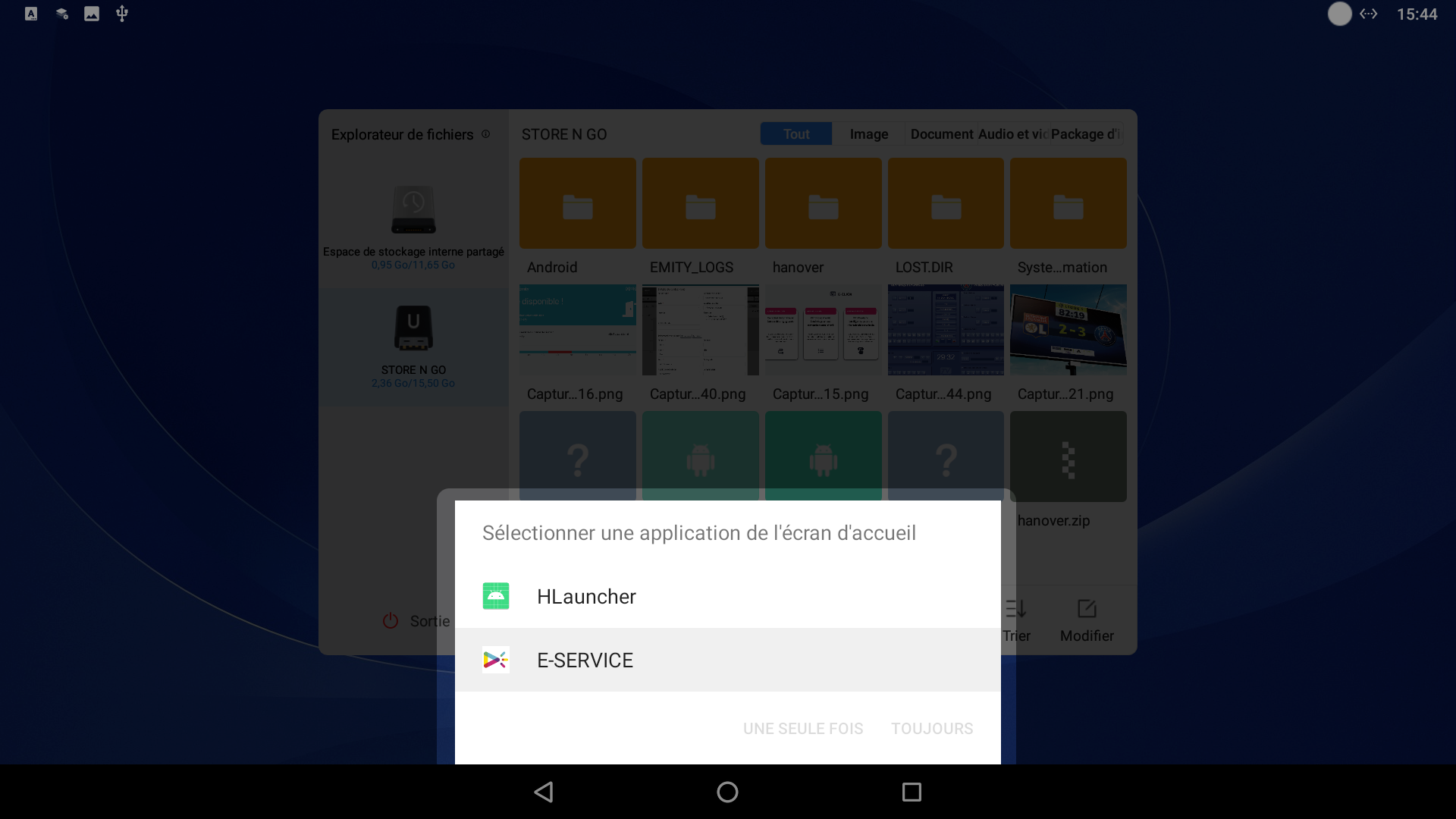
Insert the USB drive into the player. In the FileBrowser menu, access the USB drive and install the E-SERVICE and E-Box applications.
-
Return to the home screen. When this message appears, select E-SERVICE → Always.
You have completed the screen setup. If you encounter any issues during installation or have any questions, please do not hesitate to contact our technical support at 04 30 00 66 01.