¶ 🔆 First start
- Choose a language, then click Start.
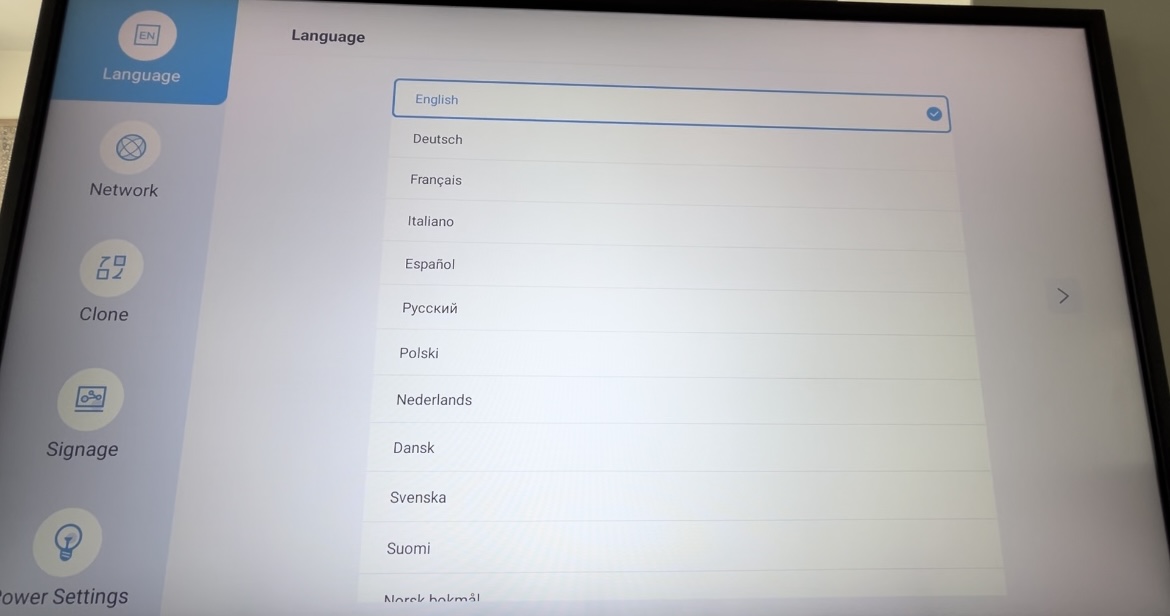
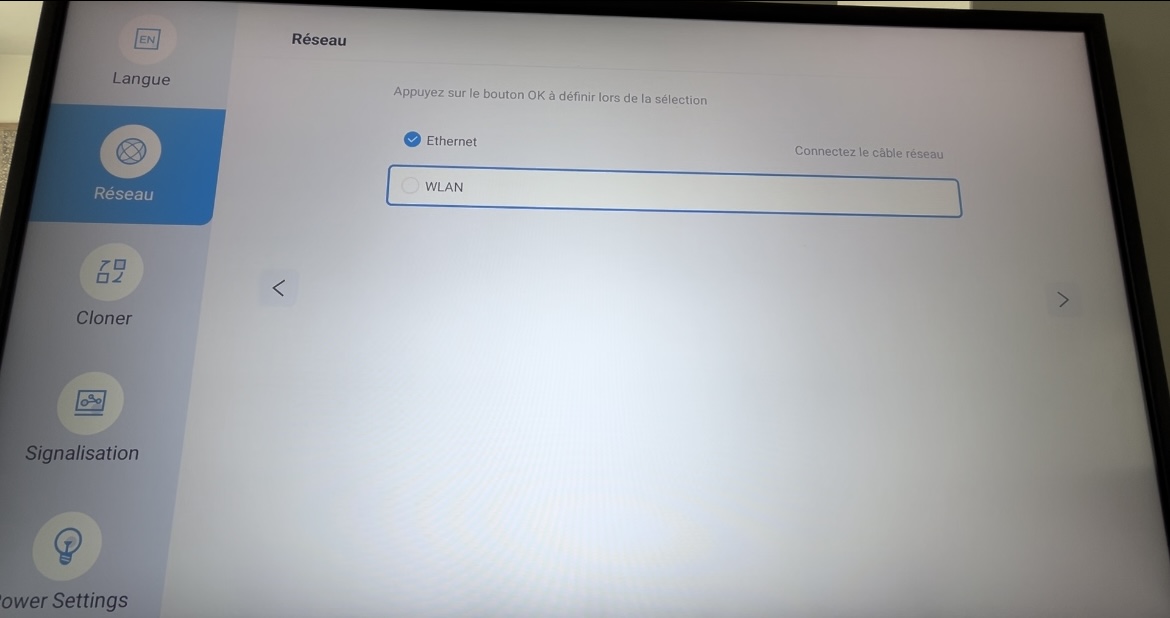
- Choose your network settings
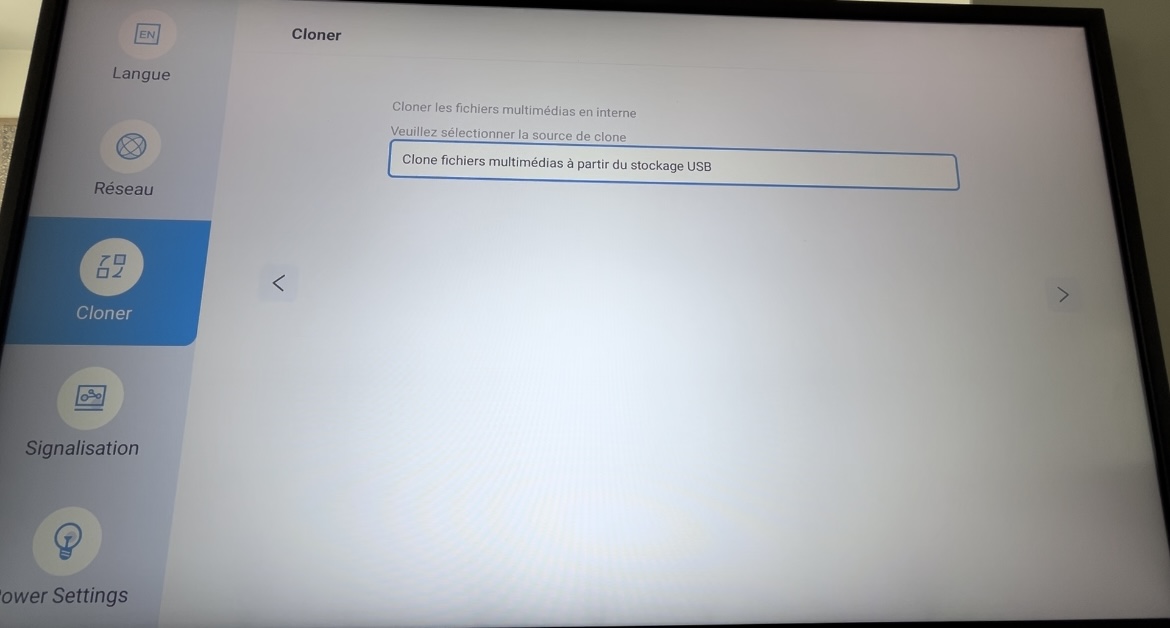
- Choose Clone media files from USB storage
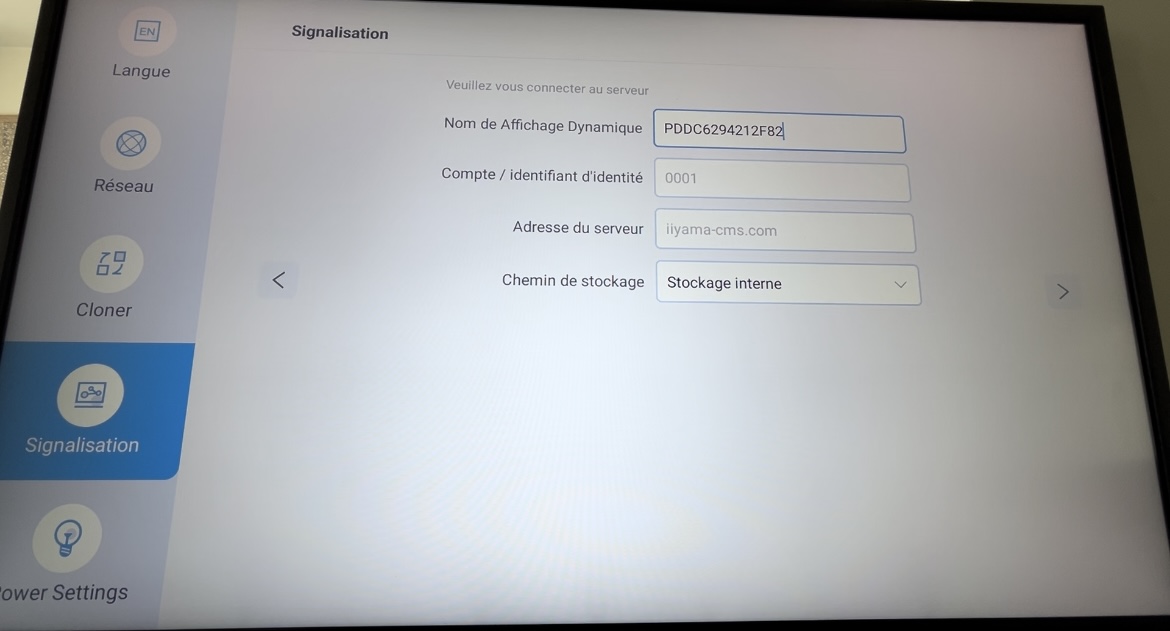
- Enter a name of your choice for this screen, then click Next.
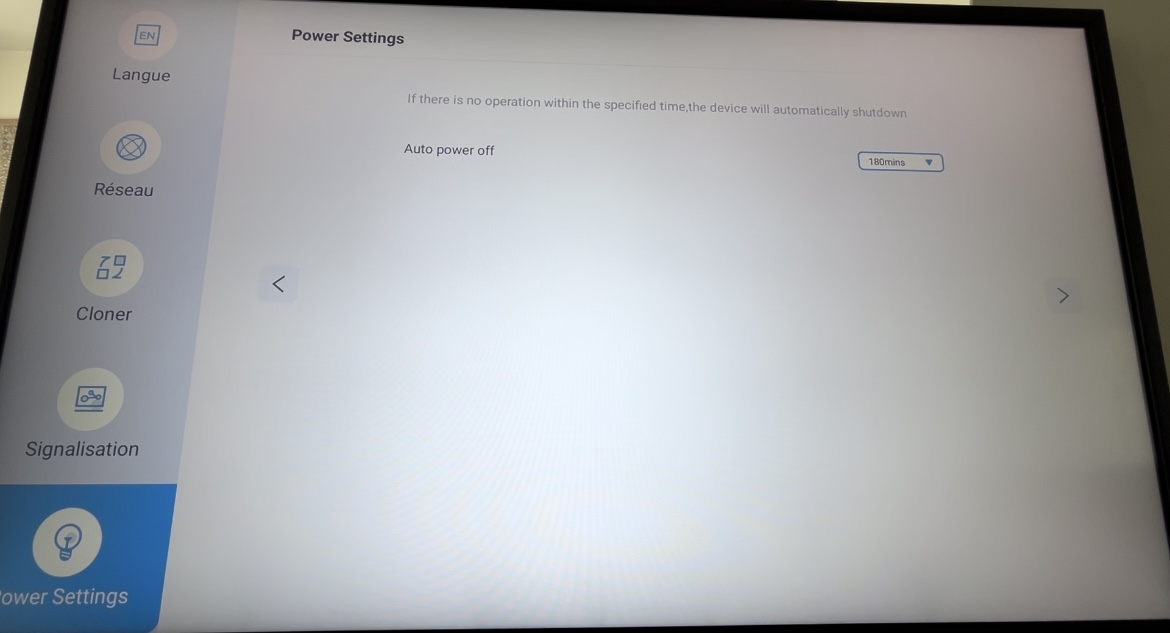
- Disable automatic screen shutdown (Auto power off: Never)
¶ Installation
¶ ⚡ Downloads
Download the APK files using the links above, then copy them to a USB drive.
 Link to the downloads pagehttps://wiki.emity.io/fr/public/installation/os/android
¶ ⚙️ Android Mode Settings
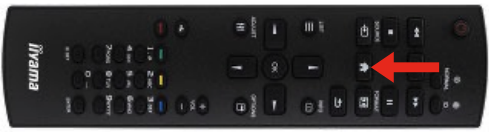
- At screen startup, press HOME. then enter the number sequence 1 6 6 8 on the remote control.
1-1. This menu is also accessible from Configuration 1 → Android Launcher.
- After this procedure, the screen should display:
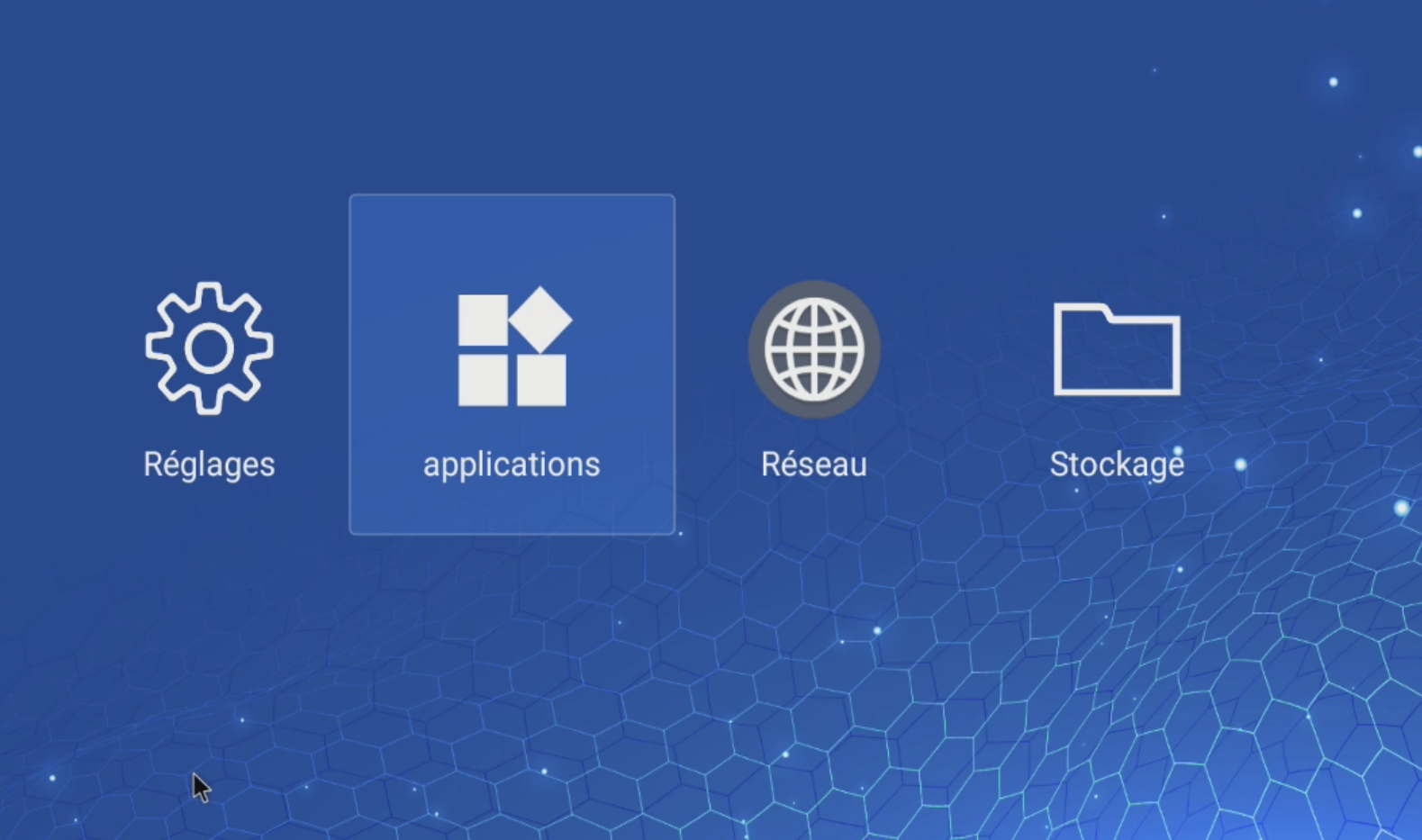
- Click on Network, then enable Wired Network.
¶ 🔩 E-Box/E-SERVICE Installation
To install the applications, click on the file explorer (Storage), then select your USB drive.
- Install E-SERVICE, and at the end of the installation, pressOK to prevent the software from launching.
- Do the same for E-Box.
¶ Configuration
¶ ⏰ Screen Power On/Off Settings
-
Click on the bouton Then go to Advanced Options → Date & Time. Make sure the Auto Sync option is enabled.
-
You can then set the operating schedule.(Advanced Options → Schedule). It is very important in the entry menu of the calender to select custom.
¶ ⚙️ Application Launch Settings
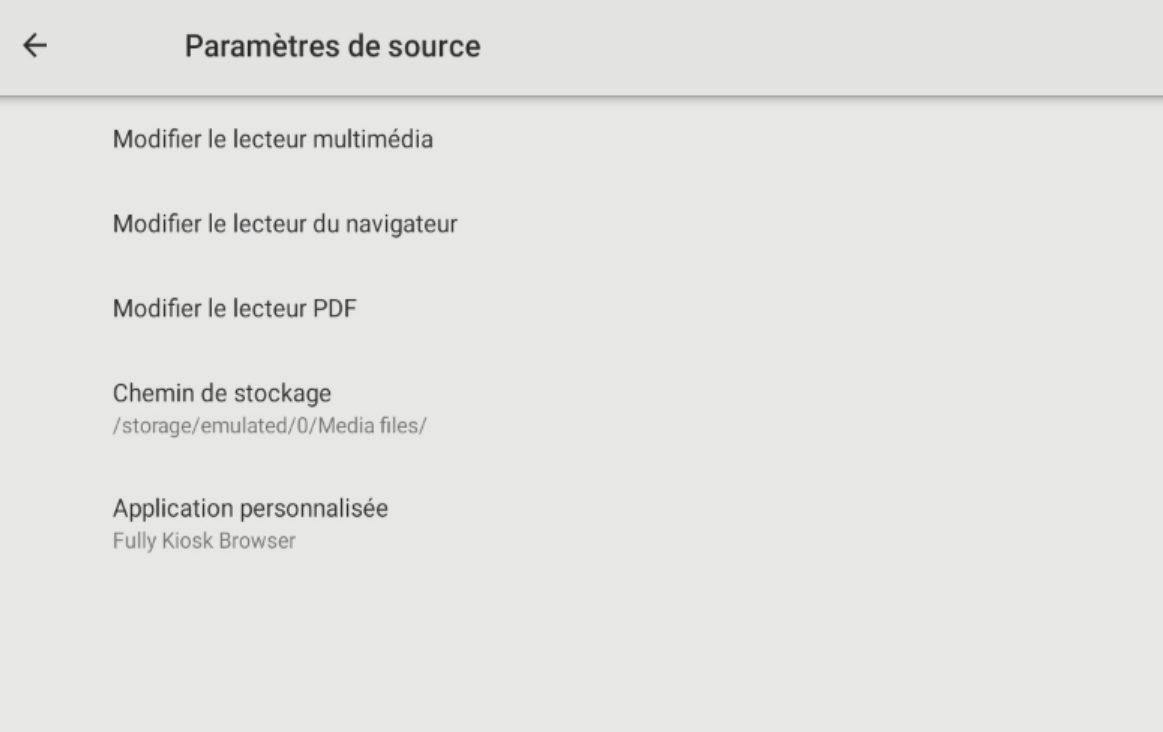
- Go to the Android menu, then select Digital Signage.
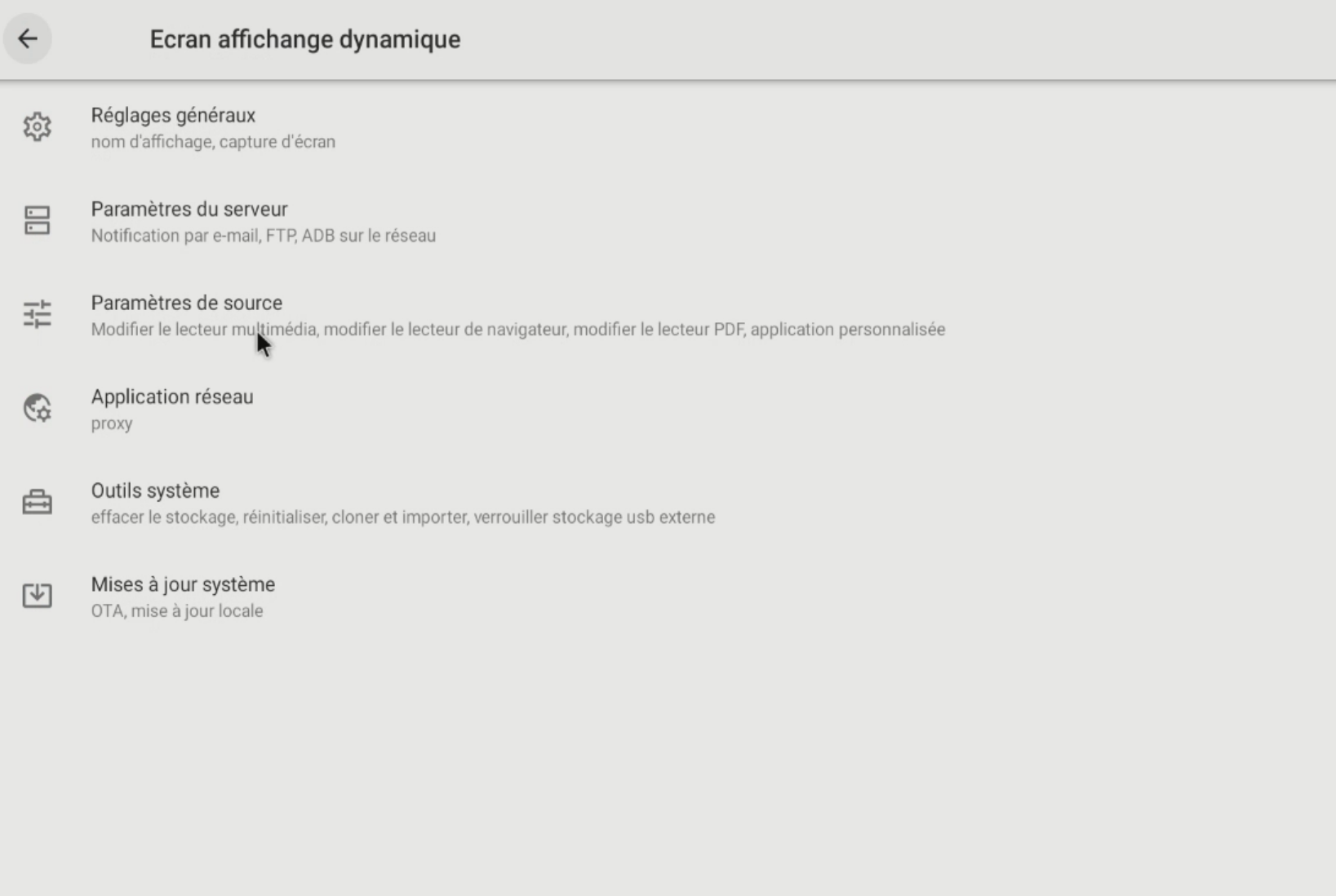
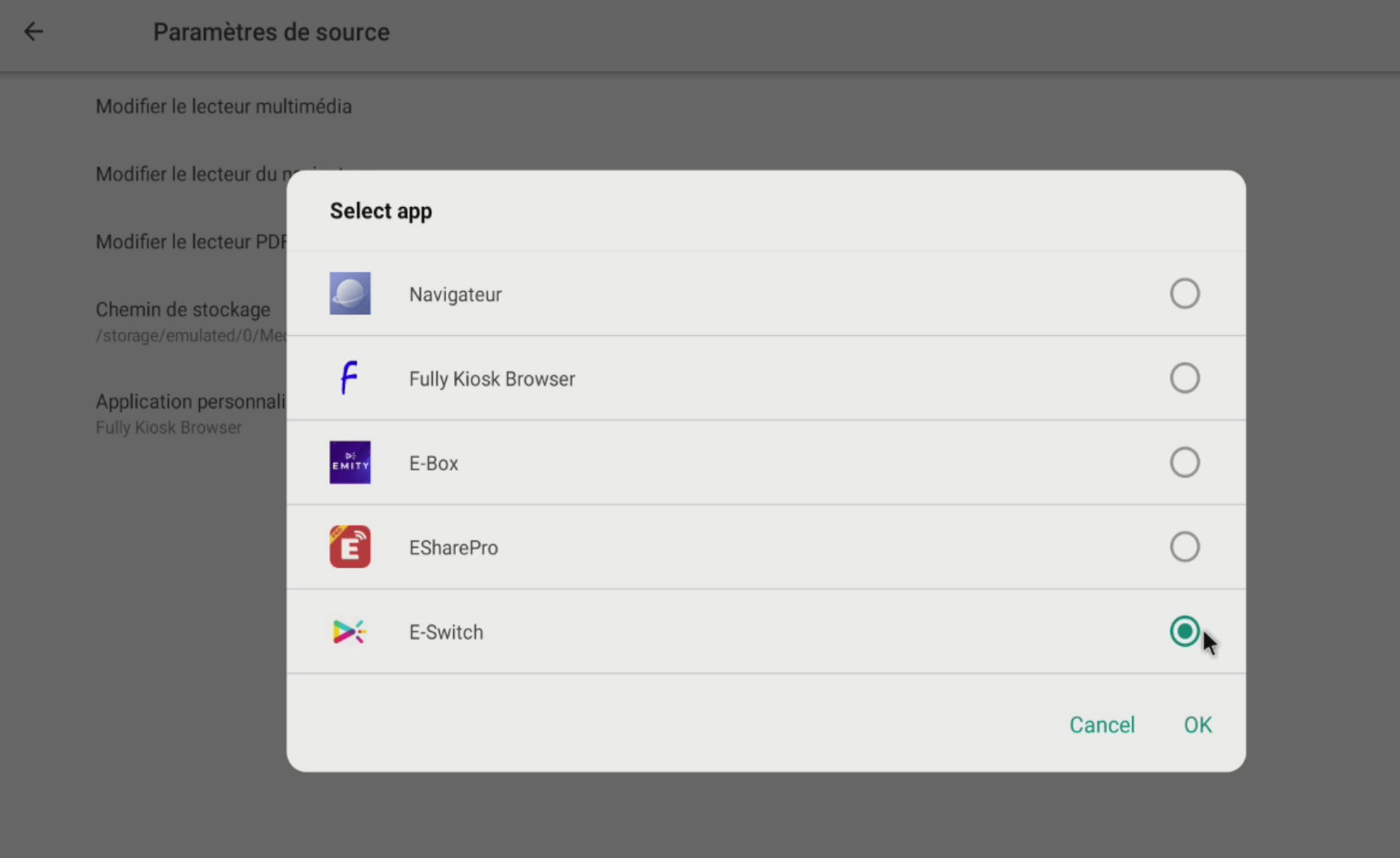
- Select Custom Application.
-
Select E-SERVICE then save.
-
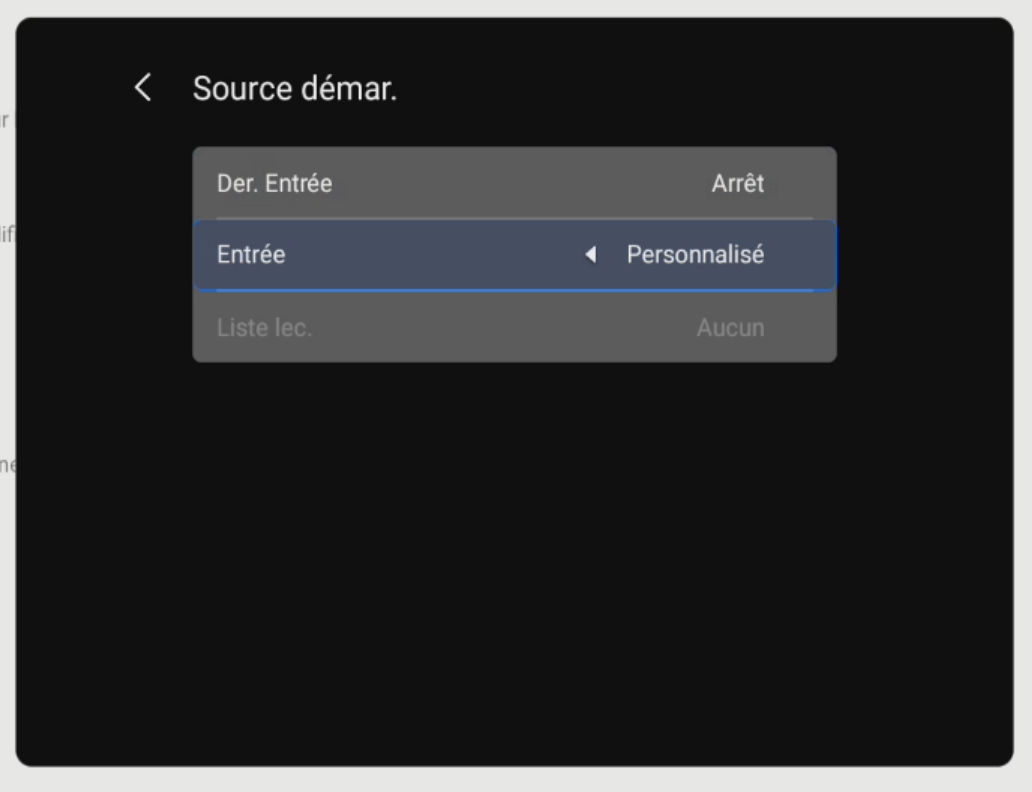
To finish, click on the button then select Configuration 1. Select Startup Source, click on Enter and select Custom.
5.Restart the screen; the software will launch automatically. You need to allow E-SERVICE to access the system by pressing Allow.
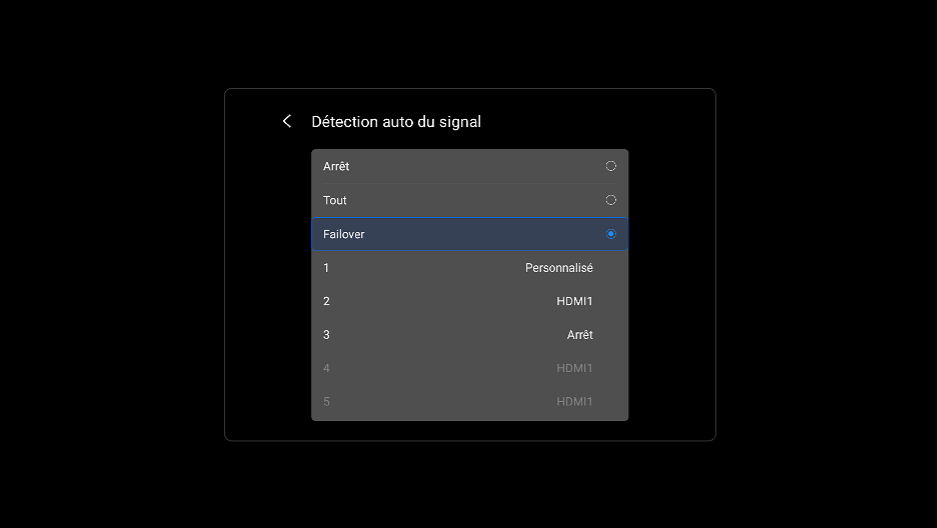
¶ ⚙️Automatic Signal Detection Settings (Fallover)
- Go to the Advanced Options menu by clicking the HOME icon.
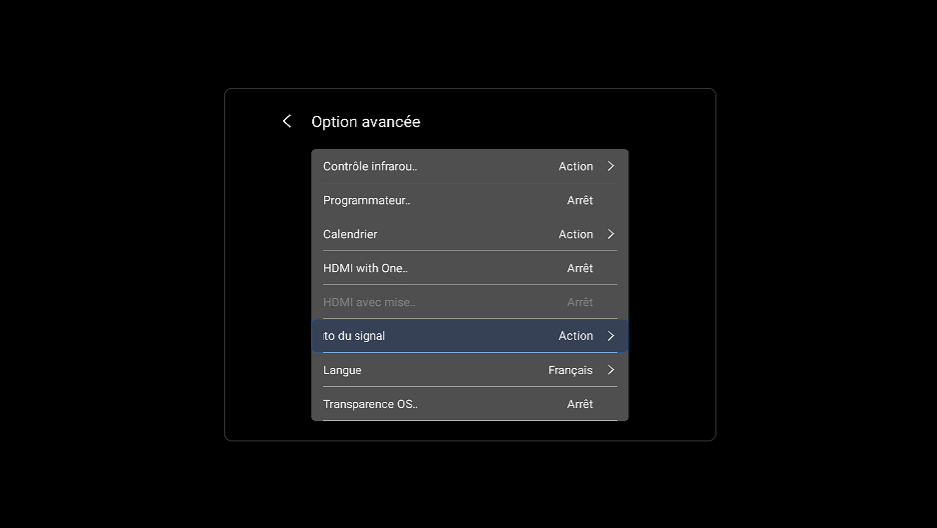
- Select Fallover then Custom as number 1 and the source of your choice as number 2.
You have completed the screen configuration. A 4-digit code should appear on the screen. You can then add it to your account on the E-MANAGER platform.