¶ Initialisation
¶ 🔆 First startup
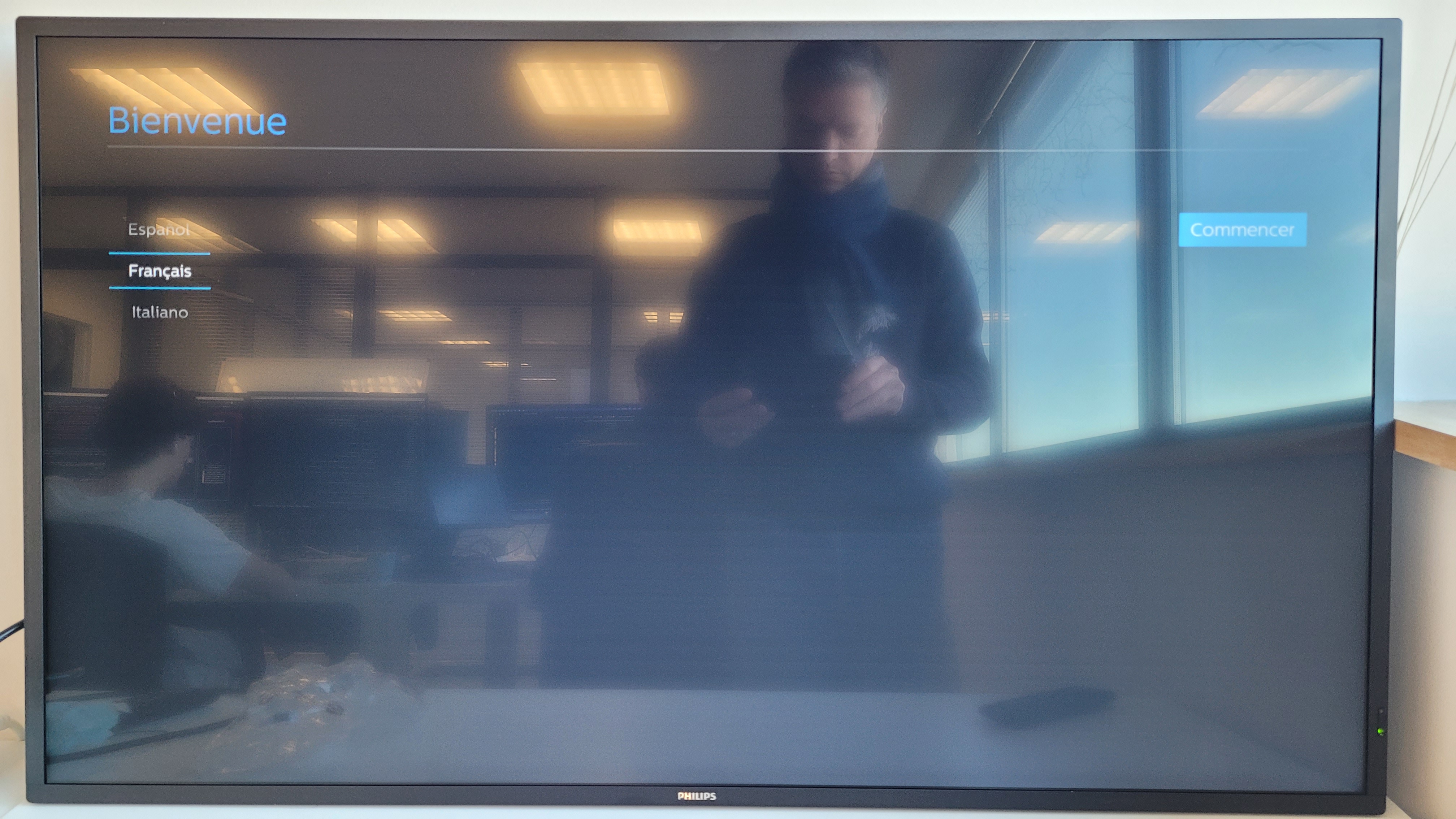
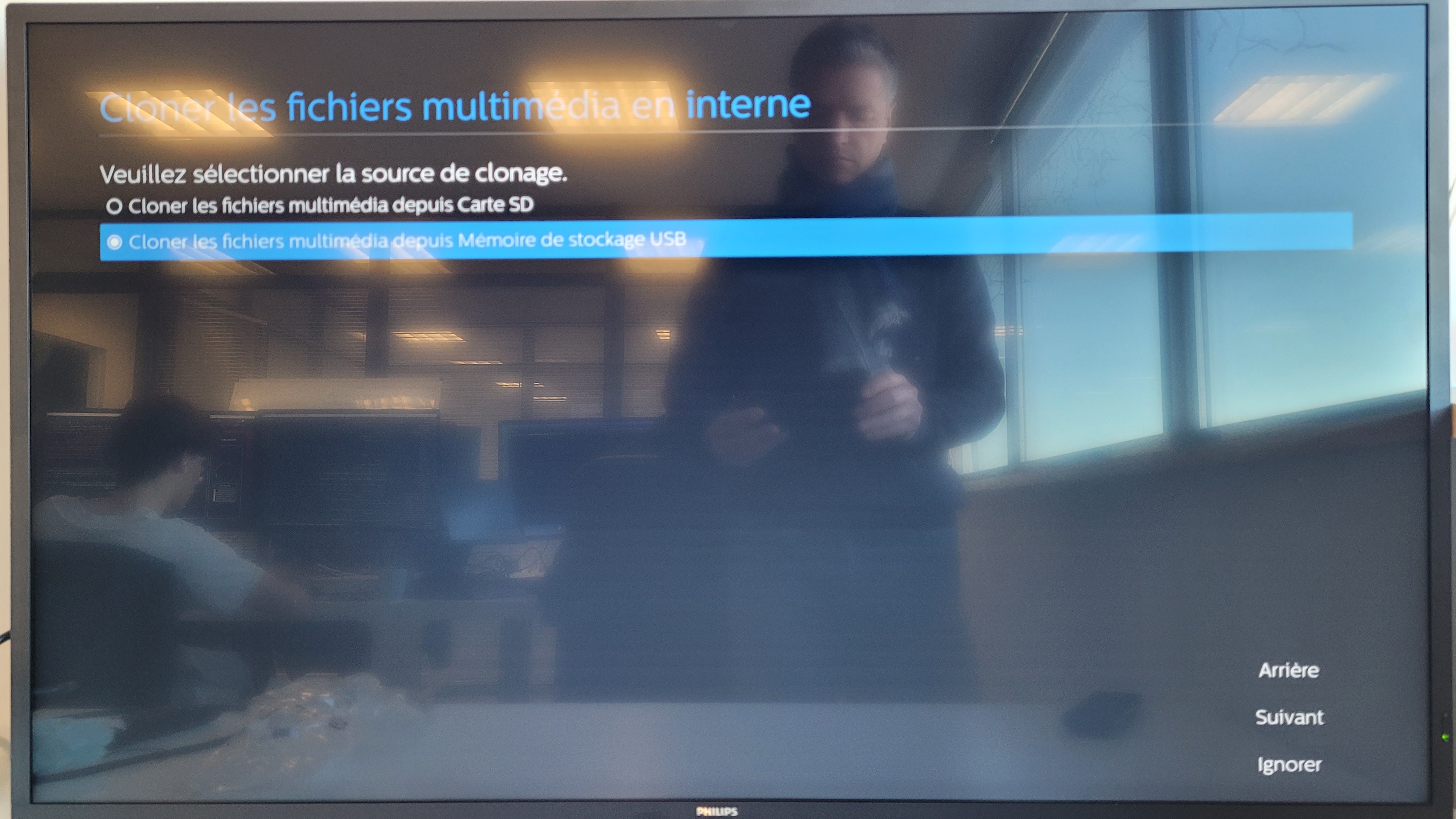
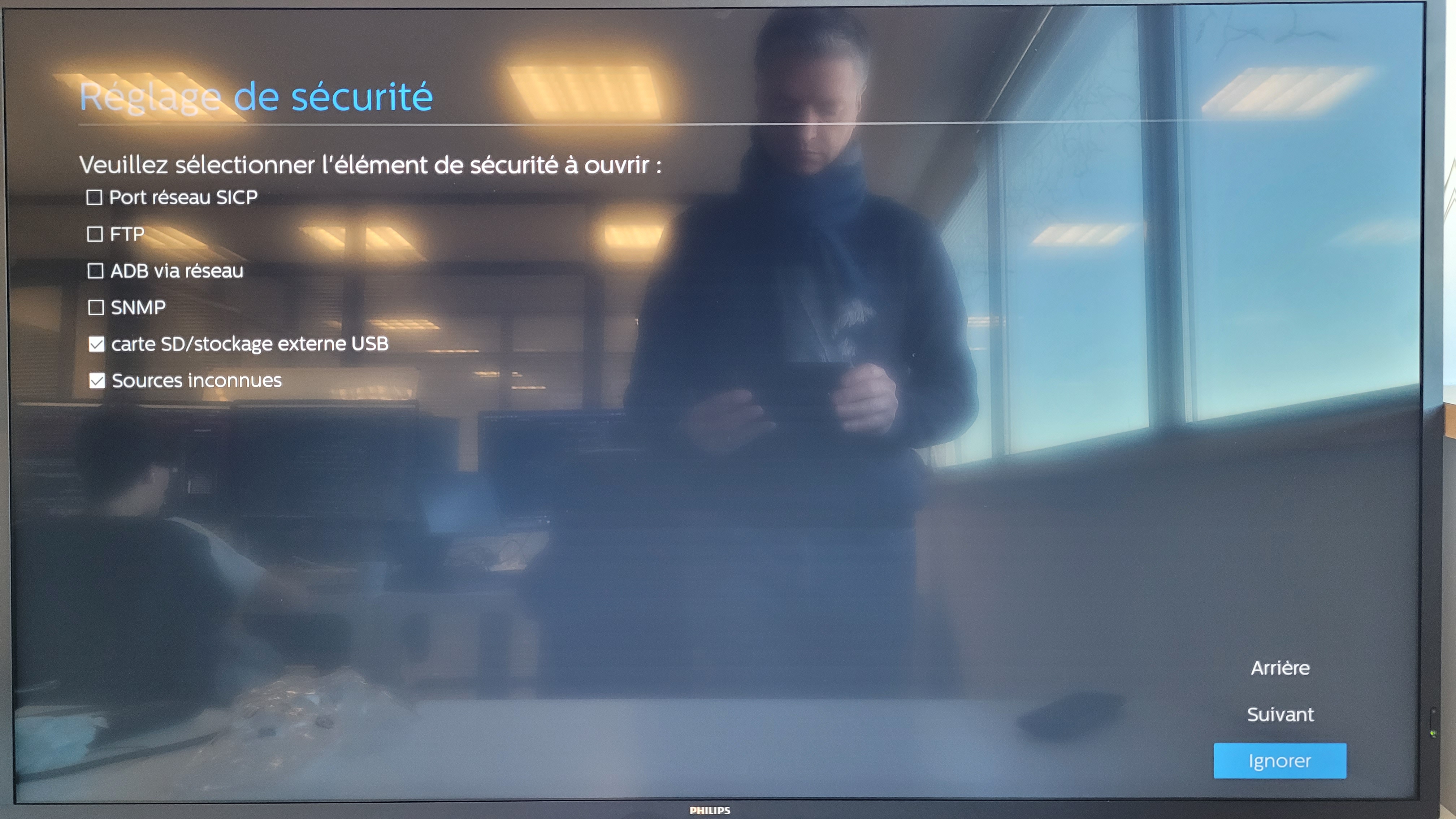
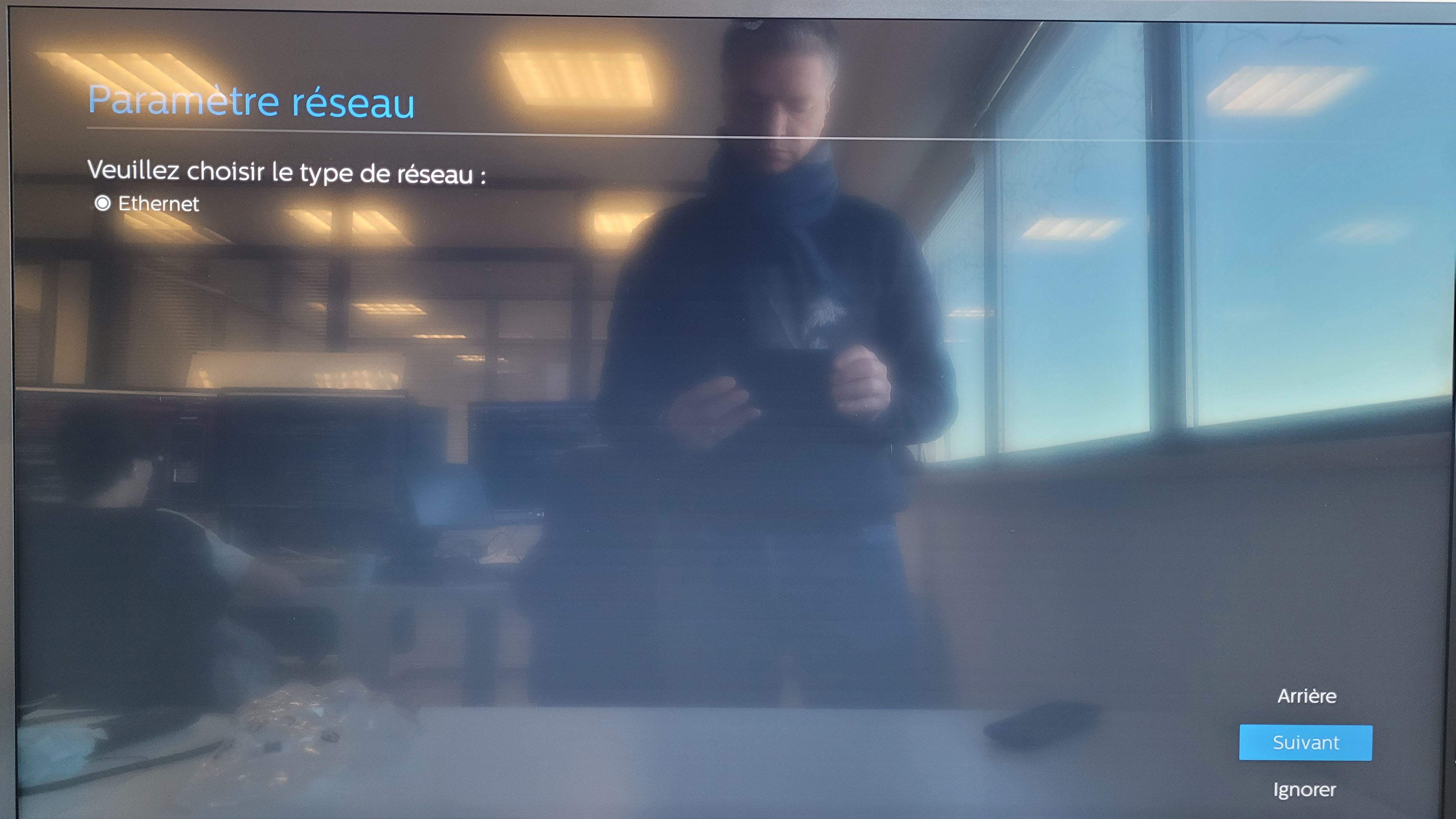
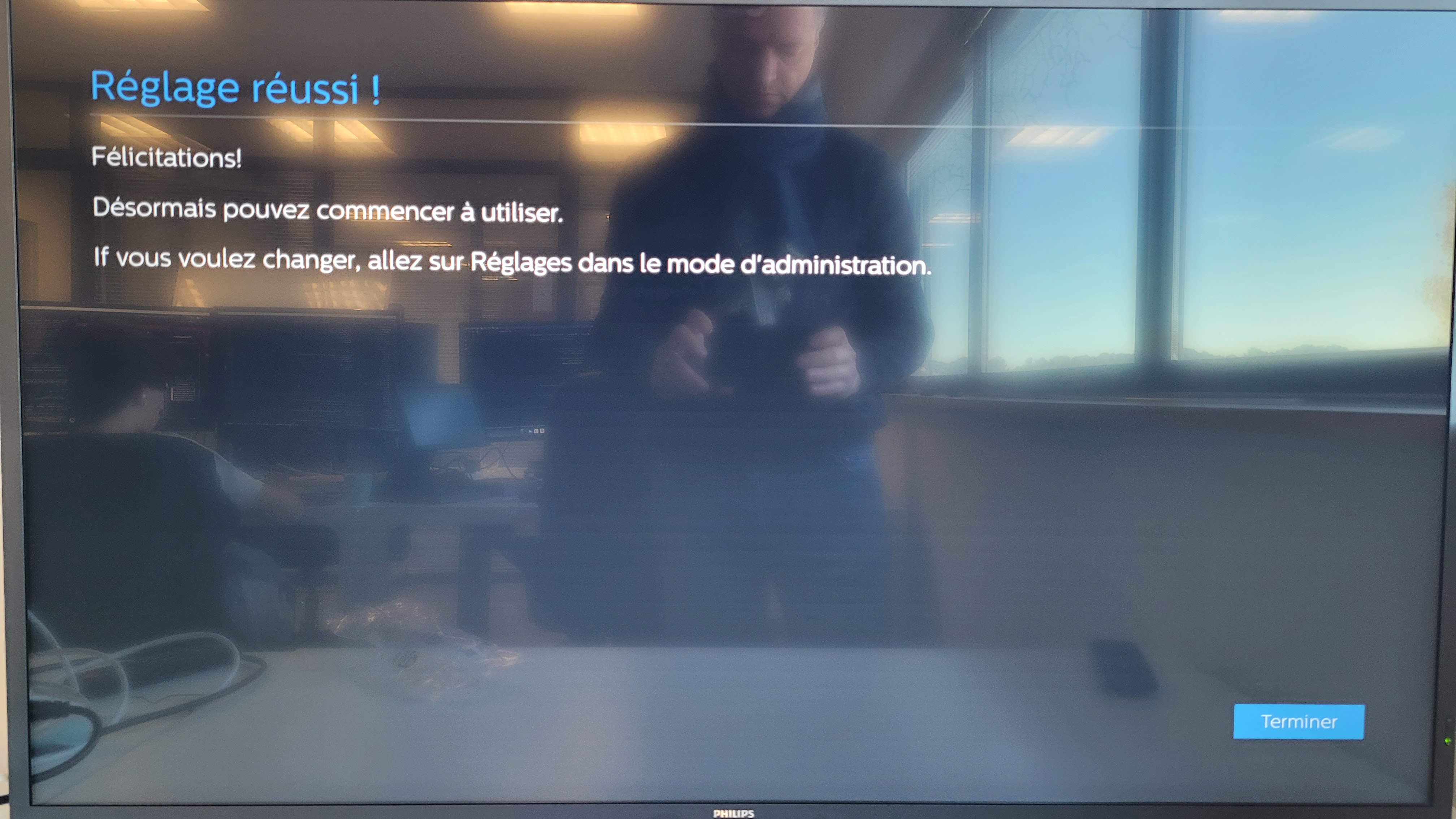
- Follow the initial setup steps:
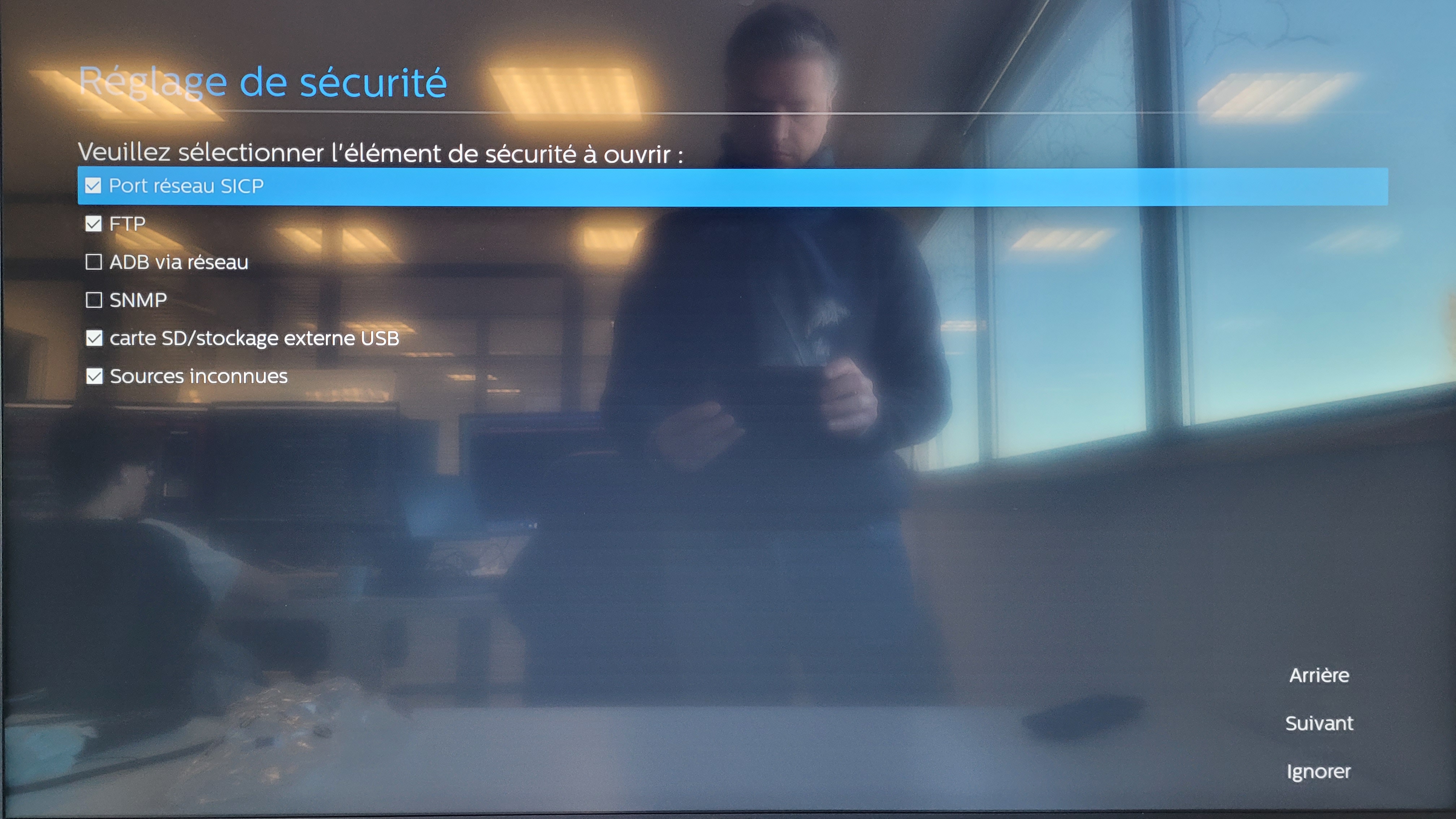
- Allow installation of apps from unknown sources:
¶ Installation
¶ 🖥️ TV Setup
-
Press HOME
-
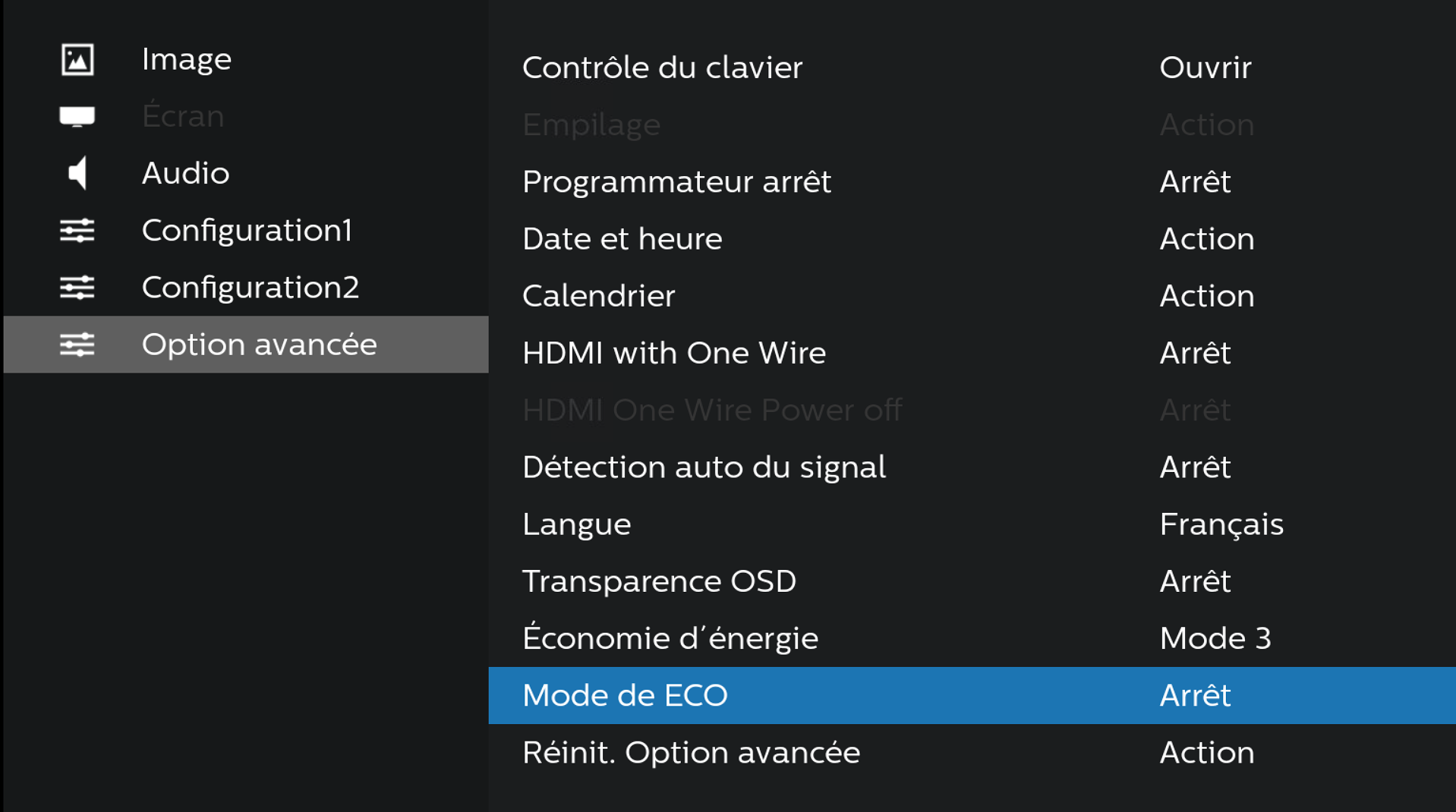
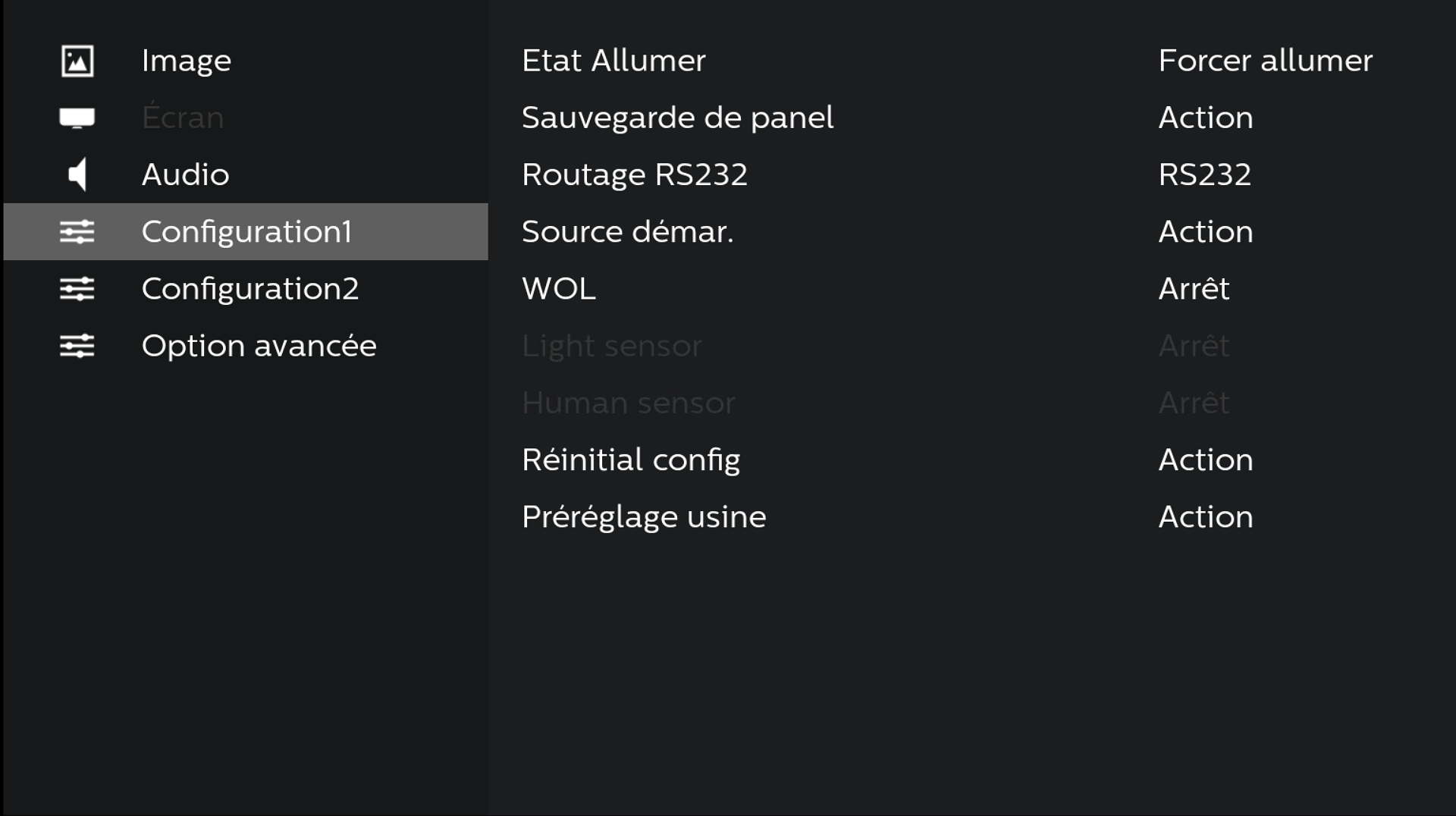
In Advanced Options, choose the language as French and set Eco mode to Off
-
In "Configuration1", select "Startup Source"
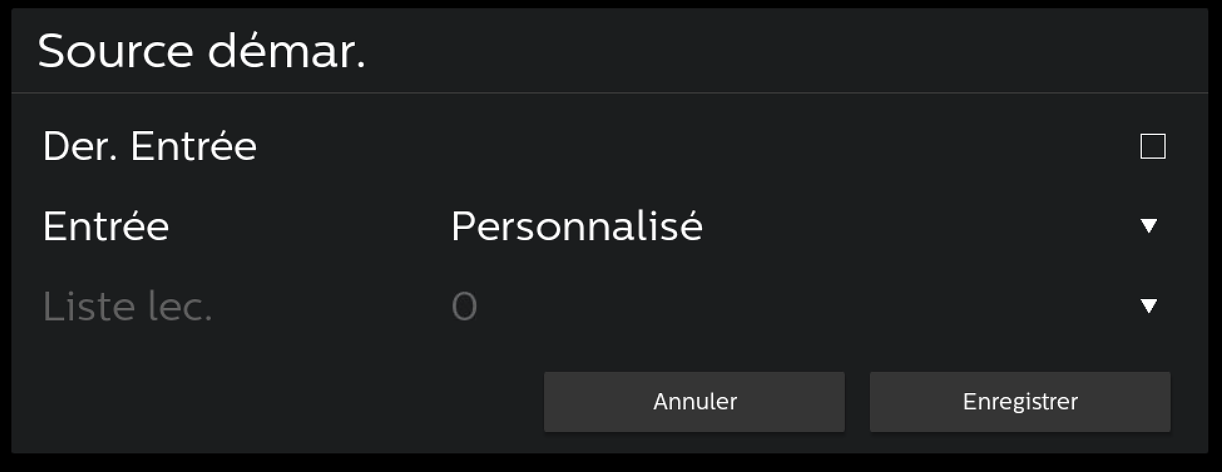
- In "Startup Source", uncheck "Last Input" and choose "Custom"
¶ ⚡ Downloads
Download the APK files using the links above, then copy them to a USB drive.
 Link towards the download pagehttps://wiki.emity.io/fr/public/installation/os/android
1.Click on Home then enter the following number sequence 1 8 8 8 On the remote control, a new menu will appear on the screen:
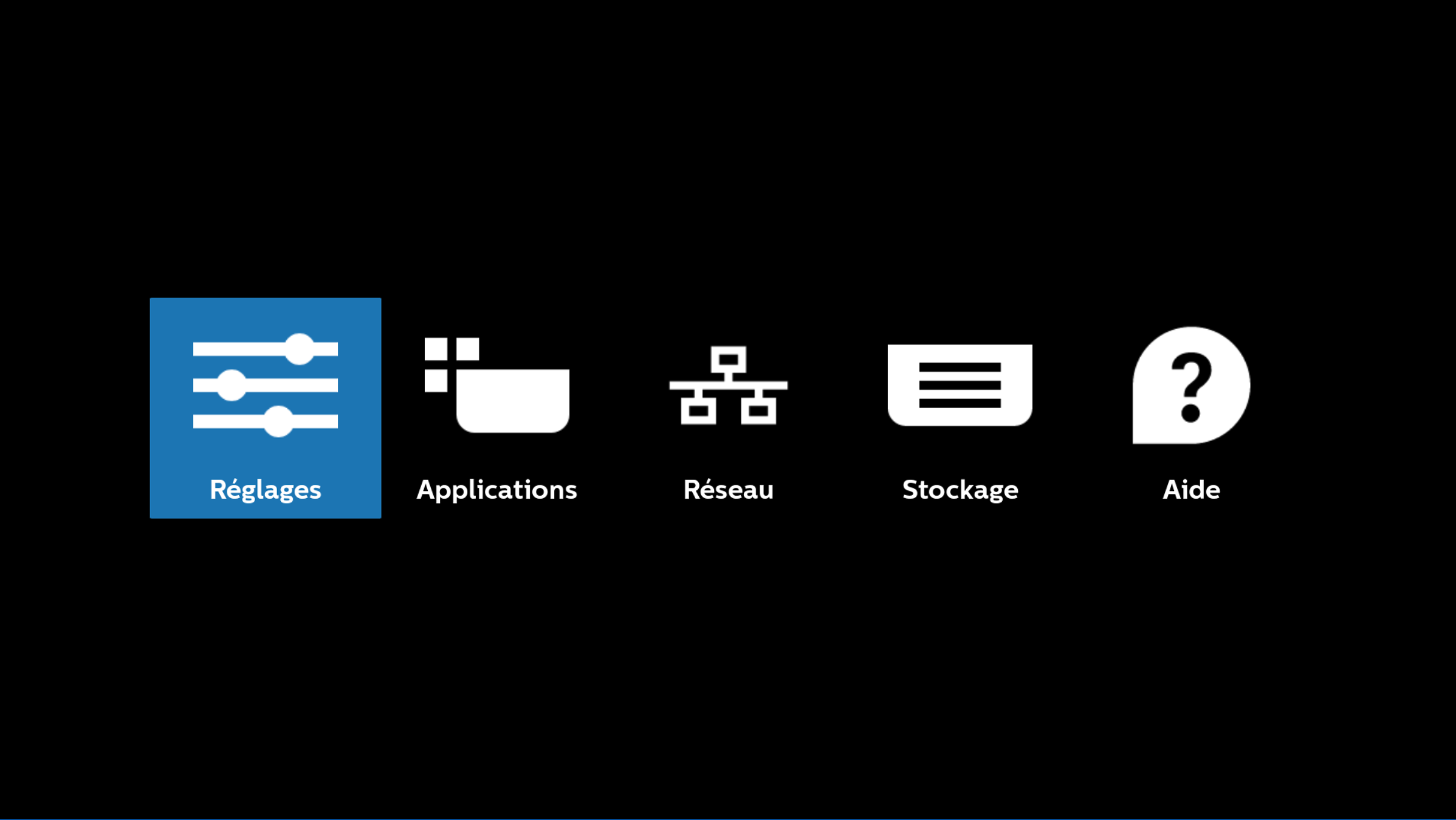
- In Storage, select the USB drive and install E-SERVICE and E-BOX,
WARNING: Do not launch the applications after installation
¶ ⚙️ Android Mode Setup
- Press HOME then enter the following number sequence 1 8 8 8 On the remote control, a new menu will appear on the screen:
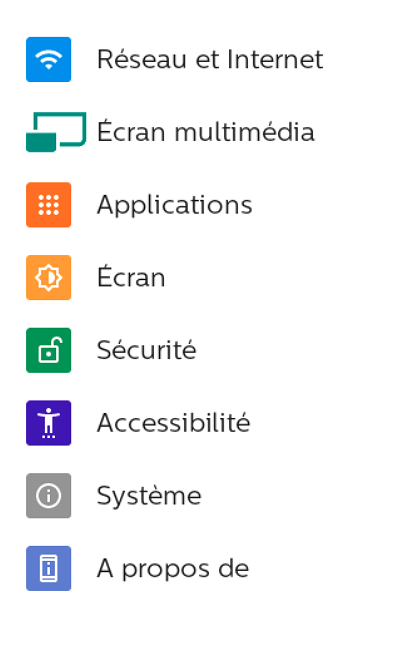
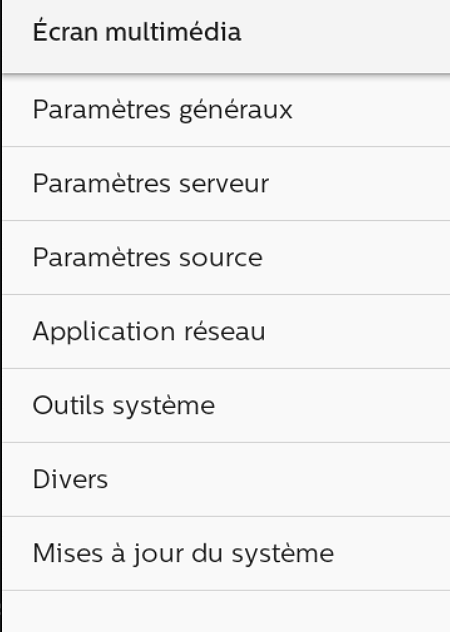
- In the settings, select "Media Display"
-
In "Media Display", select "Source Settings"
-
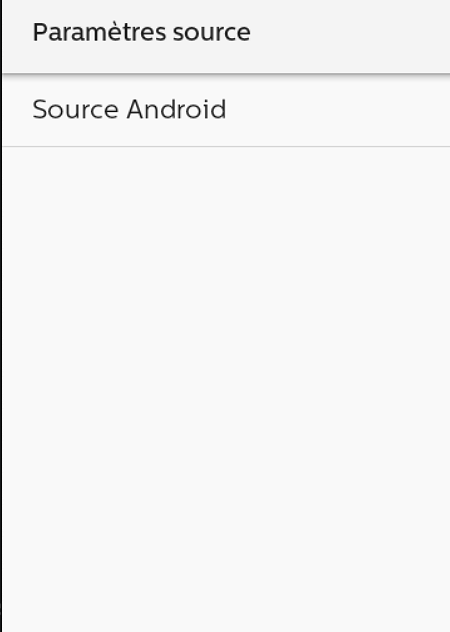
In "Source Settings", select "Android Source"
-
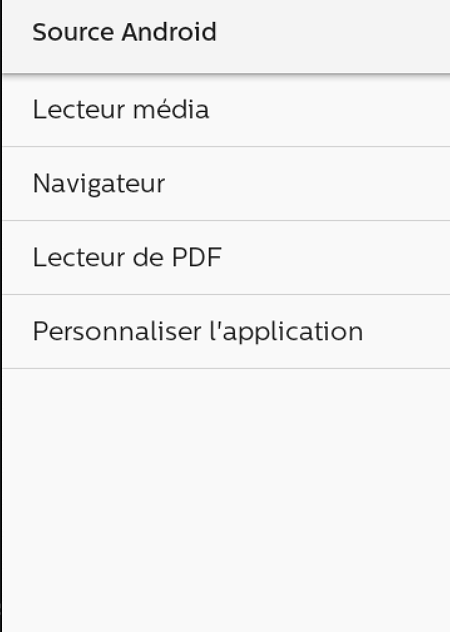
In "Android Source", select "Customize App"
-
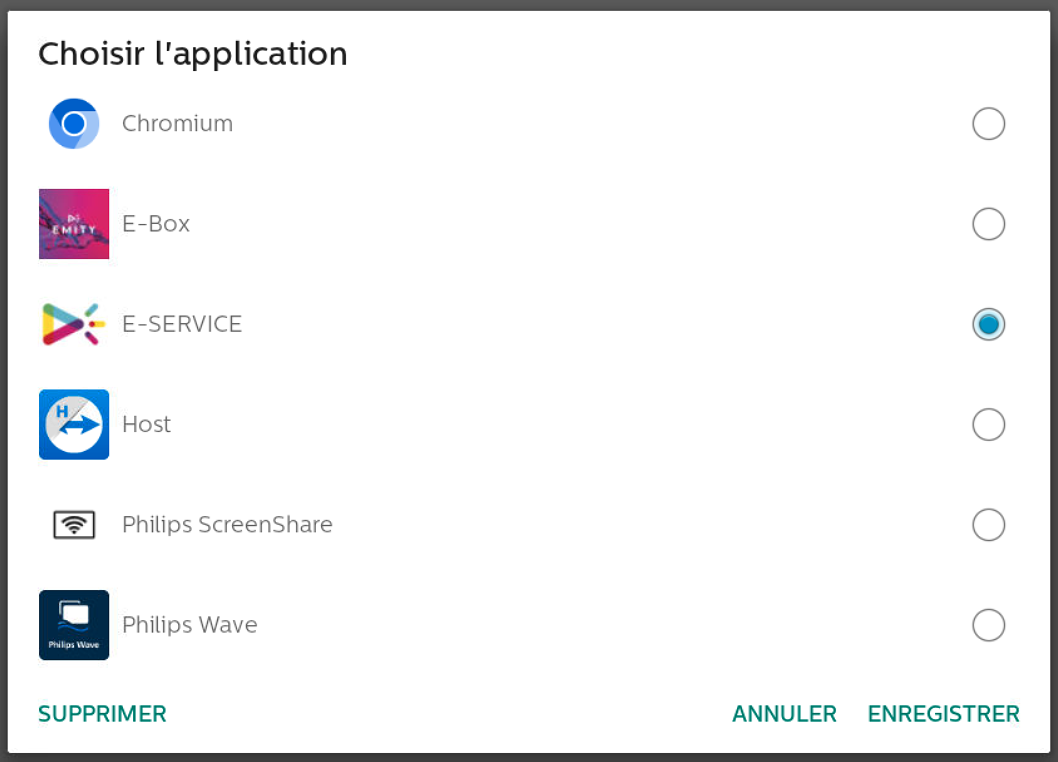
In "Customize App", select the E-SERVICE application and enable "Force App Restart"

¶ 📡 Remote Connection
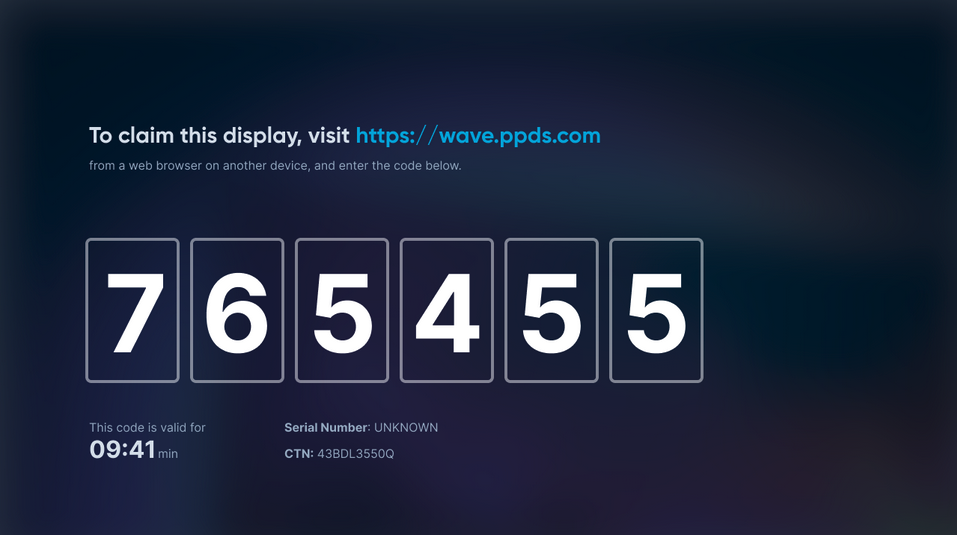
We recommend adding the Philips TVs to our wave.ppds.com account for even more advanced remote management.
-
Click on HOME then enter the following number sequence 1 8 8 8 On the remote control, a new menu will appear on the screen:
-
In Applications, select the "Philips Wave" application,
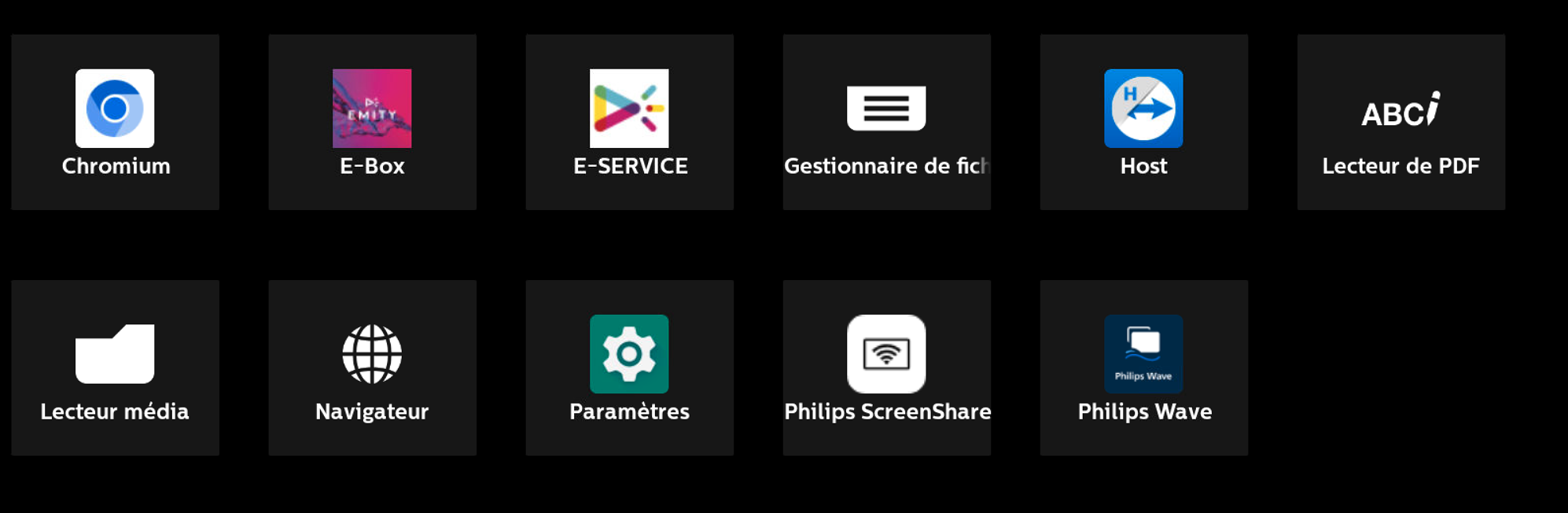
-
Send the code to our support team, reachable at +33 4 30 00 66 01
WARNING: The code is only valid for 10 minutes