Disclaimer:
As of today, the Android TV system on Mi TV Stick and Amazon Fire TV Stick does not support automatic application launch at system startup. The application must therefore be launched manually.
- Before starting, it is strongly recommended to update the system. To do this, follow the instructions from the settings menu on the home screen.
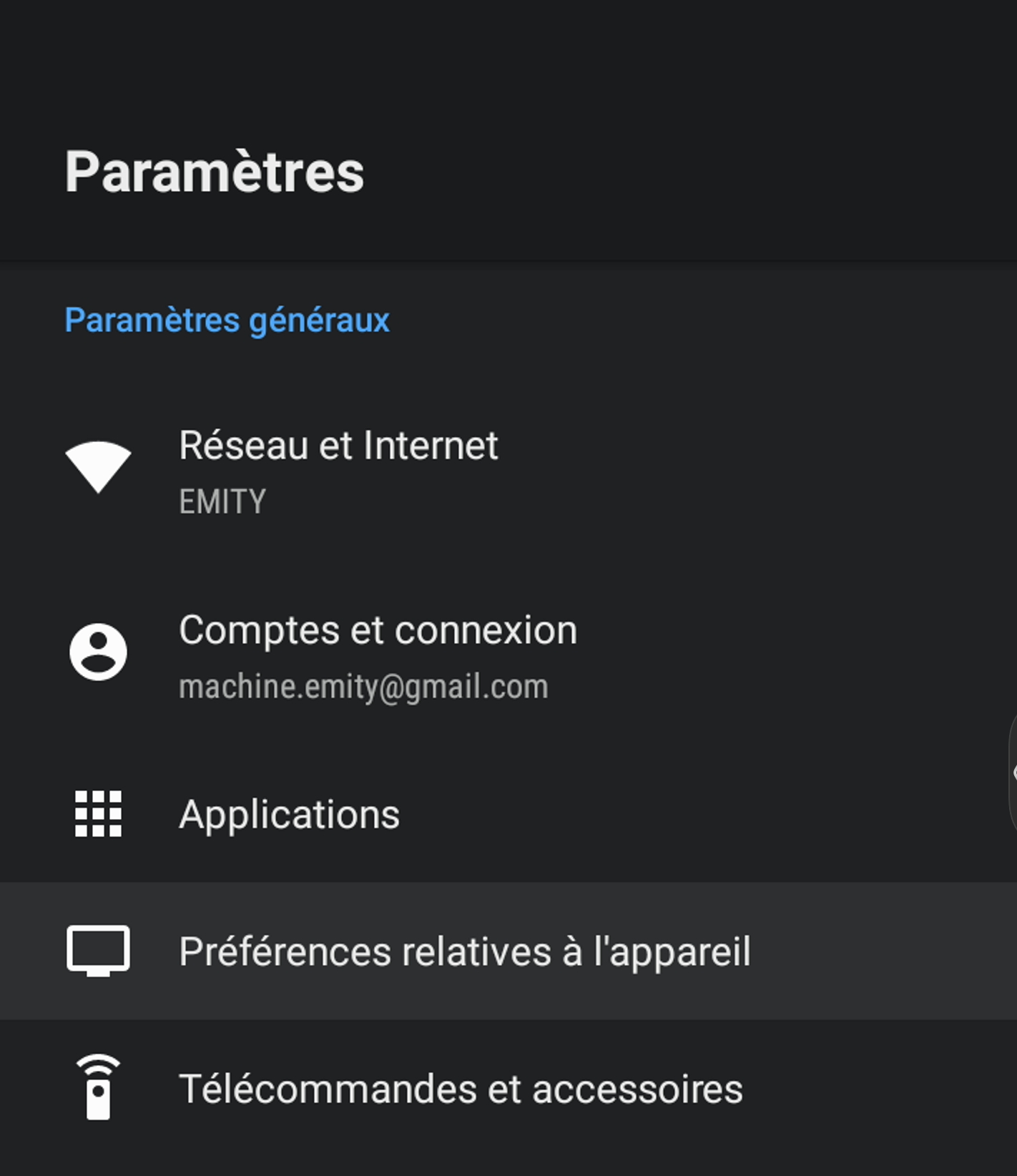
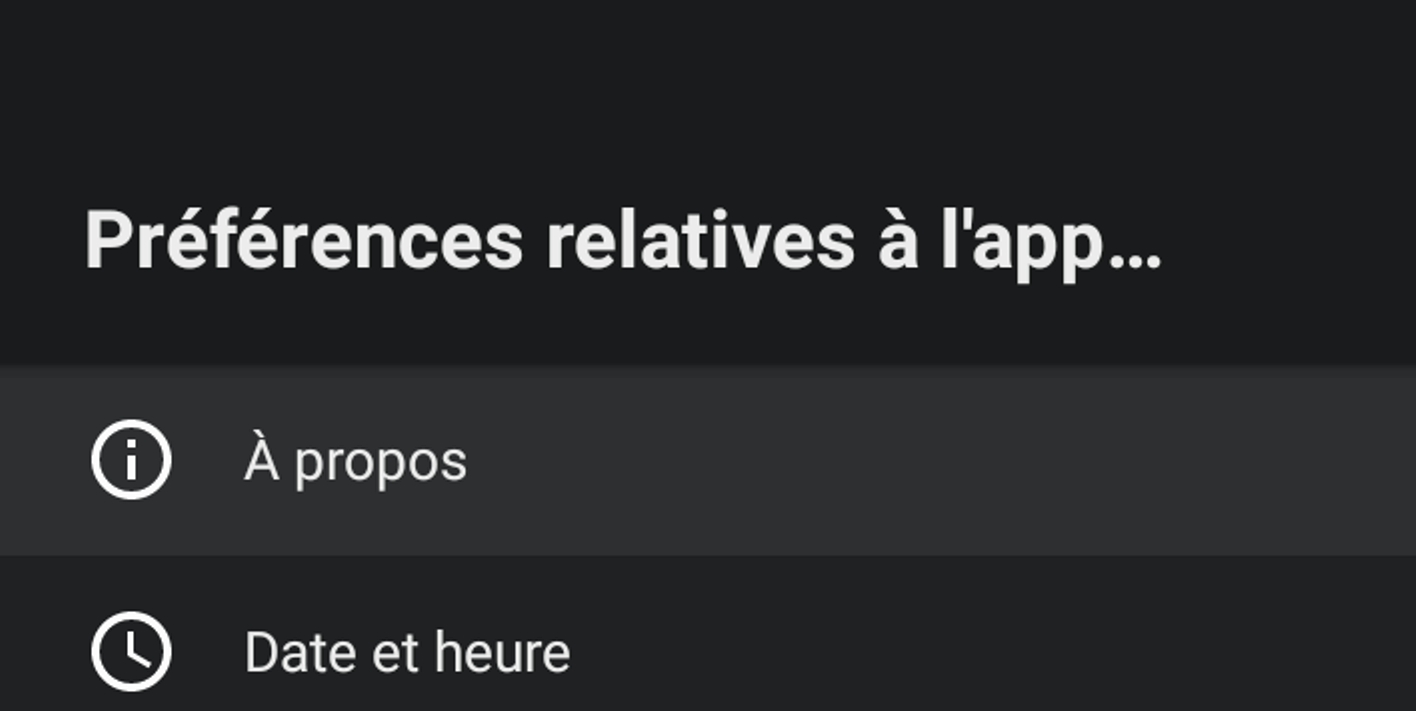
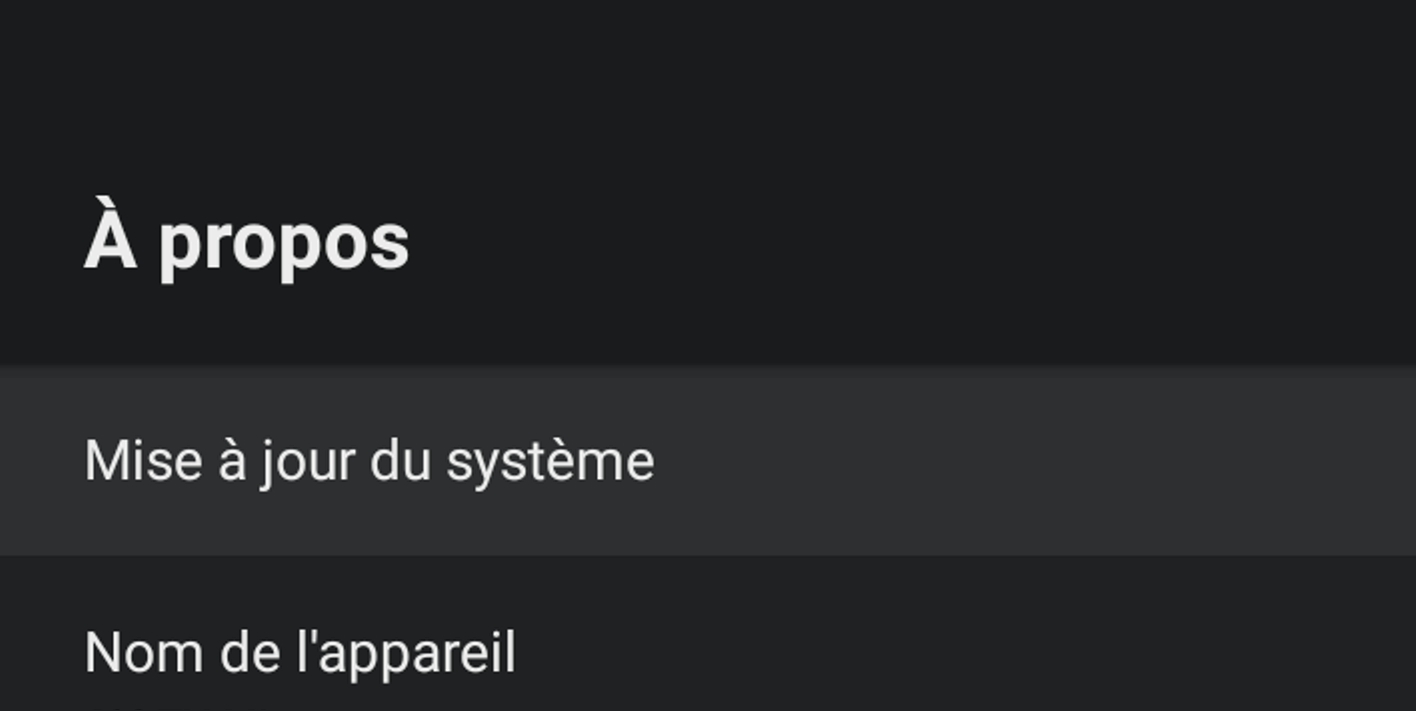
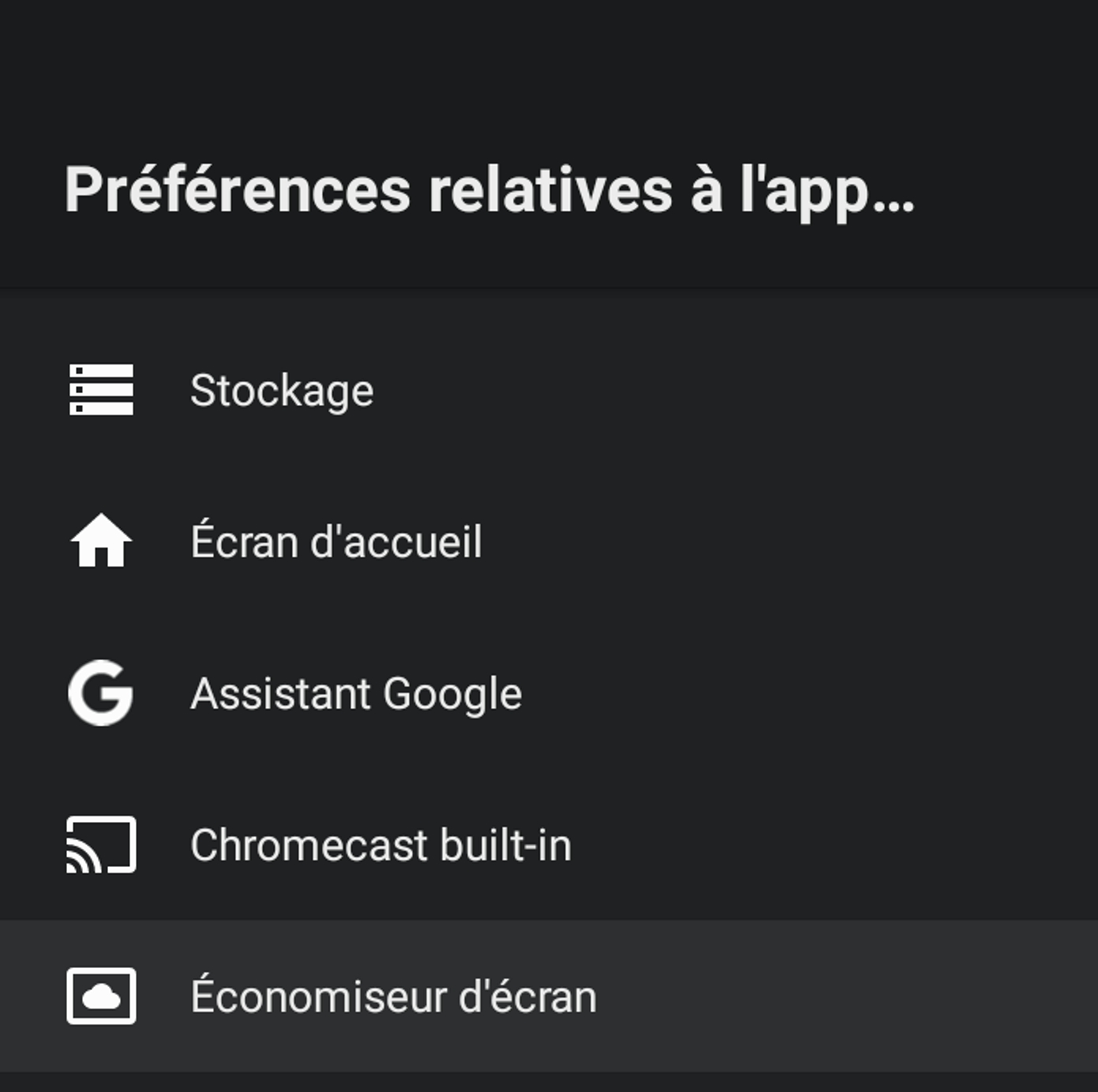
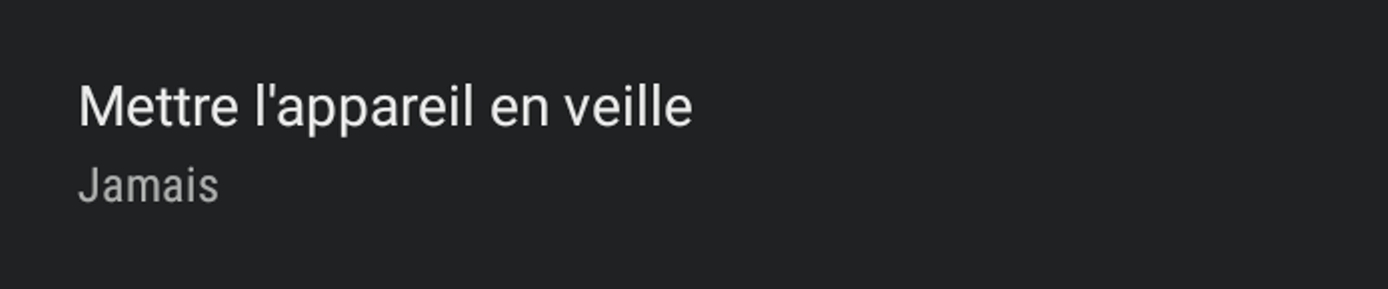
1-1. It is also recommended to disable the screen sleep mode in the settings.
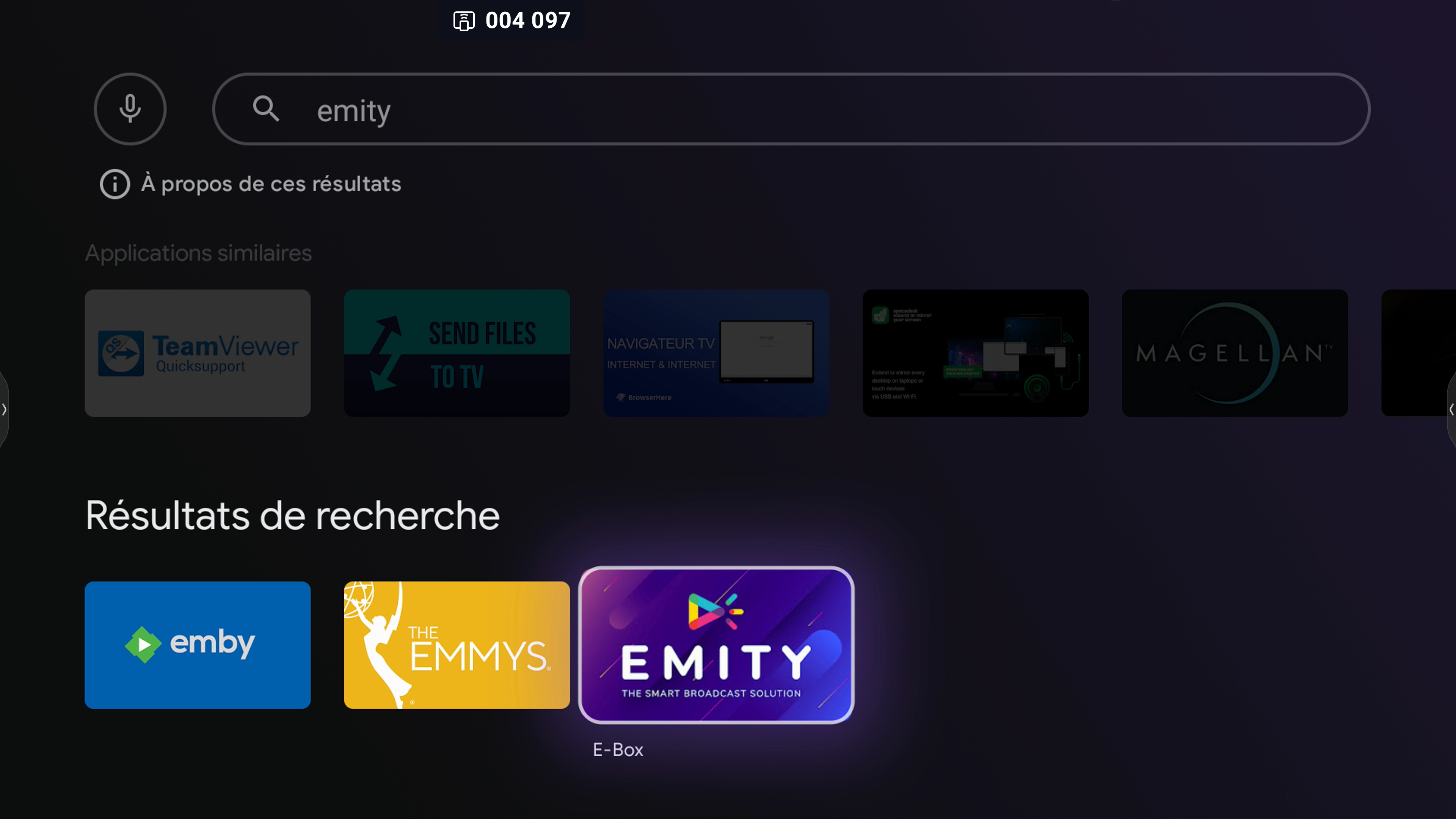
2.Connect the Android TV to an existing Google account to access the Google Play Store. Once on the home page, search for Emity in the search bar; the E-Box app should appear. Install it.
-
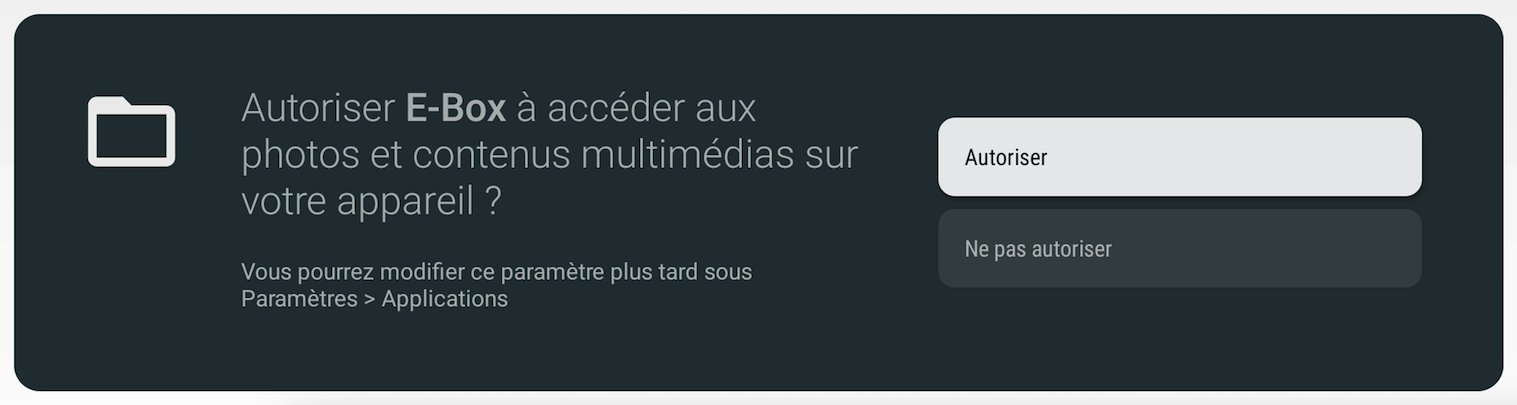
Open the application and accept the access permissions.
-
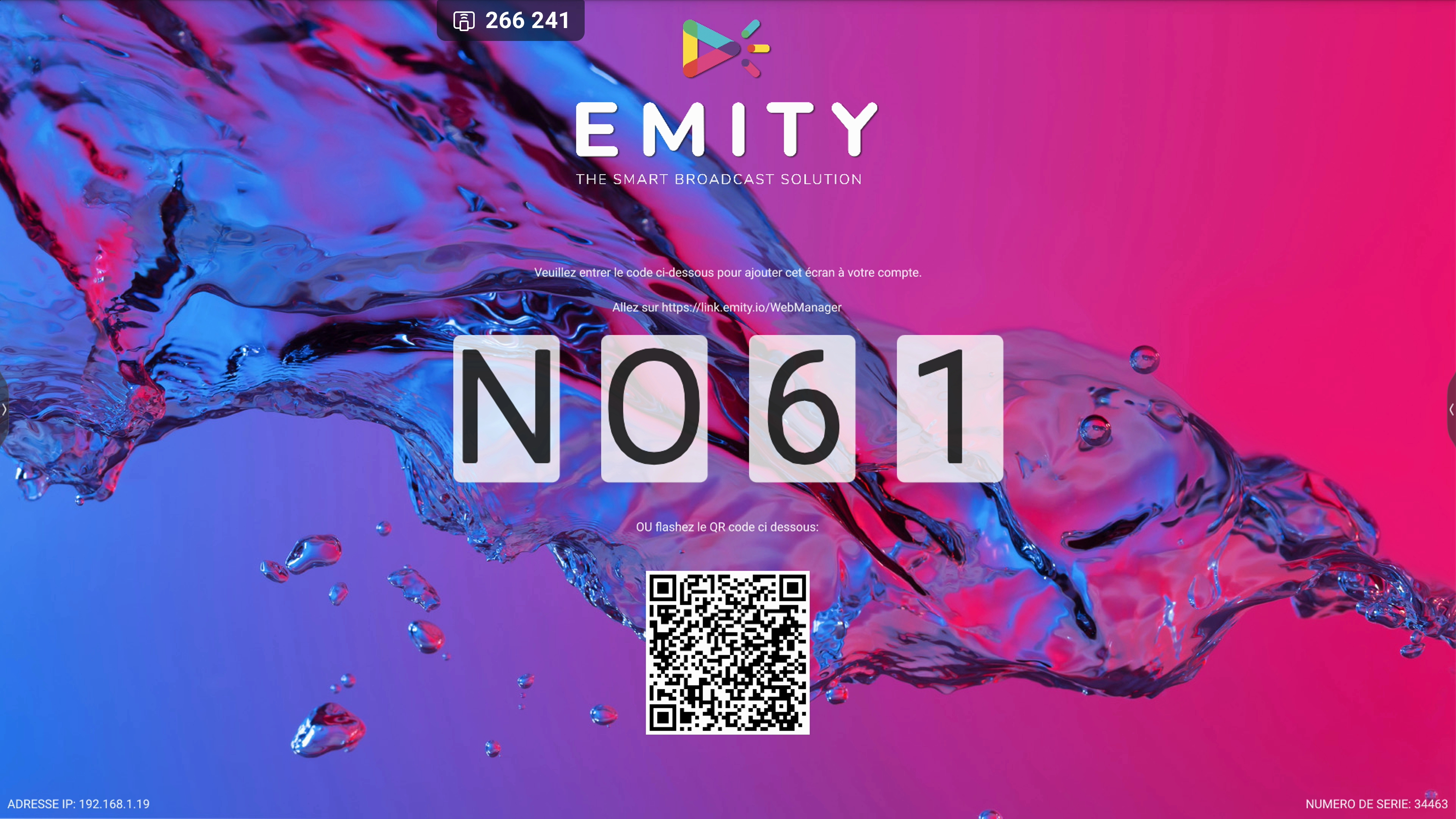
The application should start and generate a 4-character code. Use this code on the EMANAGER platform to link this screen to your account..
You have completed the screen setup. If you encounter any issues during installation or have any questions, please do not hesitate to contact our technical support at 04 30 00 66 01.
.svg.png)